Scenario-Based Profile Binding
Automatically switch network profiles based on schedule, signal degradation, or data caps.
4 min read · Updated
Scenario-Based Profile Binding
Automate how your modem reacts to changing physical and network conditions.
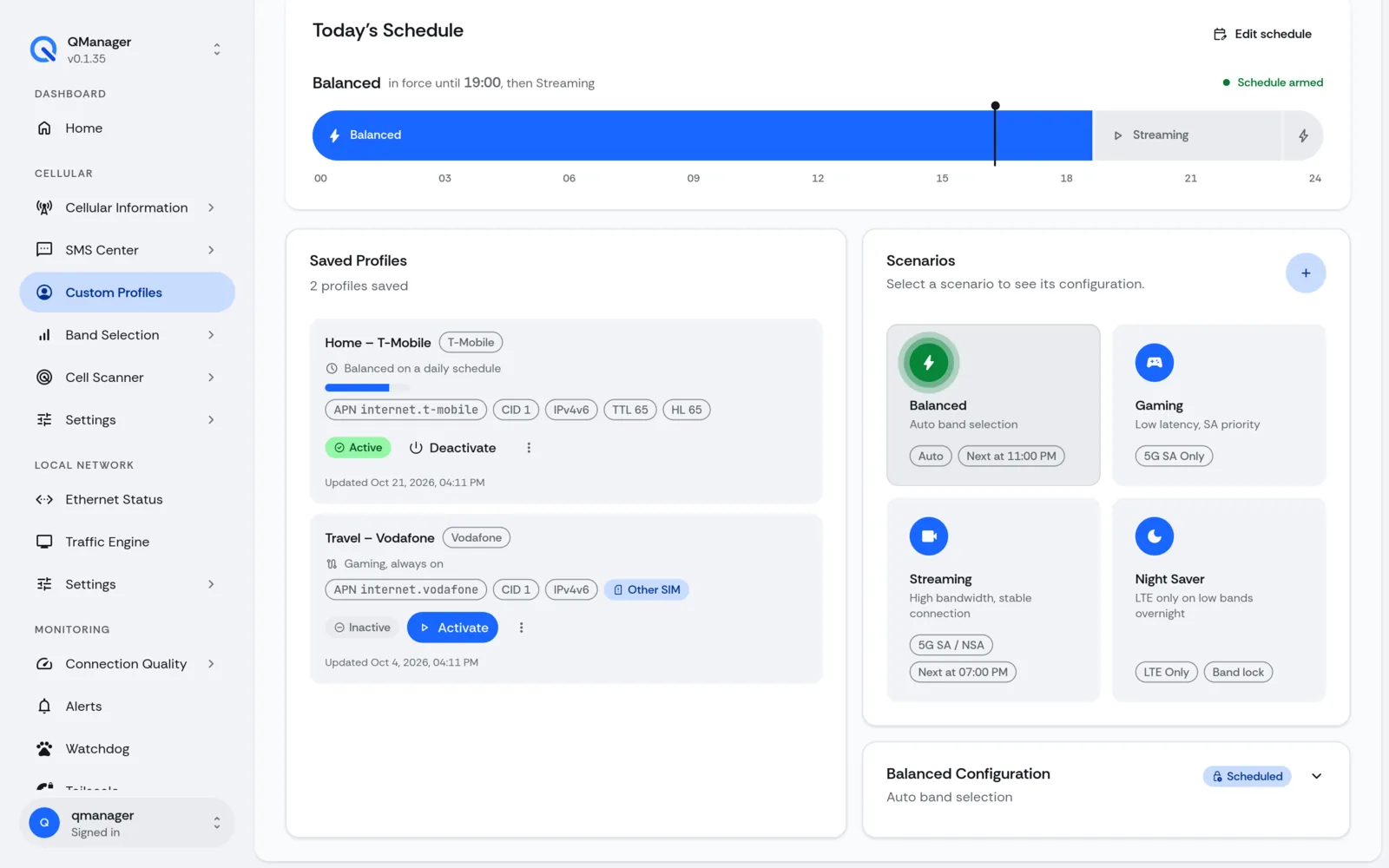
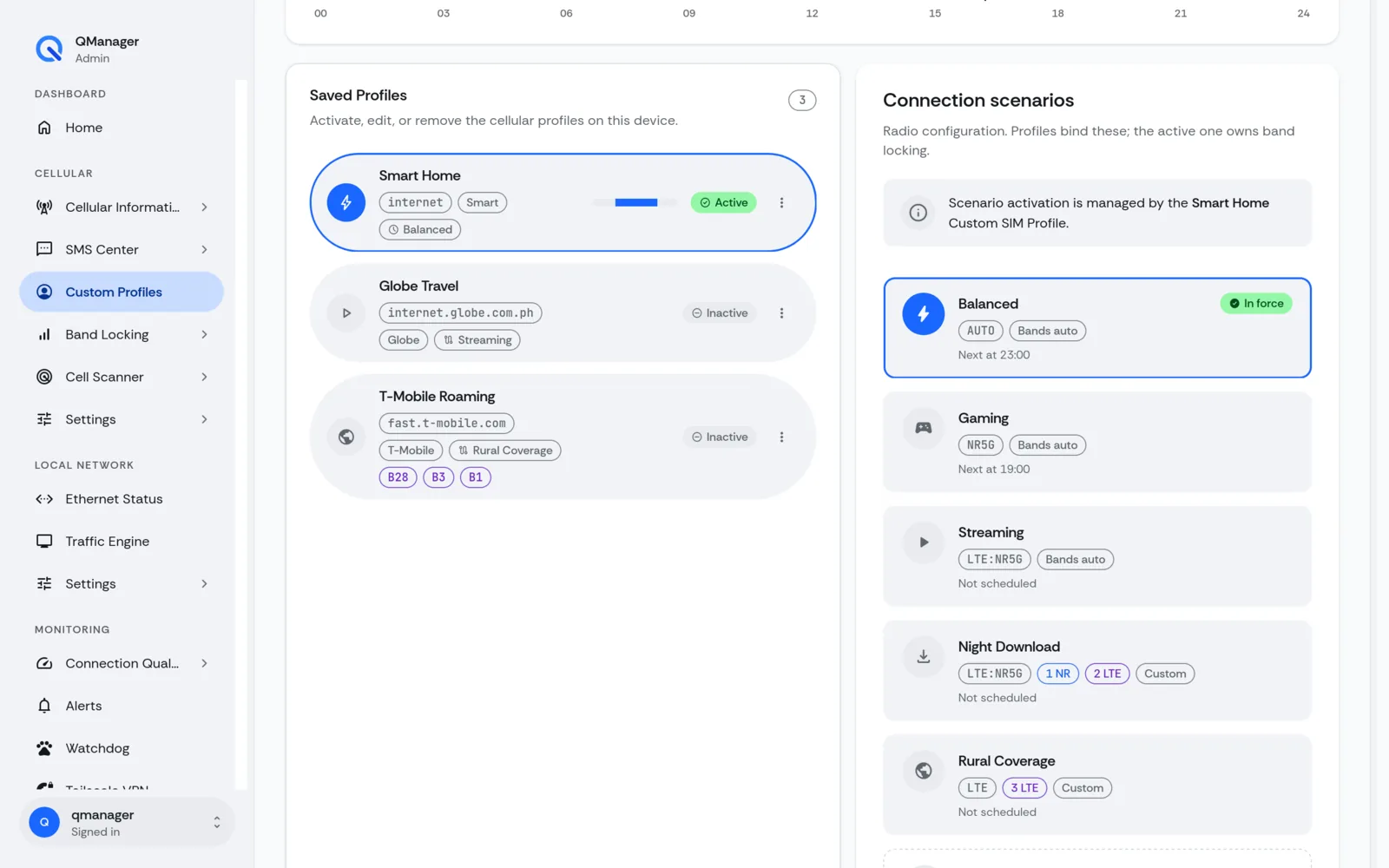
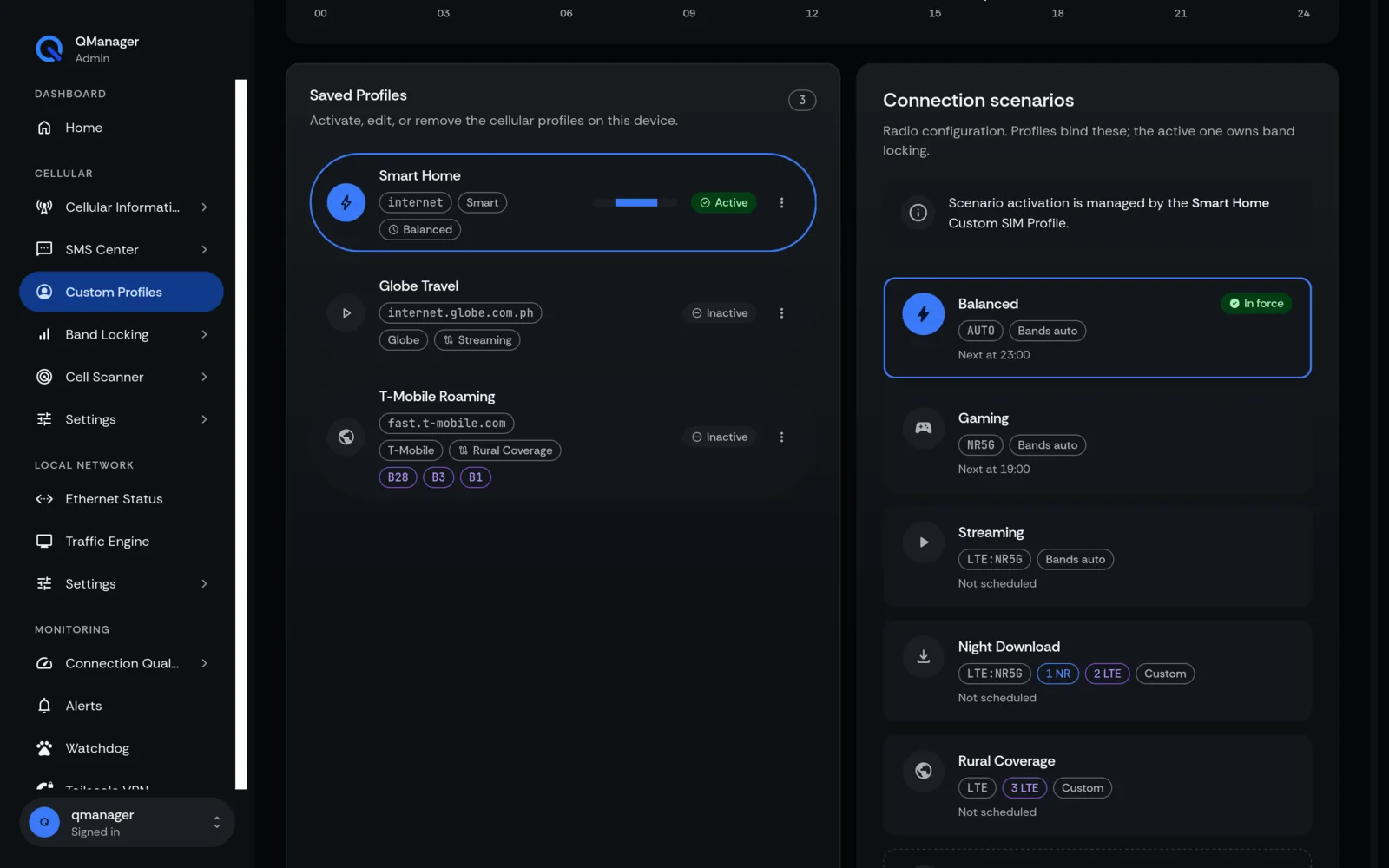
What are Connection Scenarios?#
A Scenario connects an event trigger to an automated profile action. For example:
- Night-time Mode: Switch to high-band 5G when nighttime congestion eases.
- Signal Threshold Trigger: If primary carrier RSRP drops below -115 dBm for 10 minutes, switch to backup carrier.
- Data Cap Guard: If monthly data usage approaches limit, switch to secondary SIM.
Supported Triggers & Automation#
- Time of Day (Cron): Scheduled recurring switches.
- Link Quality Failure: Triggered when ping latency exceeds 250ms or packet loss exceeds 20%.
- SIM Slot Switch: Triggers
AT+QUIMSLOT=1or2on dual-SIM hardware.
Screens in QManager#