
Installation on Quectel RM520N & Qualcomm X5*/X6* (On-Modem Linux)
Deploy QManager directly inside the RM520N-GL, RG501, or any Qualcomm Snapdragon X5* and X6* modem running internal Linux.
5 min read · Updated
Installation on Quectel RM520N & Qualcomm X5*/X6* (On-Modem Linux)
The QManager-RM520N edition transforms Qualcomm Snapdragon-based Quectel modems into standalone smart router appliances running entirely on the modem's internal ARM processor.
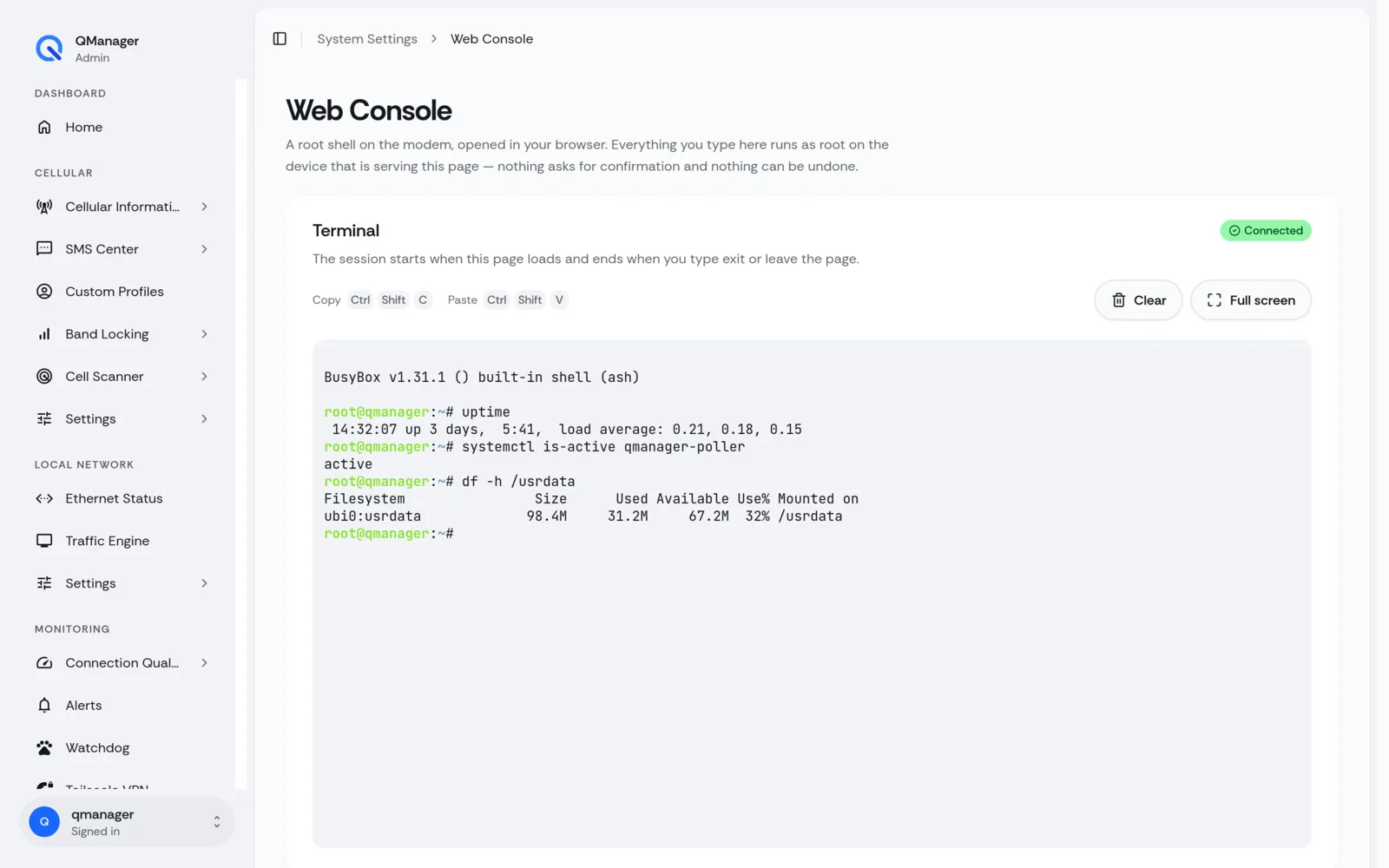
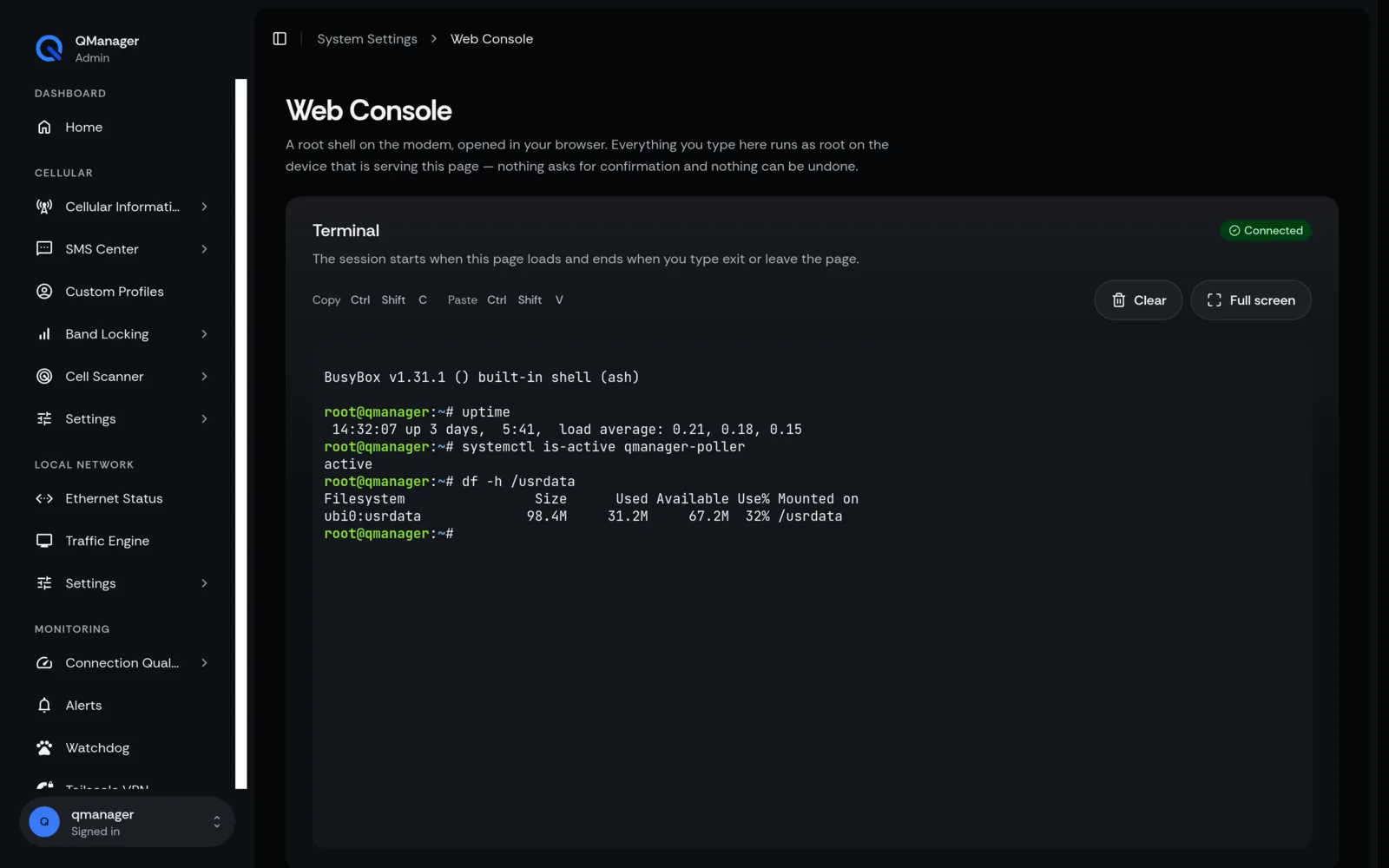
Prerequisites & Preparation#
- Qualcomm Snapdragon X5* or X6* modem (such as RM520N-GL reference, RG501Q-EU probed, or RM521F community) mounted on an RGMII Ethernet carrier board or USB enclosure with Ethernet.
- Direct access to the modem's internal Linux shell via ADB (
adb shell) or SSH (ssh root@192.168.225.1, orssh root@192.168.224.1depending on board firmware). - An active cellular data connection on the modem so it can download packages from GitHub and Entware.
Unlocking ADB & Root Shell Access (carp4 & Value 2 Bypass)#
Many production Quectel firmwares ship with Android Debug Bridge (ADB) disabled or locked by a challenge-response authorization system. You must unlock ADB or enable SSH before installing QManager:
Method 1: The Standard AT+QADBKEY Challenge (carp4 Algorithm)#
- Send the challenge query command via any serial AT terminal:
The modem responds with a cryptographic challenge:AT
AT+QADBKEY?+QADBKEY: 3482719582910485 - Compute the authorization key using carp4's open-source
qadbkey-unlockPython algorithm:Bashpython3 qadbkey.py 3482719582910485 # Output: Generated Response Key: a8f9c1e0b2d3... - Submit the generated key back to the modem:
AT
AT+QADBKEY="a8f9c1e0b2d3..." - Once verified, the modem returns
OK. ADB root shell is now permanently unlocked!
Method 2: The Value 2 Backdoor Bypass (Beta / Engineering Builds)#
On select Quectel beta and development firmware images, ADB can be unlocked directly by altering the USB composition without key calculation:
AT+QCFG="usbcfg",0x2C7C,0x0801,1,1,1,1,1,2,0- Setting parameter 9 to value
2forces ADB daemon enablement unconditionally. - Reboot the module with
AT+CFUN=1,1to apply.
One-Line Automated Installation#
Access your modem's shell via SSH or ADB:
adb shell
# Or: ssh root@192.168.225.1 (default) or ssh root@192.168.224.1
Run the official one-line bootstrap installer (works with either curl or wget):
curl -fsSL -o /tmp/qmanager-installer.sh https://github.com/dr-dolomite/QManager-RM520N/raw/refs/heads/main/qmanager-installer.sh && bash /tmp/qmanager-installer.shAlternatively, using wget:#
wget -O /tmp/qmanager-installer.sh https://github.com/dr-dolomite/QManager-RM520N/raw/refs/heads/main/qmanager-installer.sh && bash /tmp/qmanager-installer.shEntware & Lighttpd Bootstrap#
During execution, the installer:
- Detects whether Entware is present in
/opt. If missing, it downloads and initializes the ARMv7l Entware package repository. - Installs lightweight dependencies:
lighttpd,lighttpd-mod-cgi,lighttpd-mod-redirect,zoneinfo-core. - Unpacks QManager into
/usrdata/qmanager/wwwon the persistent NAND partition (/usrdataread-write split). - Configures AT routing using
qcmdlinked toatcli_smd11(compiled Rust ARMv7 binary) communicating directly over/dev/smd11. - Stores application configuration in
/etc/qmanager/. - Registers and activates systemd service units:
lighttpd.service(Web server serving statically-exported UI from/usrdata/qmanager/www)qmanager-poller.service(Adaptive background AT telemetry poller daemon)qmanager-watchcat.service(Network resilience and automated watchdog recovery)qmanager-setup.service(Boot initialization and hardware profile self-healing)
Accessing the Web Console#
Once the script completes (typically 30–60 seconds), the console outputs:
  * QManager successfully installed!
  * Access URL: http://192.168.225.1
Open your browser and navigate to:
http://192.168.225.1(Stock RM520N-GL & RG501Q-EU default Ethernet gateway address; or http://192.168.224.1 on certain carrier board firmware)
Troubleshooting & Reset#
Check Service Status#
systemctl status lighttpd
systemctl status qmanager-poller
systemctl status qmanager-watchcat
Inspect Application Logs#
# Poller daemon live telemetry logs
journalctl -u qmanager-poller -n 50 -f

# System setup and self-heal diagnostic log
cat /tmp/qmanager.log
Completely Uninstall QManager#
bash /tmp/qmanager_install/uninstall_rm520n.sh