Tailscale & Netbird VPN Remote Access
One-click mesh VPN setup to access QManager securely over the internet without public IPs or port forwarding.
5 min read · Updated
Tailscale & Netbird VPN Remote Access
Mobile networks place cellular modems behind strict Carrier-Grade NAT (CGNAT), making it impossible to access your router from outside using standard DDNS or port forwarding.
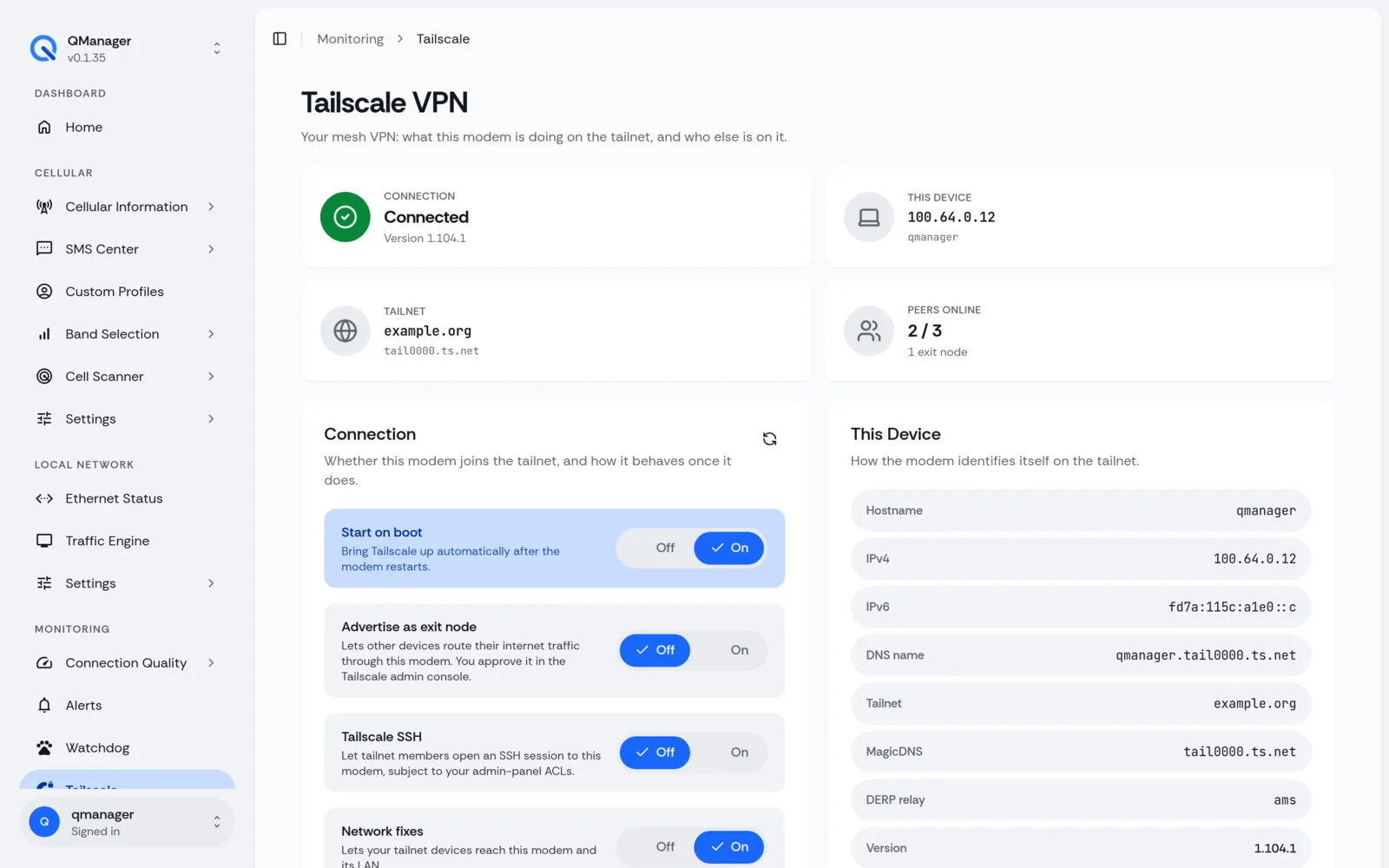
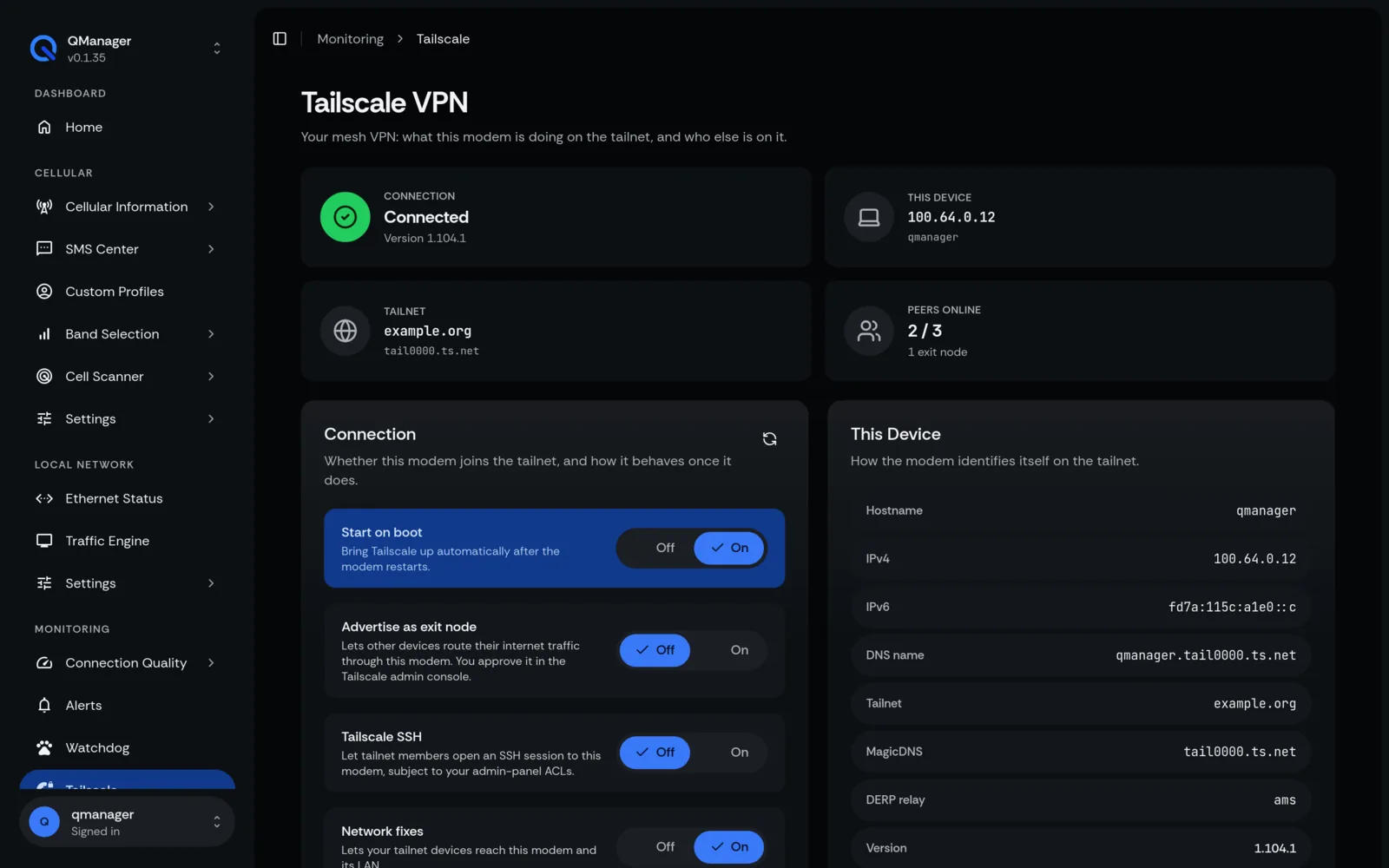
Bypassing Carrier CGNAT#
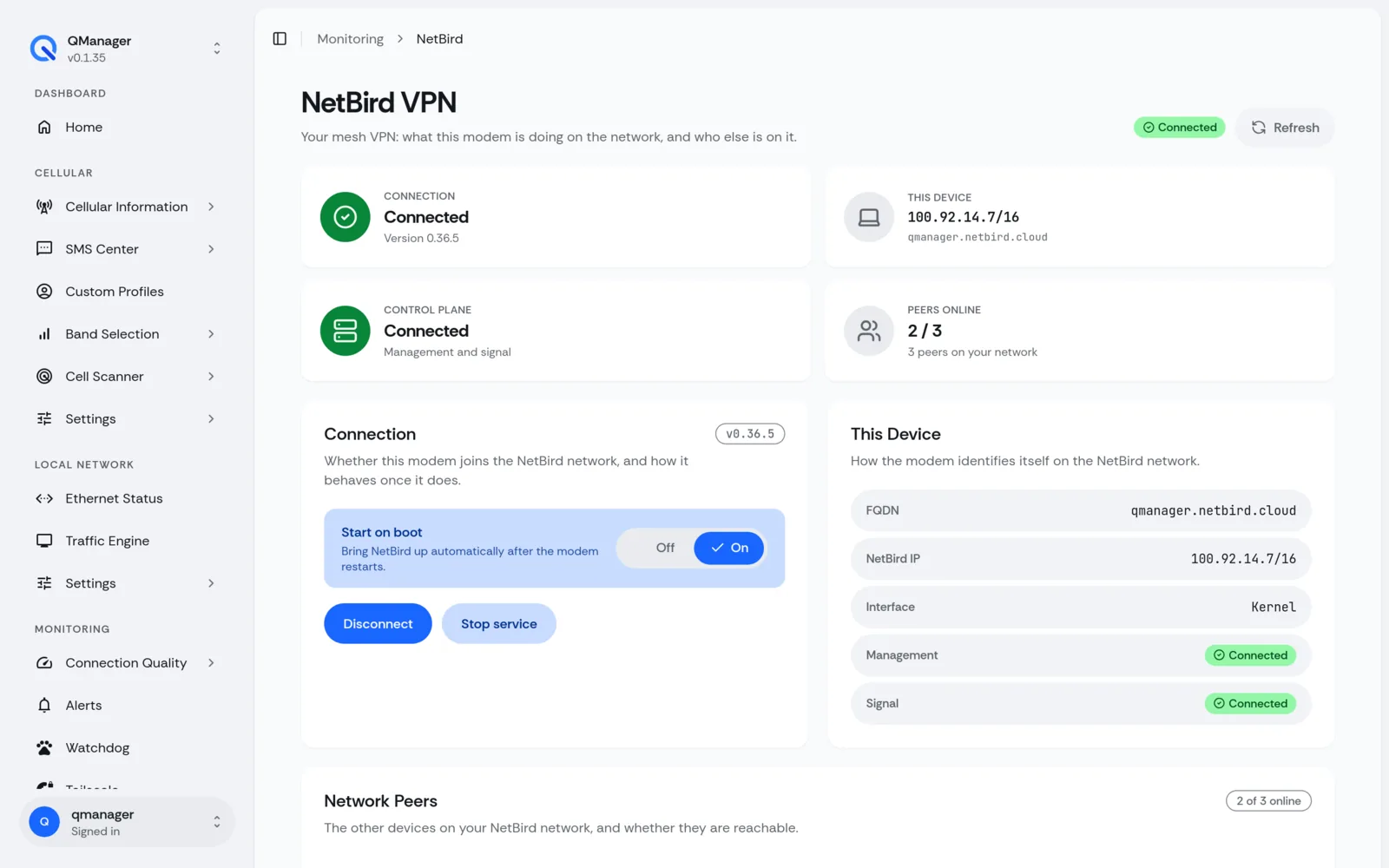
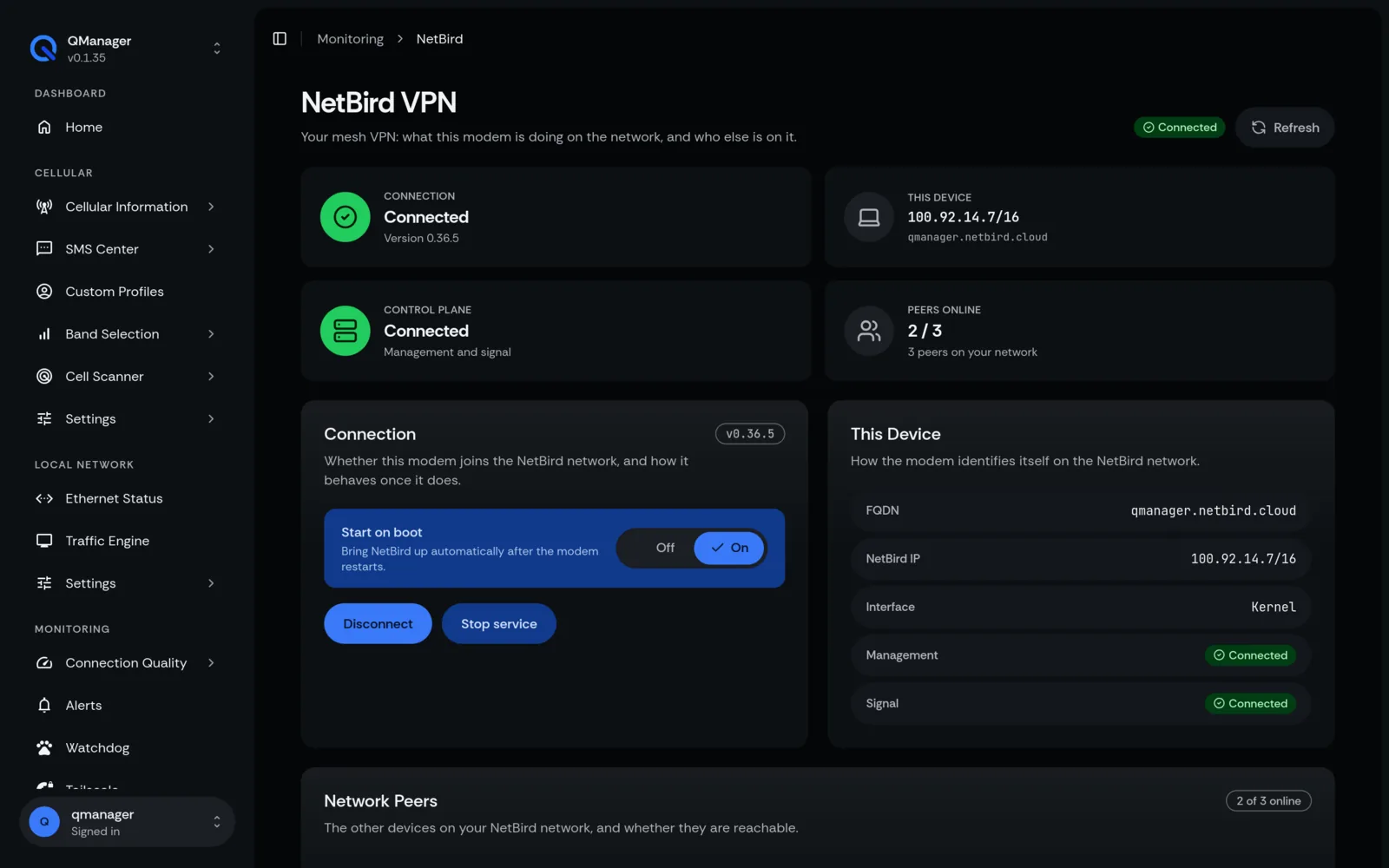
QManager integrates native Tailscale and Netbird mesh VPN support:
- Connects outbound over WireGuard.
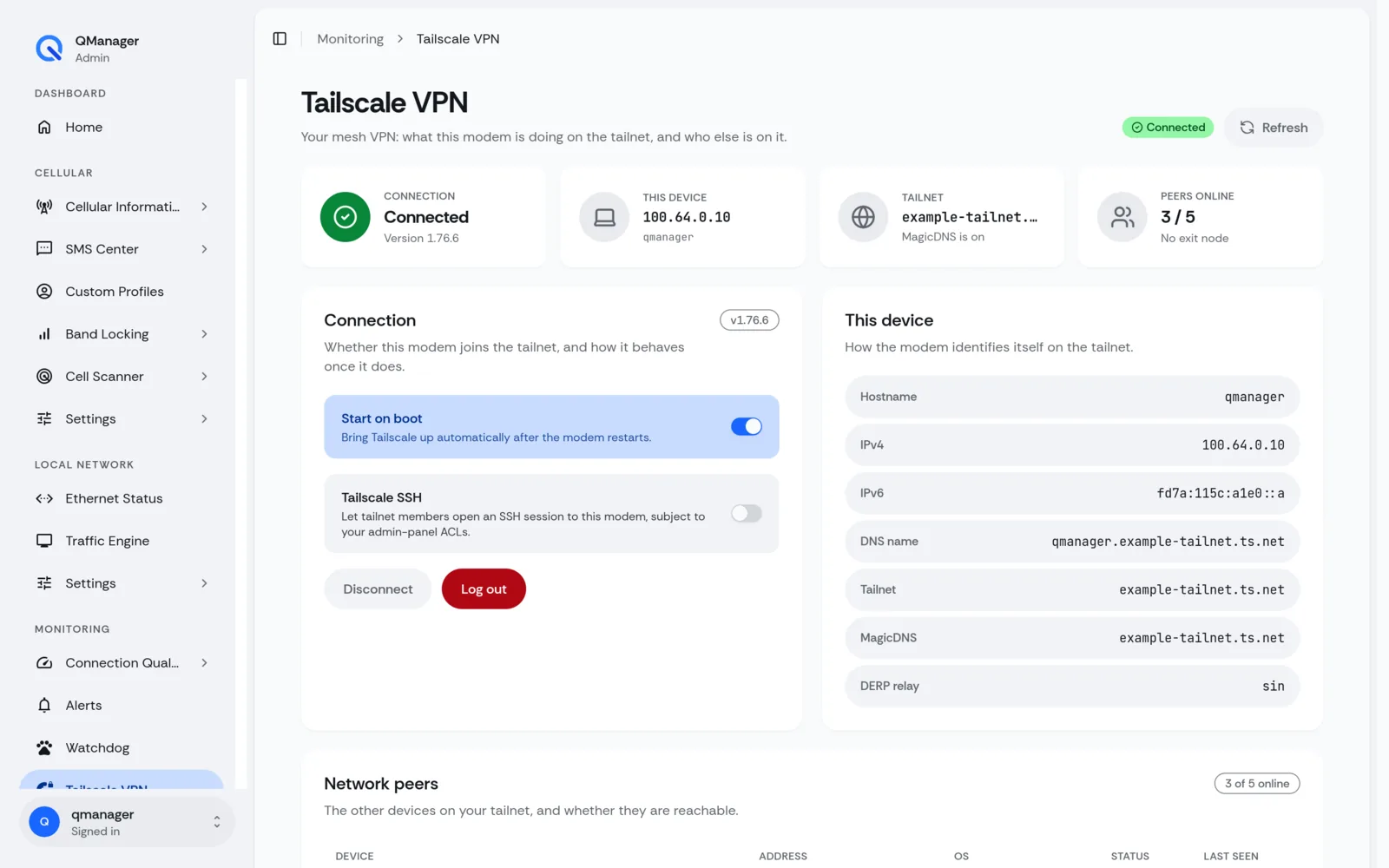
- Assigns a secure 100.x.x.x Tailscale IP to your modem.
- Enables you to reach QManager from anywhere in the world on your laptop, phone, or tablet.
One-Click Tailscale Setup#
- In QManager, go to Remote Management > Tailscale.
- Click Install / Connect.
- Copy the generated one-time authentication URL and authorize the modem in your Tailscale admin console.
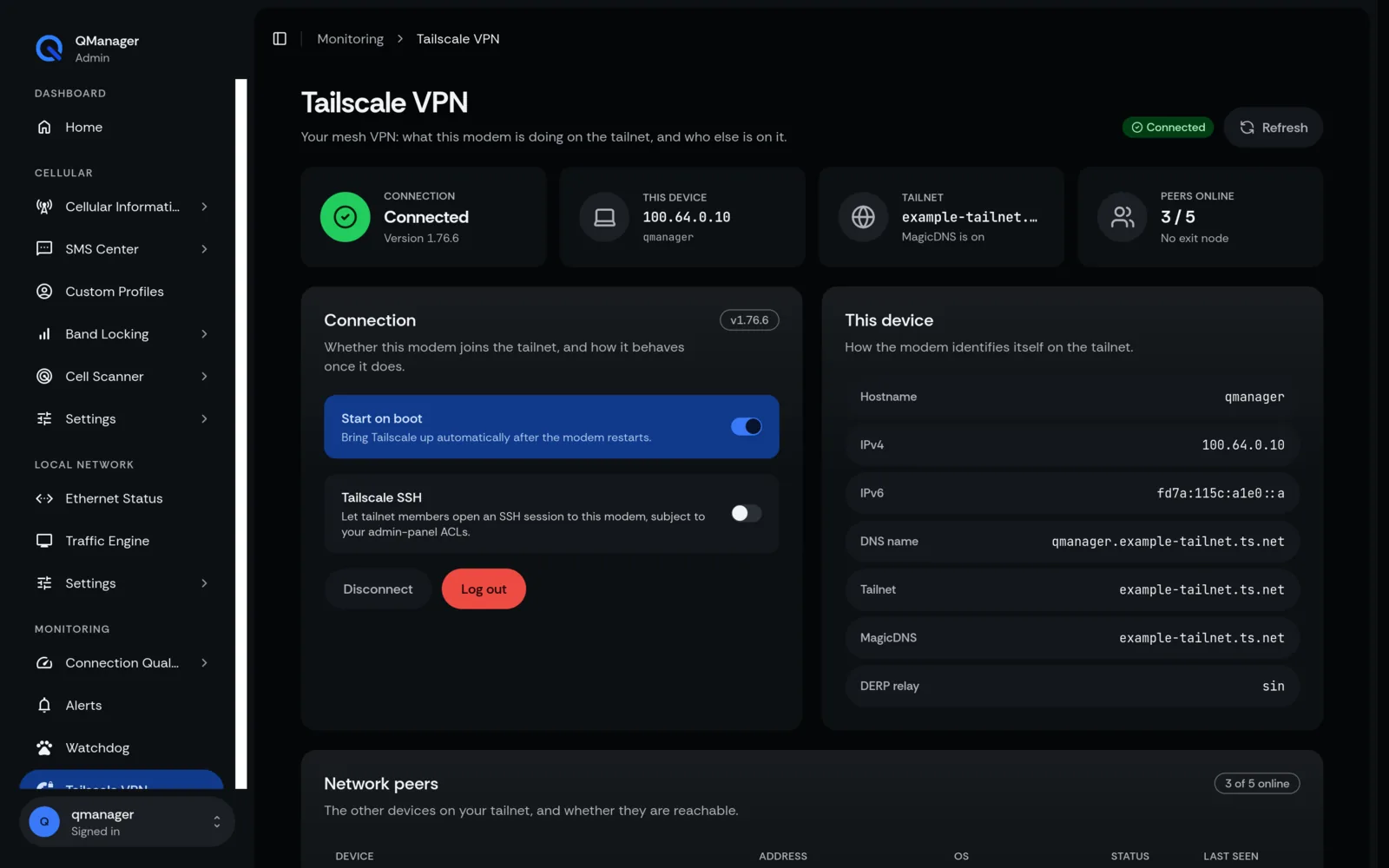
- The device displays a green status badge and its assigned Tailscale IP address.
Tailscale SSH & Security ACLs#
QManager features a one-click Tailscale SSH toggle:
- Access your modem's root terminal securely without SSH keys or open ports.
- The toggle state is preserved across reboots and reconnections.
Built-in Interface Firewall#
To prevent unauthorized access, QManager's built-in firewall:
- Restricts web ports (80/443) exclusively to the local LAN and Tailscale interfaces.
- Blocks all inbound connection requests originating from the cellular WAN.
Screens in QManager#