Antenna Alignment & Positioning Tool
Field optimization tool: 3-position recording, composite scoring algorithm, and directional placement recommendations.
4 min read · Updated
Antenna Alignment & Positioning Tool
When aiming directional external antennas (such as Log-Periodic Dipole Arrays, Cross-Polarized Paneling, or Parabolic Grids), minute degree adjustments can double throughput or eliminate packet loss.
Why Antenna Alignment Matters#
Cell towers transmit with distinct directional sector azimuths (usually 120° coverage per sector). Pointing directly at a tower's main lobe yields high SINR and enables high-order modulation (256-QAM or 1024-QAM).
How the 3-Position Tool Works#
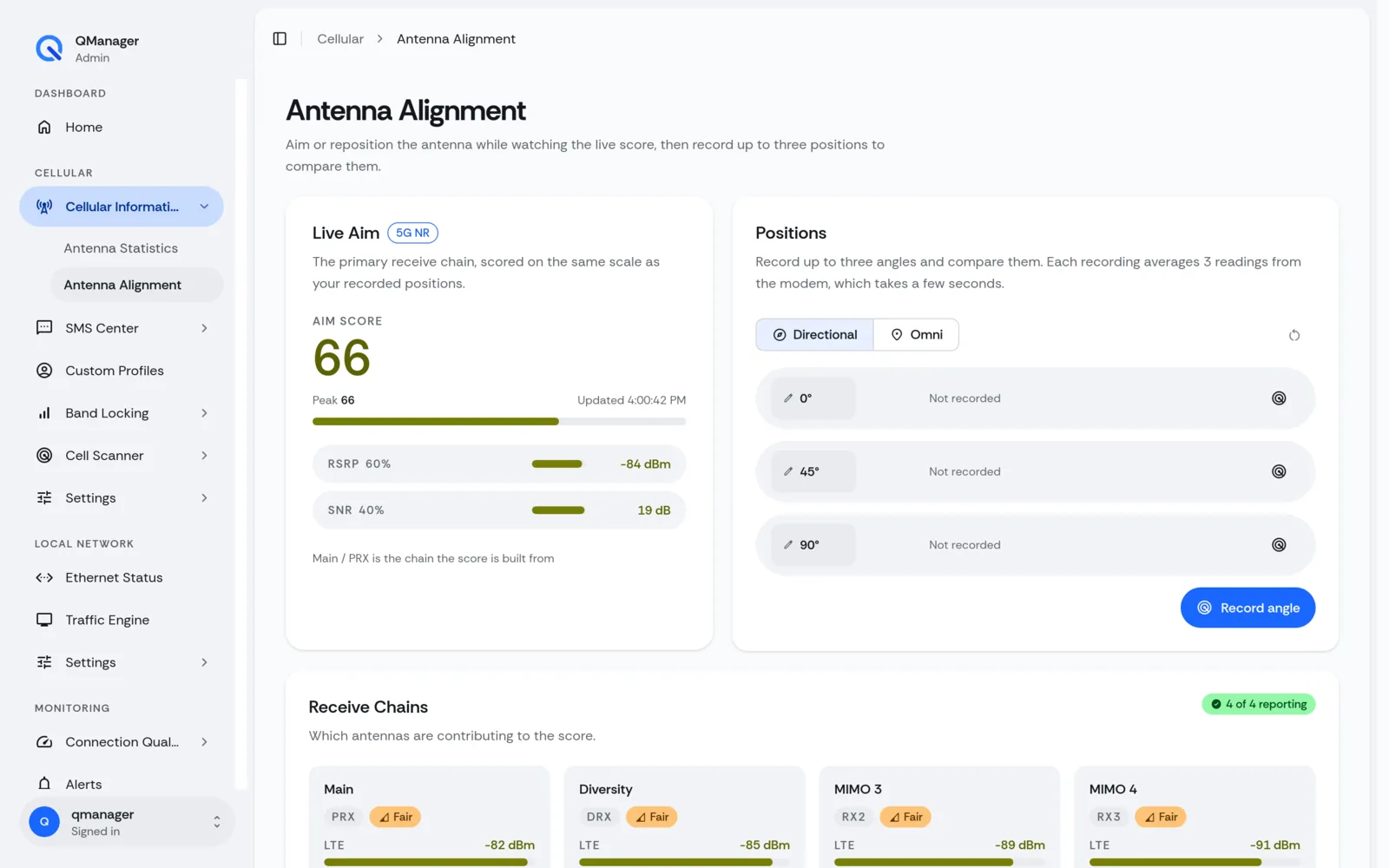
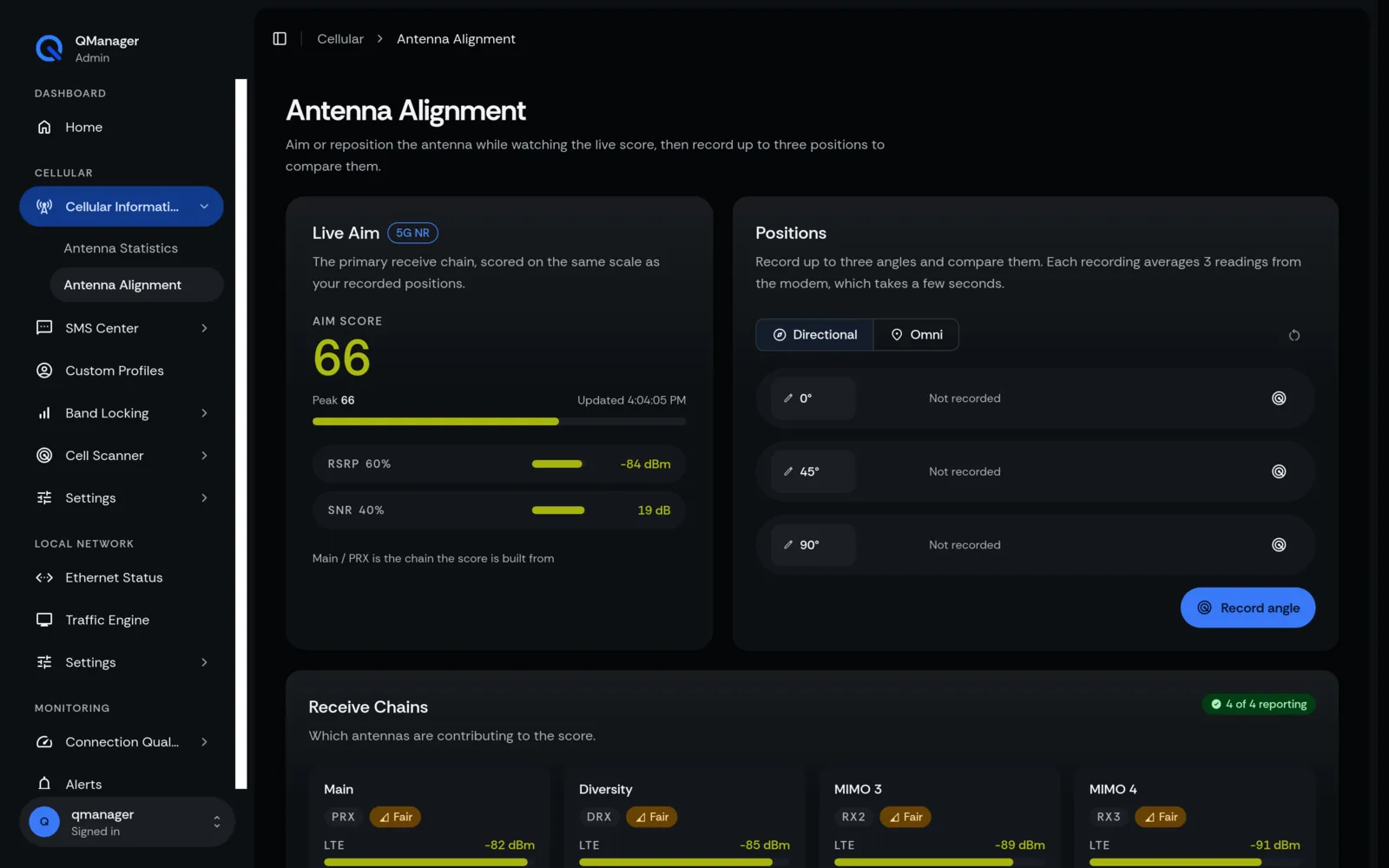
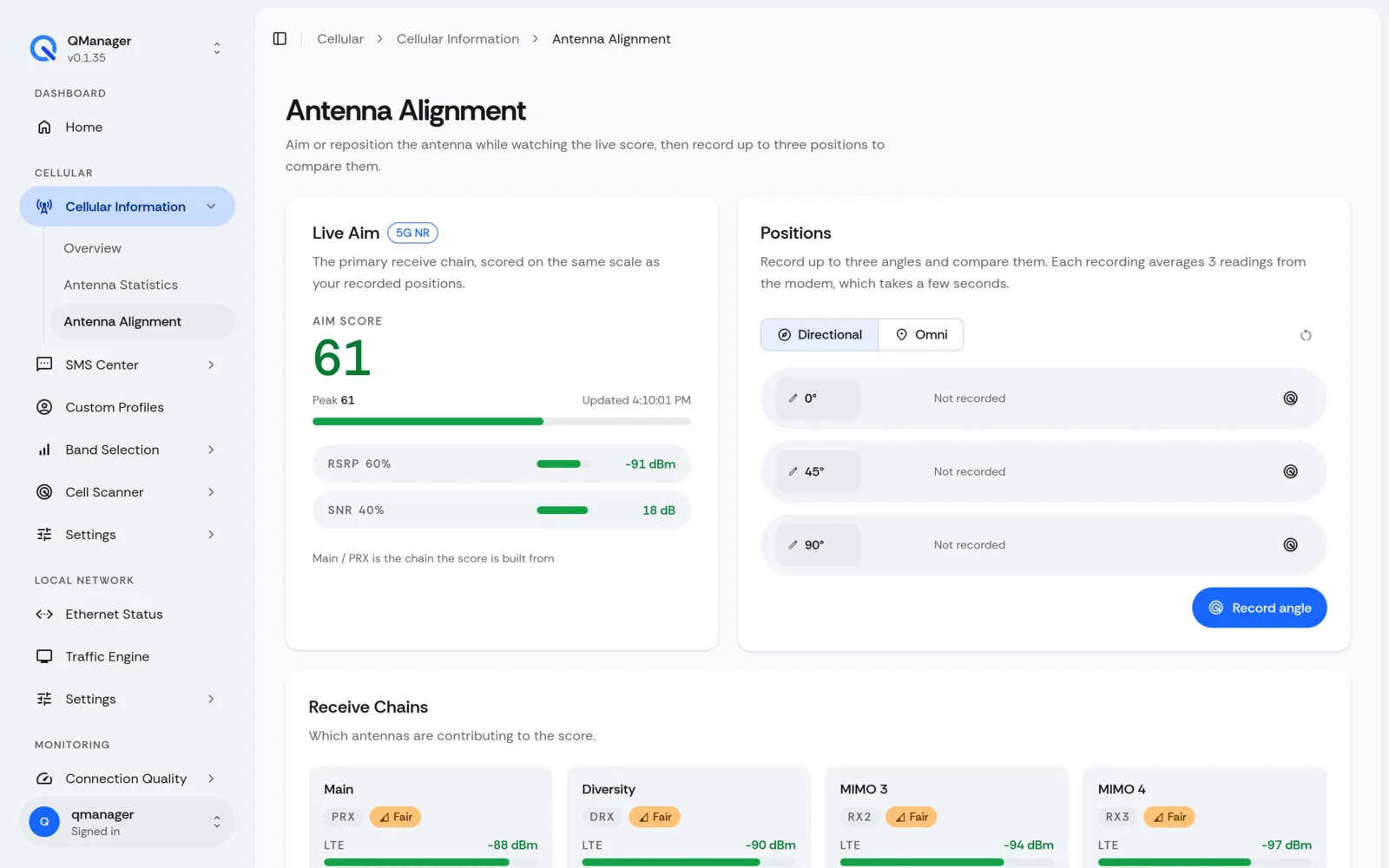
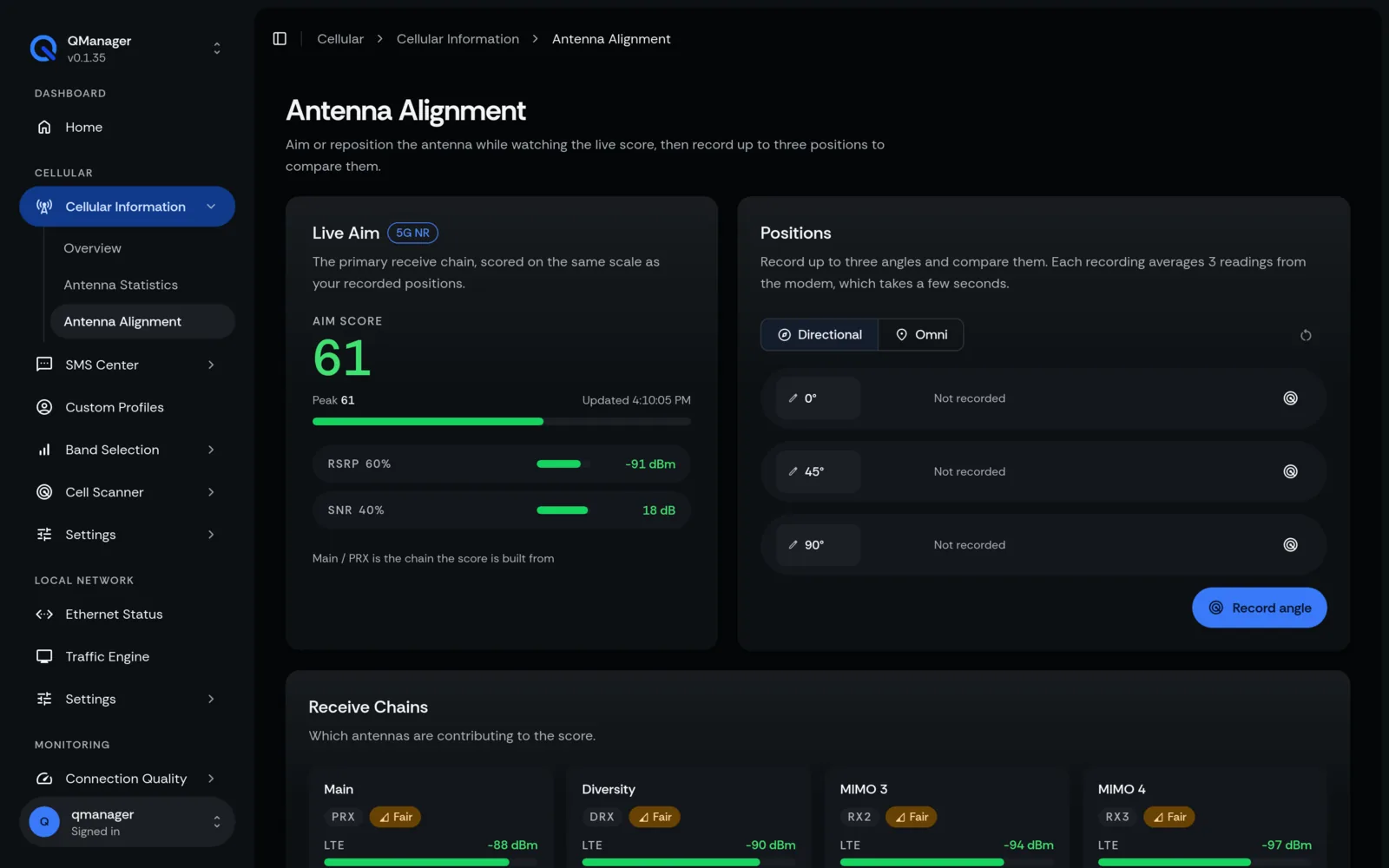
QManager allows you to record signal metrics across 3 prospective physical orientations:
- Slot A: Initial heading (e.g. 0° North)
- Slot B: Second candidate heading (e.g. 45° North-East)
- Slot C: Third candidate heading (e.g. 90° East)
The tool samples each position for 10 seconds, averages out instantaneous fading and jitter, and ranks the candidates.
The Composite Scoring Formula#
The alignment engine calculates a weighted composite score (0 to 100):
Score = (SINR_weight * 0.50) + (RSRP_weight * 0.35) + (RSRQ_weight * 0.15)- SINR carries the heaviest weight (50%): A signal with -90 dBm RSRP and +22 dB SINR will vastly outperform a -75 dBm signal with +4 dB SINR plagued by neighbor interference.
- RSRP accounts for 35%: Ensures baseline link budget reliability.
- RSRQ accounts for 15%: Detects channel congestion.
Step-by-Step Field Alignment Guide#
- Navigate to Cellular > Antenna Alignment.
- Mount your antenna in Direction 1. Click Record Position A. Wait for the 10-second sampling bar to complete.
- Rotate antenna ~30 degrees. Click Record Position B.
- Rotate antenna another 30 degrees. Click Record Position C.
- Inspect the comparison card: QManager highlights the winning position with a green badge and displays the delta in predicted throughput!
Screens in QManager#