Live Signal Monitoring & Multi-APN
Real-time RSRP, RSRQ, SINR with per-antenna 4x4 MIMO metrics and 30-minute historical telemetry.
5 min read · Updated
Live Signal Monitoring & Multi-APN
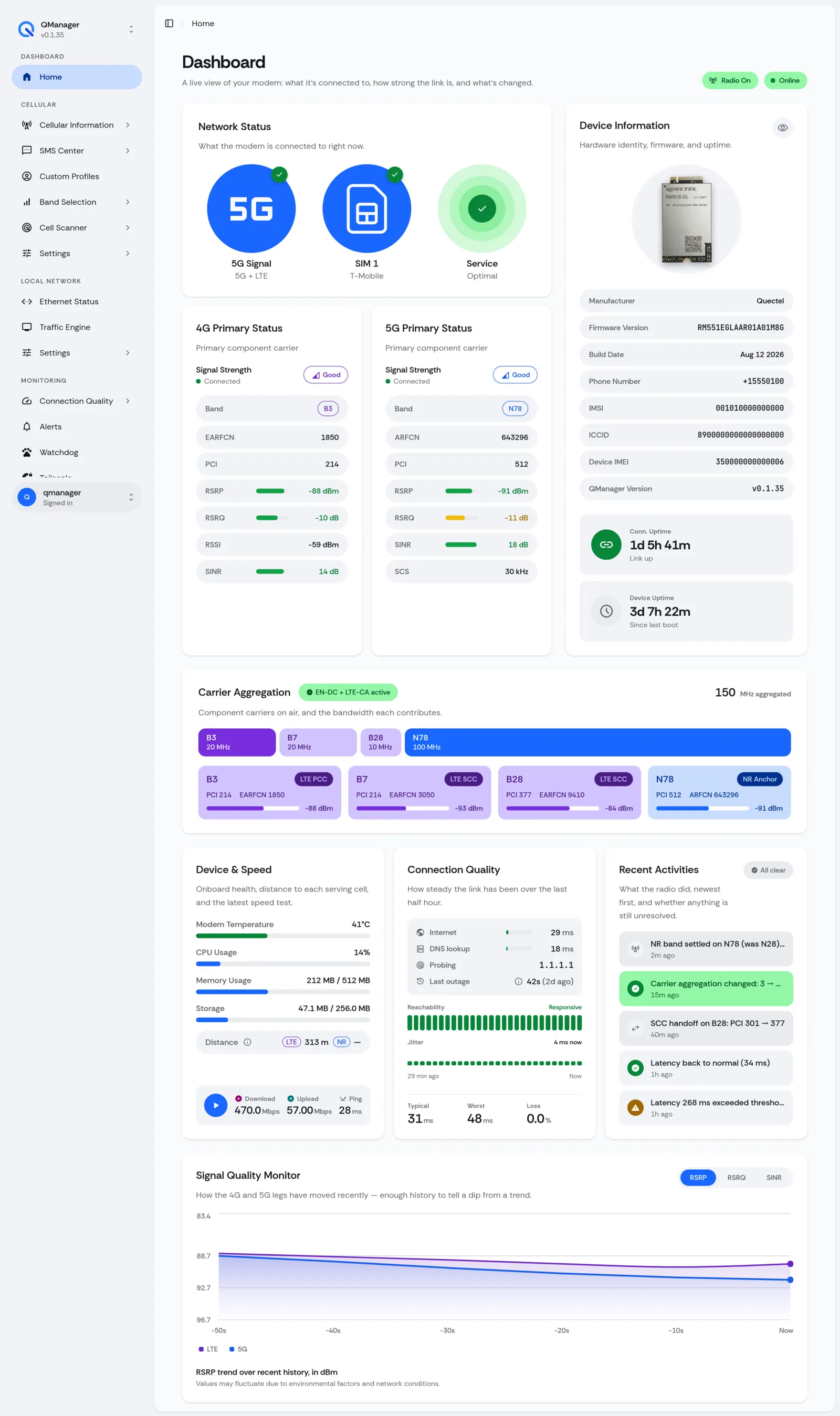
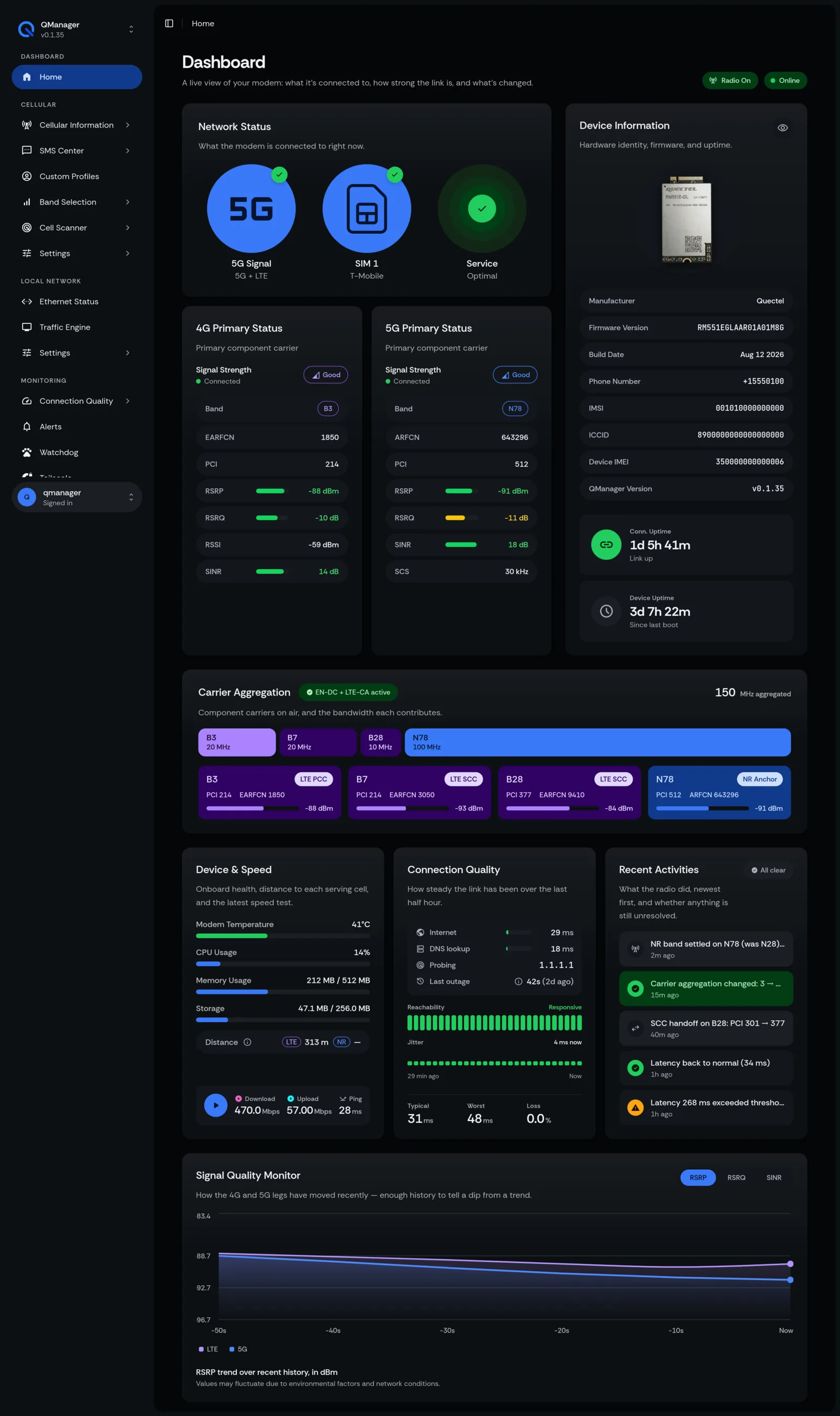
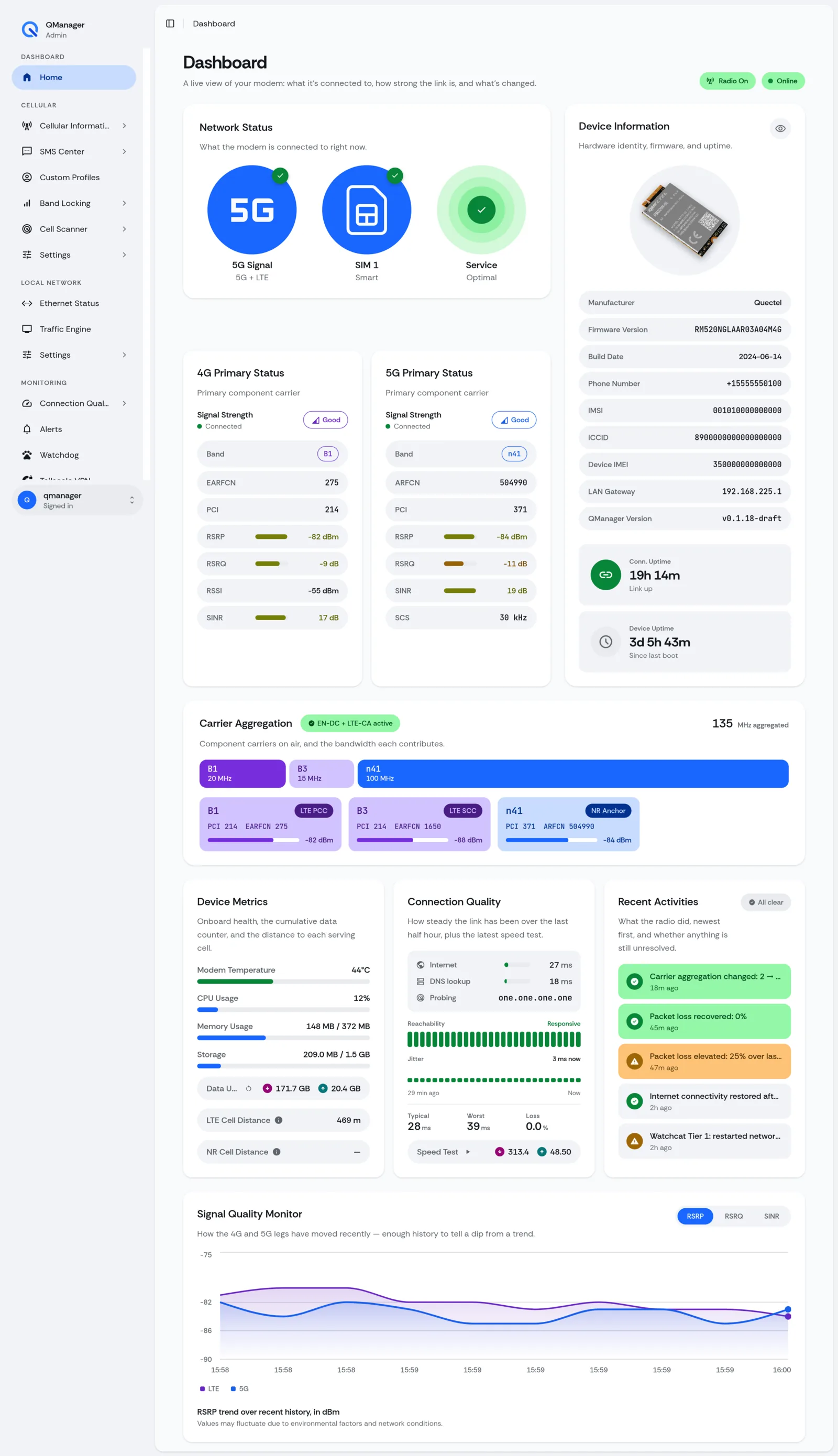
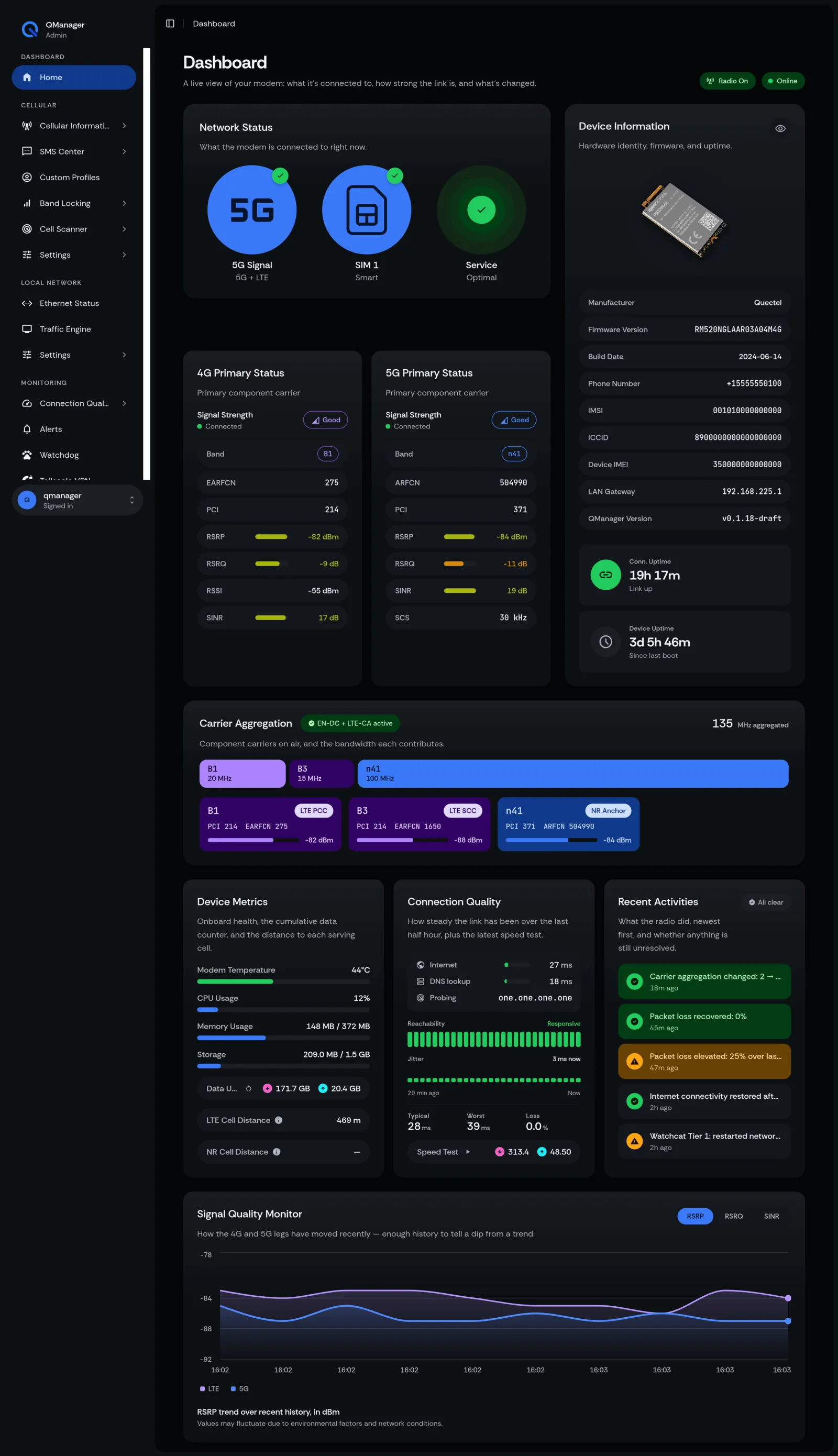
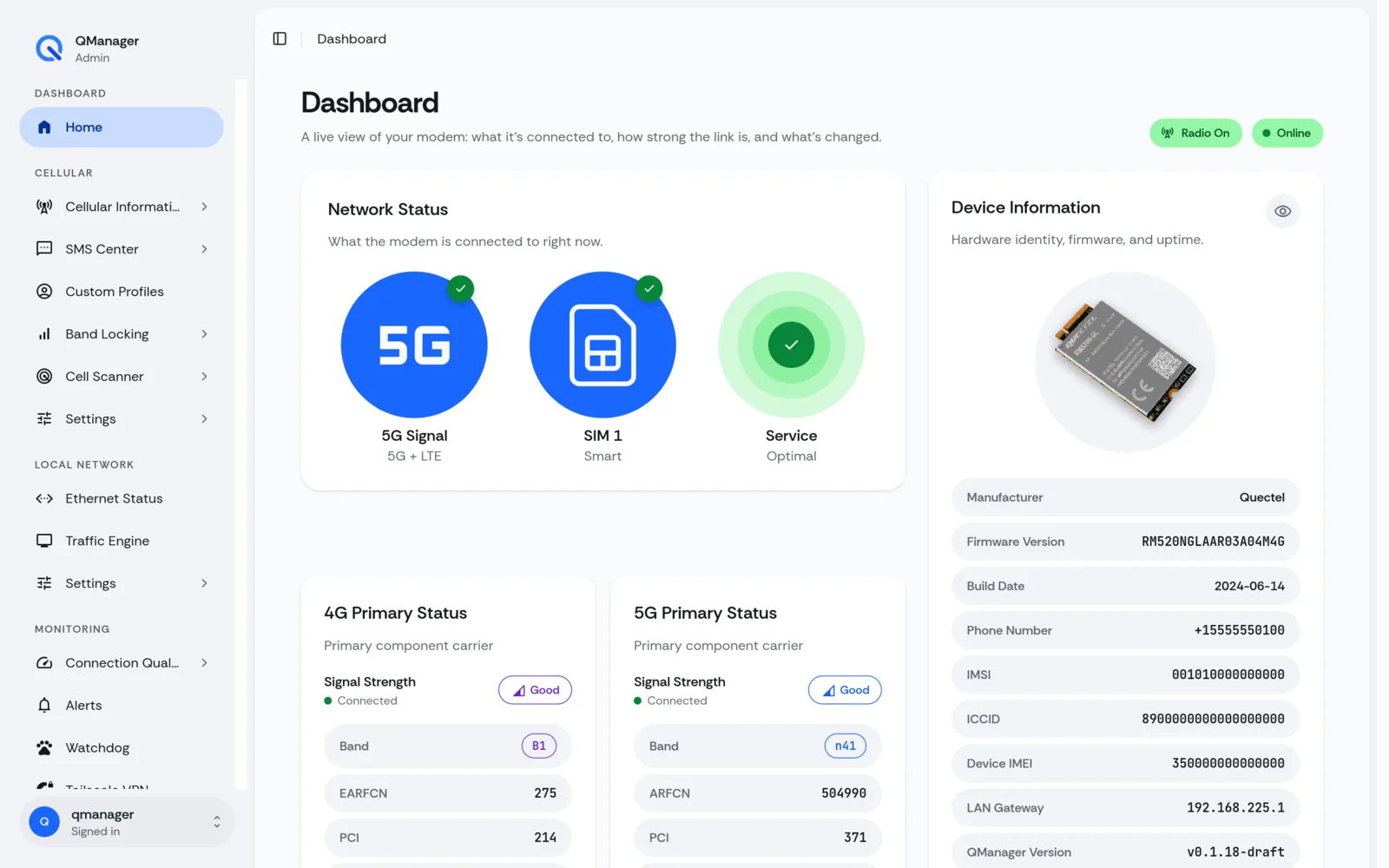
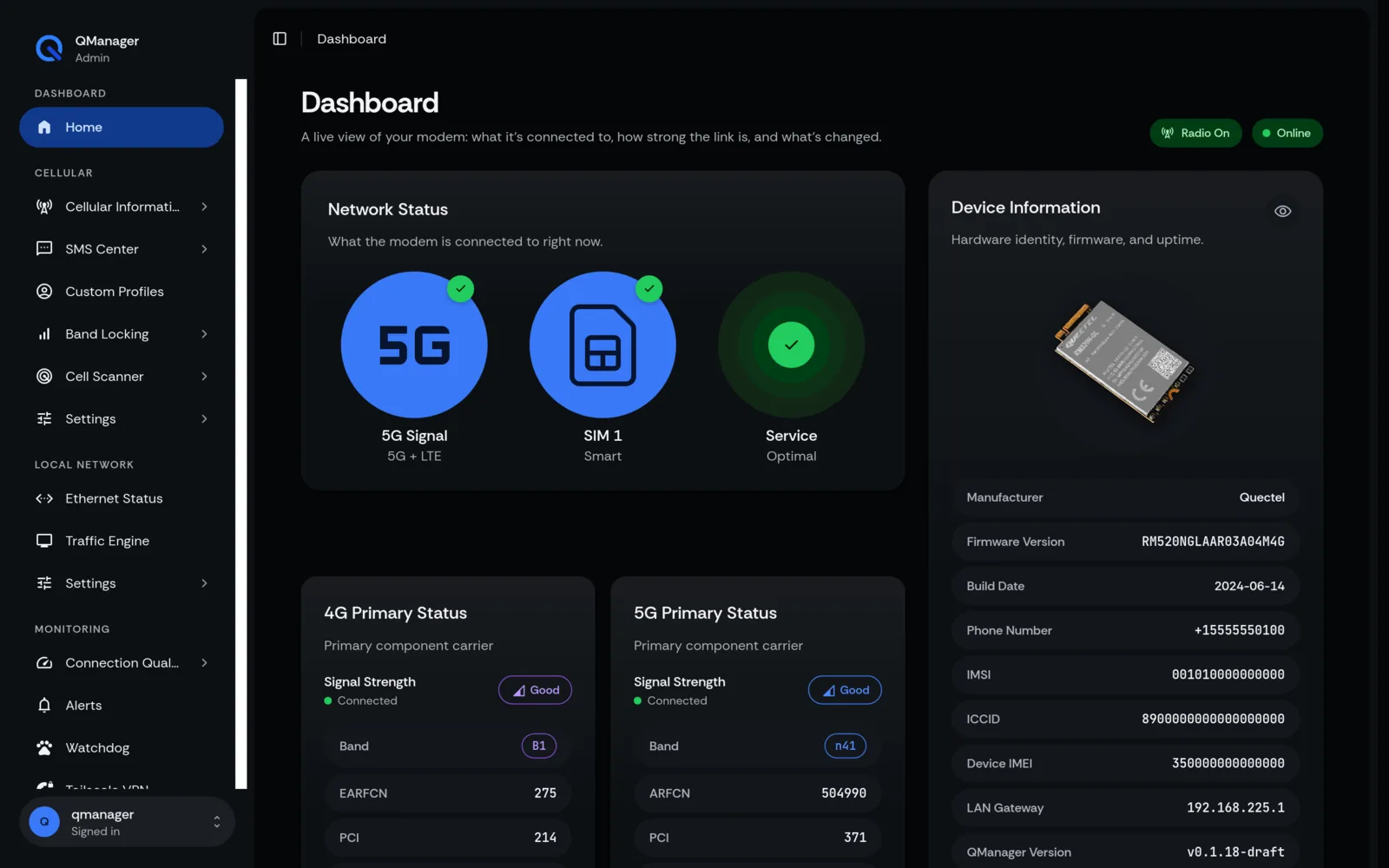
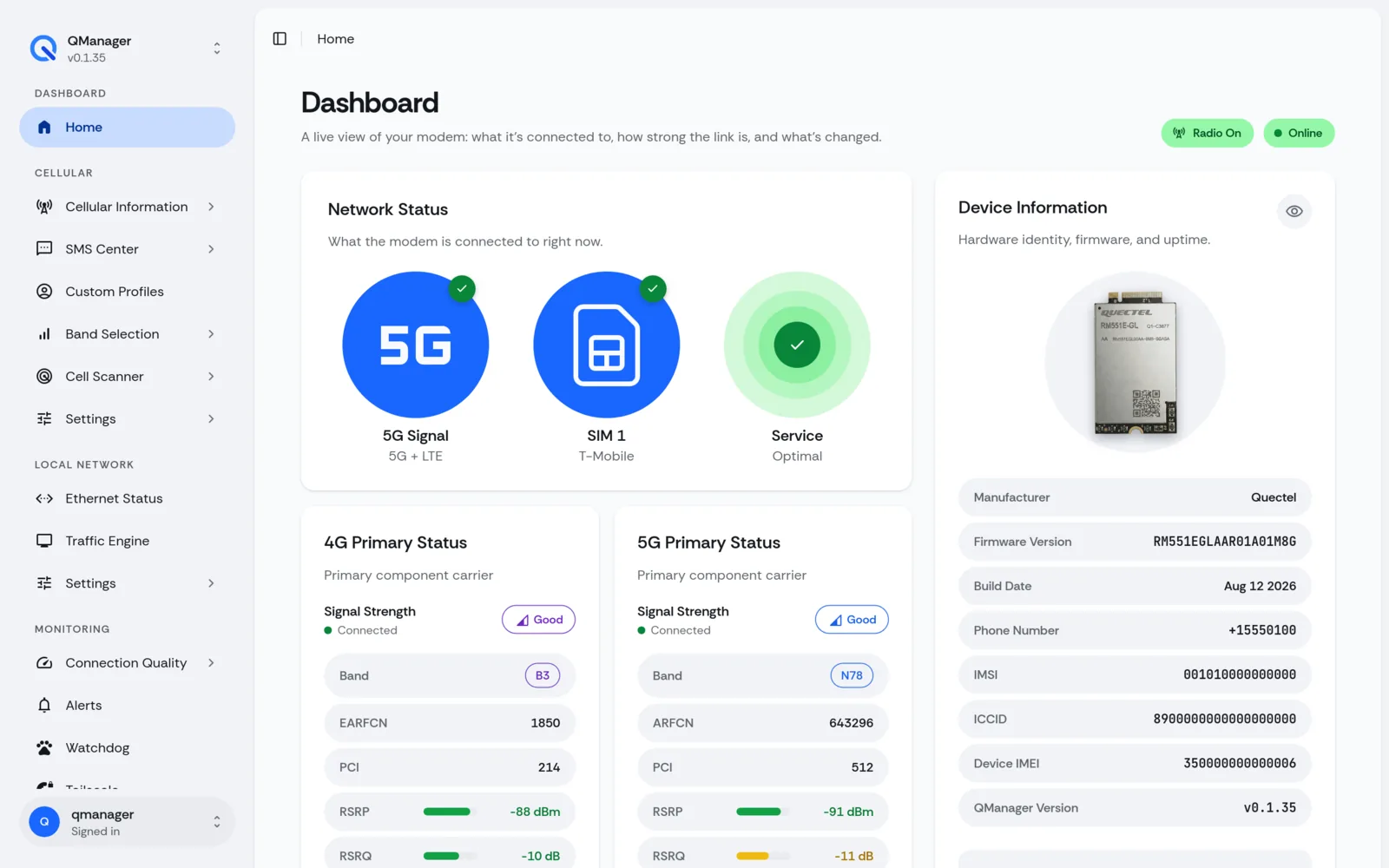
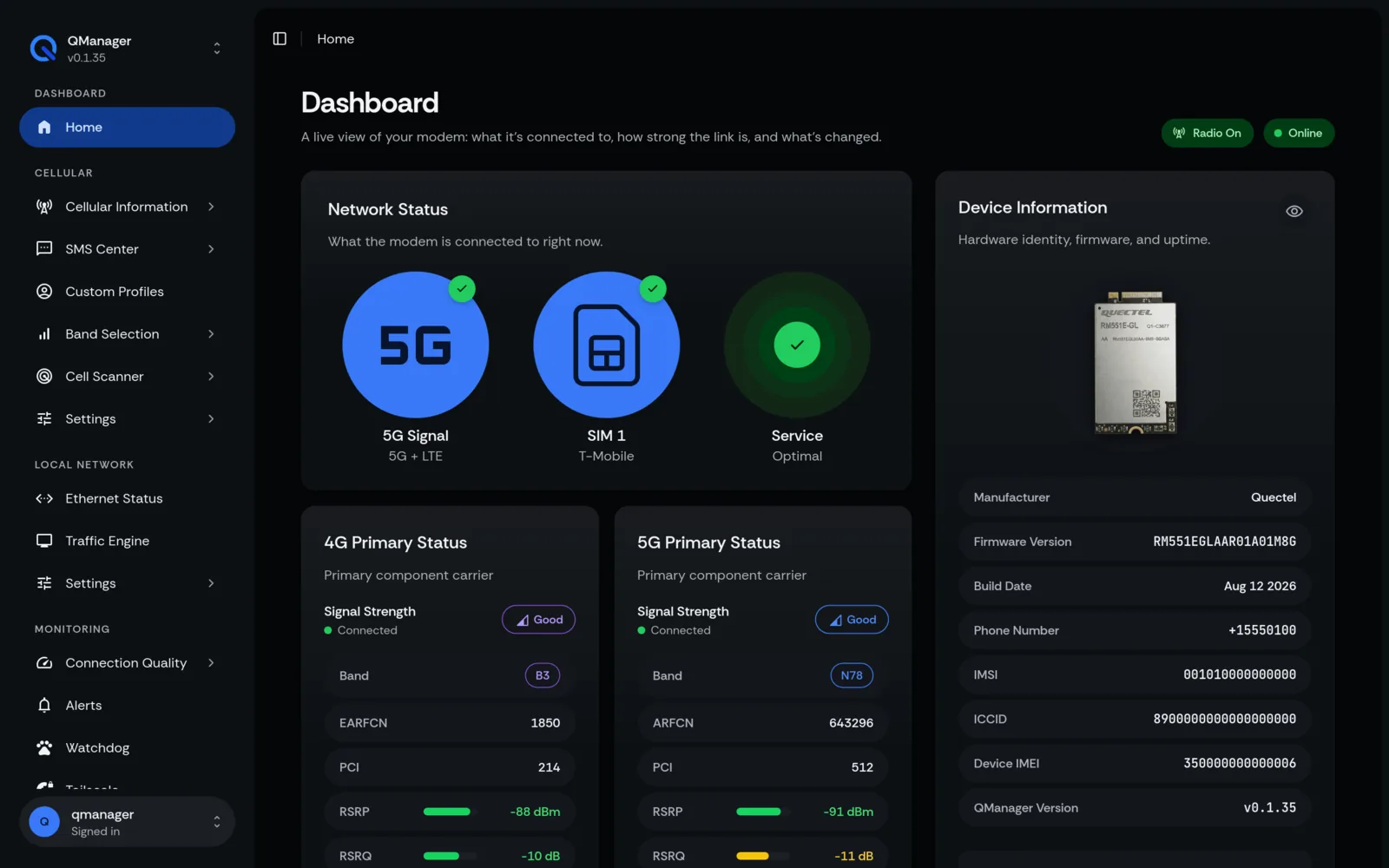
The Live Signal Dashboard is QManager's primary operational display. It streams high-resolution baseband telemetry directly from the Quectel radio without lagging the web browser.
Overview of Cellular Metrics#
| Metric | Full Name | Ideal Range | Acceptable Range | Poor Range | Notes |
|---|---|---|---|---|---|
| RSRP | Reference Signal Received Power | > -80 dBm | -80 to -100 dBm | < -105 dBm | The true signal strength of the serving cell. |
| RSRQ | Reference Signal Received Quality | > -10 dB | -10 to -15 dB | < -16 dB | Signal quality factoring in interference and channel load. |
| SINR | Signal-to-Interference-plus-Noise | > 20 dB | 10 to 20 dB | < 5 dB | Best predictor of download and upload throughput. |
| RSSI | Received Signal Strength Indicator | > -65 dBm | -65 to -85 dBm | < -90 dBm | Wideband power including serving, neighbor, and noise. |
4x4 MIMO Per-Antenna Breakdown#
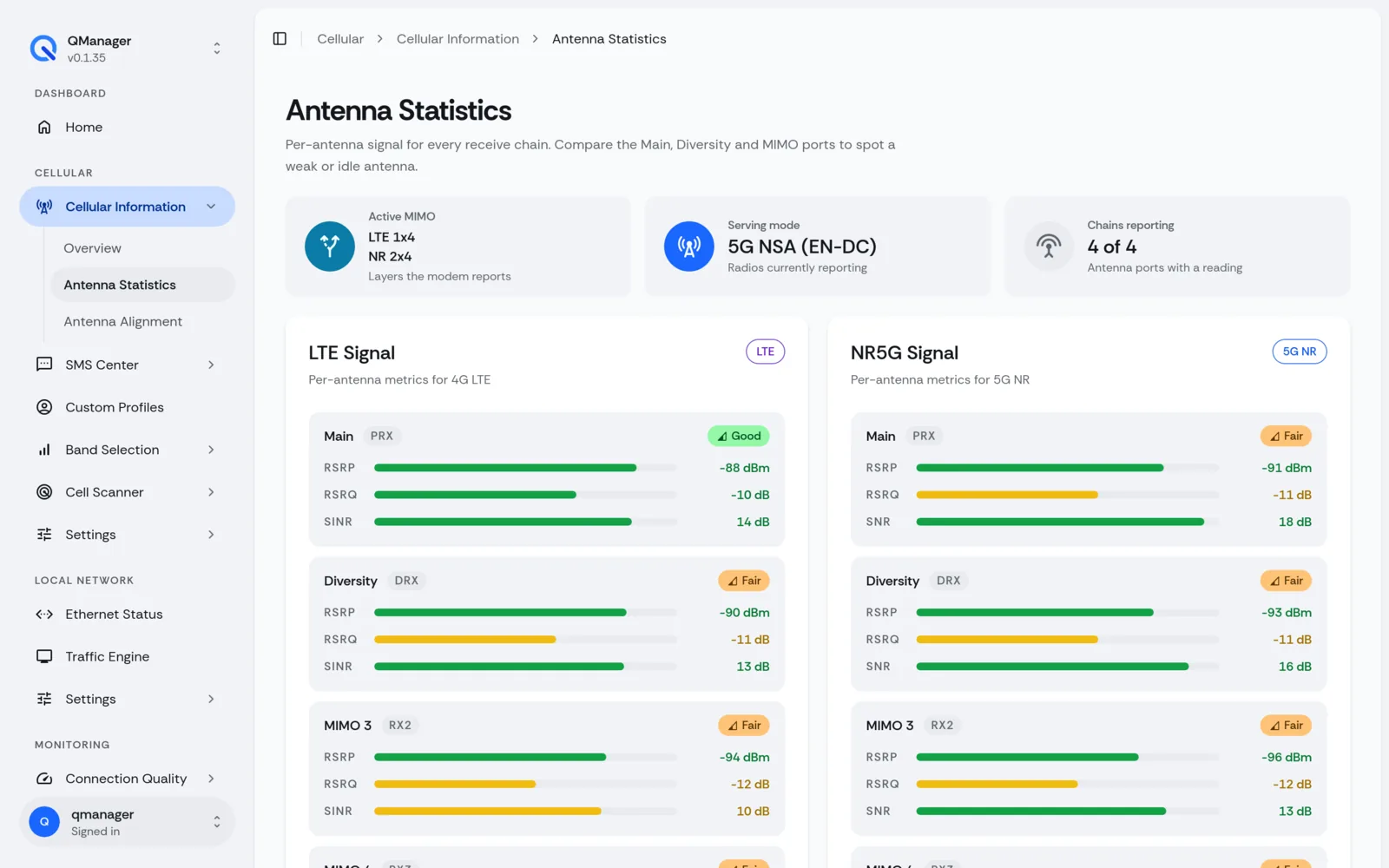
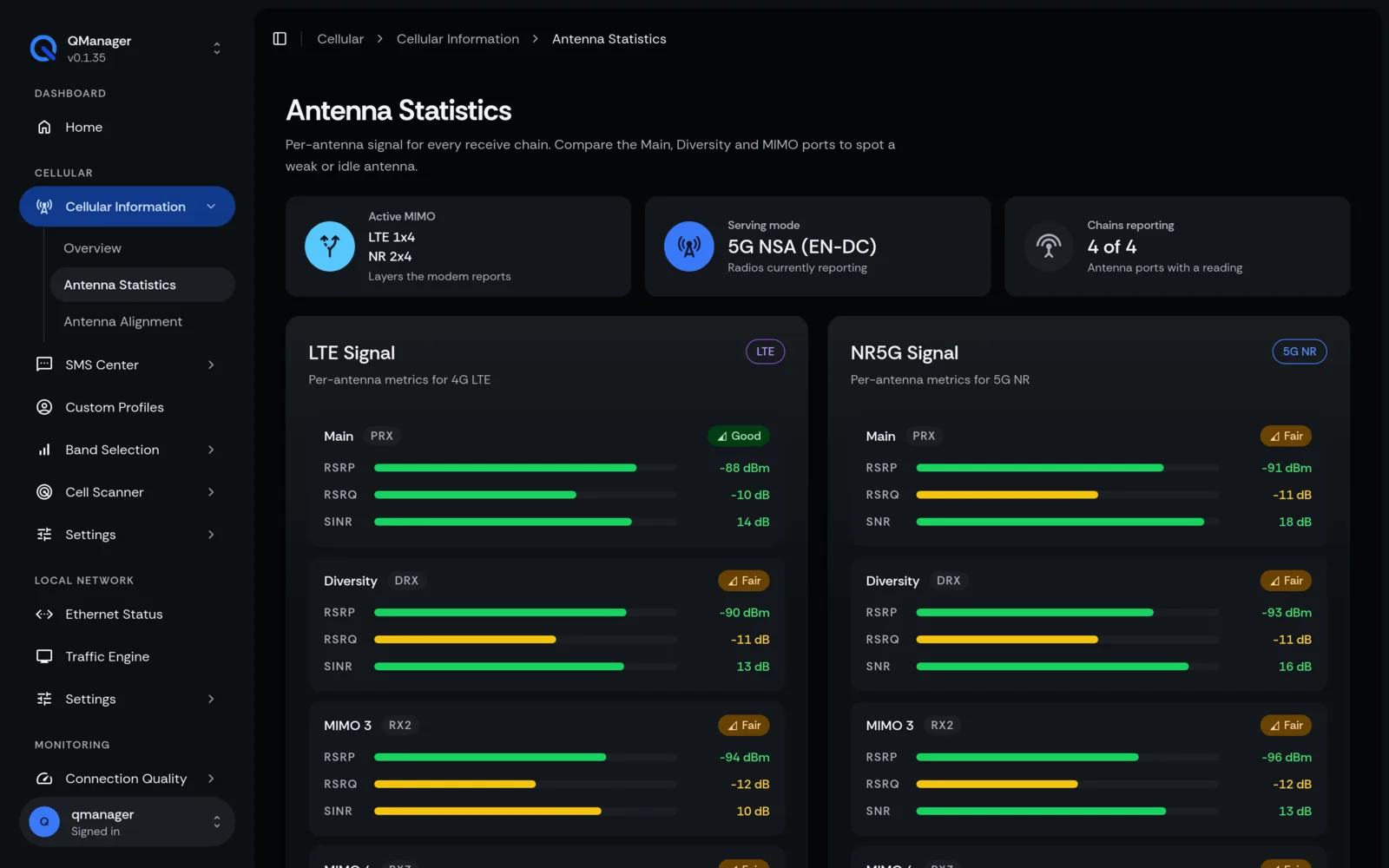
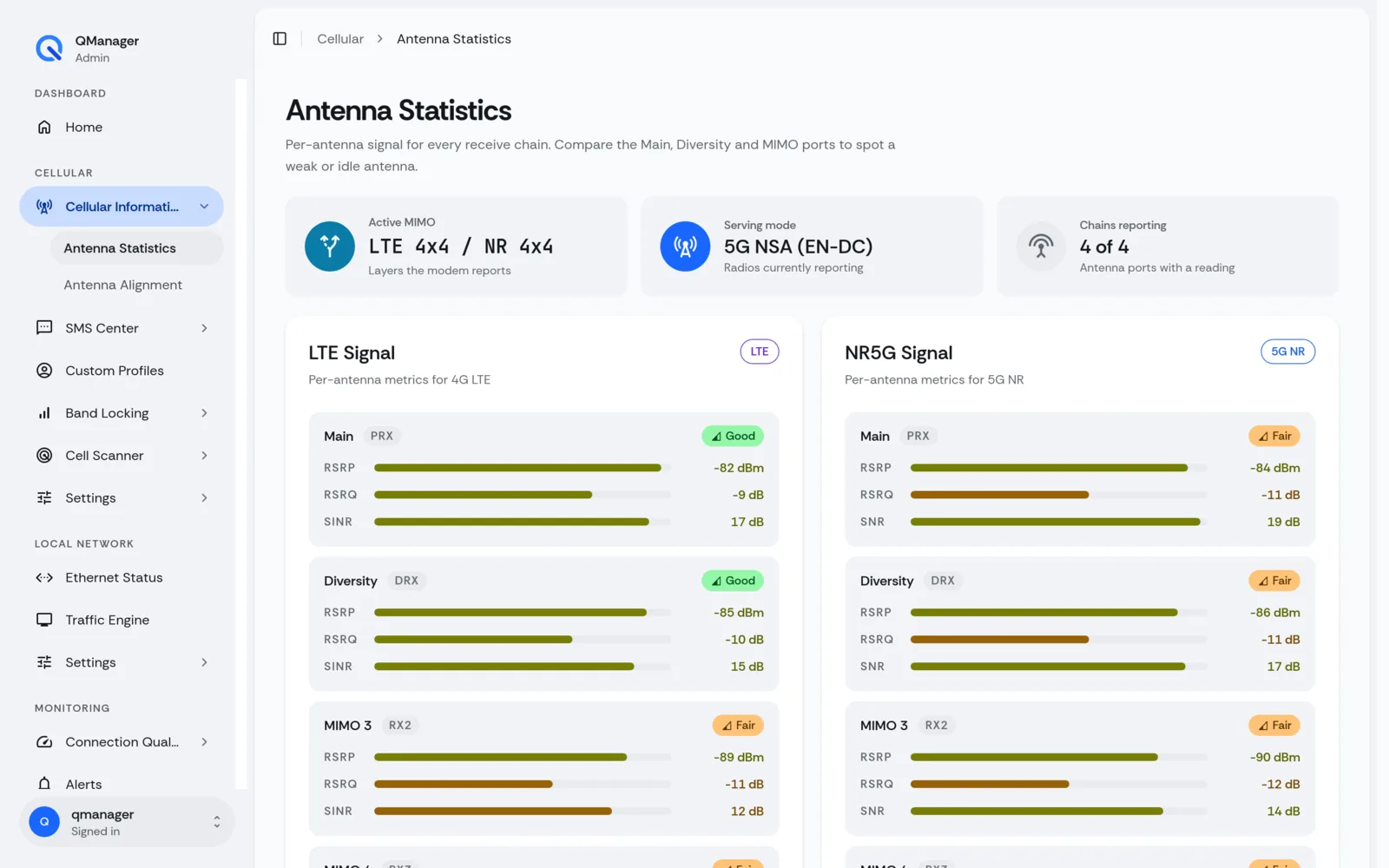
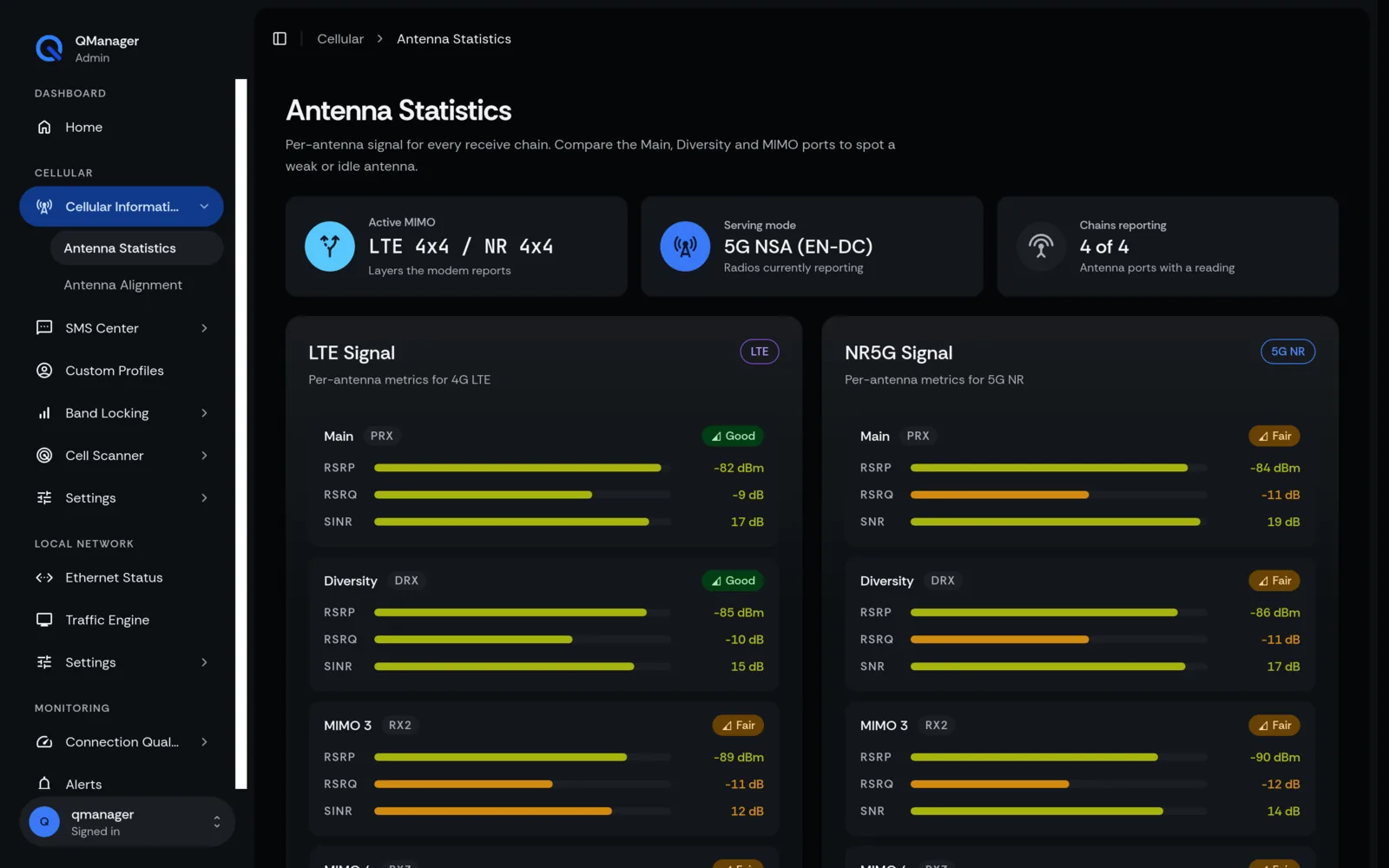
Quectel 5G modules (RM520N and RM551E) utilize 4 distinct antenna ports (ANT0, ANT1, ANT2, ANT3). Traditional router GUIs average these values into a single misleading number.
QManager displays the individual signal strength and quality for all four antenna lines:
- ANT0 (PRX): Primary Receiver
- ANT1 (DRX): Diversity Receiver
- ANT2 (MIMO1): Spatial Stream 1
- ANT3 (MIMO2): Spatial Stream 2
Live Telemetry Engine Architecture#
Rather than executing slow AT commands on every browser poll, QManager's backend features a dedicated tmpfs circular buffer:
- The background daemon reads cellular metrics every 1,000ms.
- Formats readings into a compact JSON slice in
/tmp/qmlive/signal.json. - The web frontend fetches this static file via HTTP
ETagcache headers. - If the modem enters high-load state, the adaptive engine backs off automatically to prevent AT command collisions.
Multi-APN Real-Time Monitoring#
For corporate and IoT setups with dual PDP contexts (e.g. APN 1 for public internet and APN 2 for private corporate intranet or IMS VoLTE):
- Real-time IP address and DNS readout for each active context.
- Individual traffic byte counters (TX/RX) per APN.
Screens in QManager#