LTE & 5G NR Band Locking
Select and lock specific frequency bands, disable congested carriers, and configure automatic band failover.
5 min read · Updated
LTE & 5G NR Band Locking
Carrier modems frequently roam onto low-frequency coverage bands (e.g. LTE B12 or B71) because they have stronger penetrating power, even though a higher frequency capacity band (e.g. B66, B41, or 5G n77/n78) would deliver 5x faster speeds.
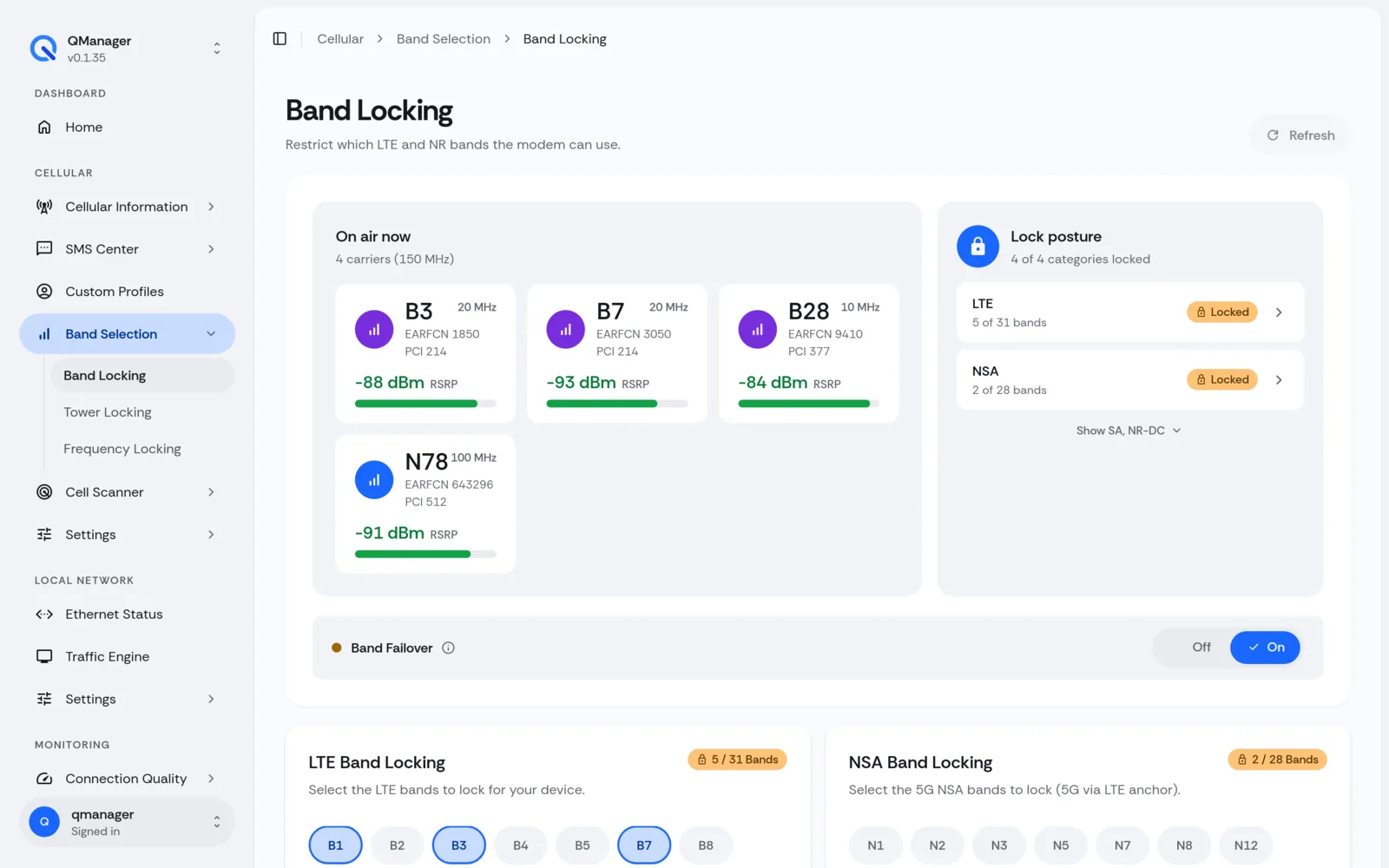
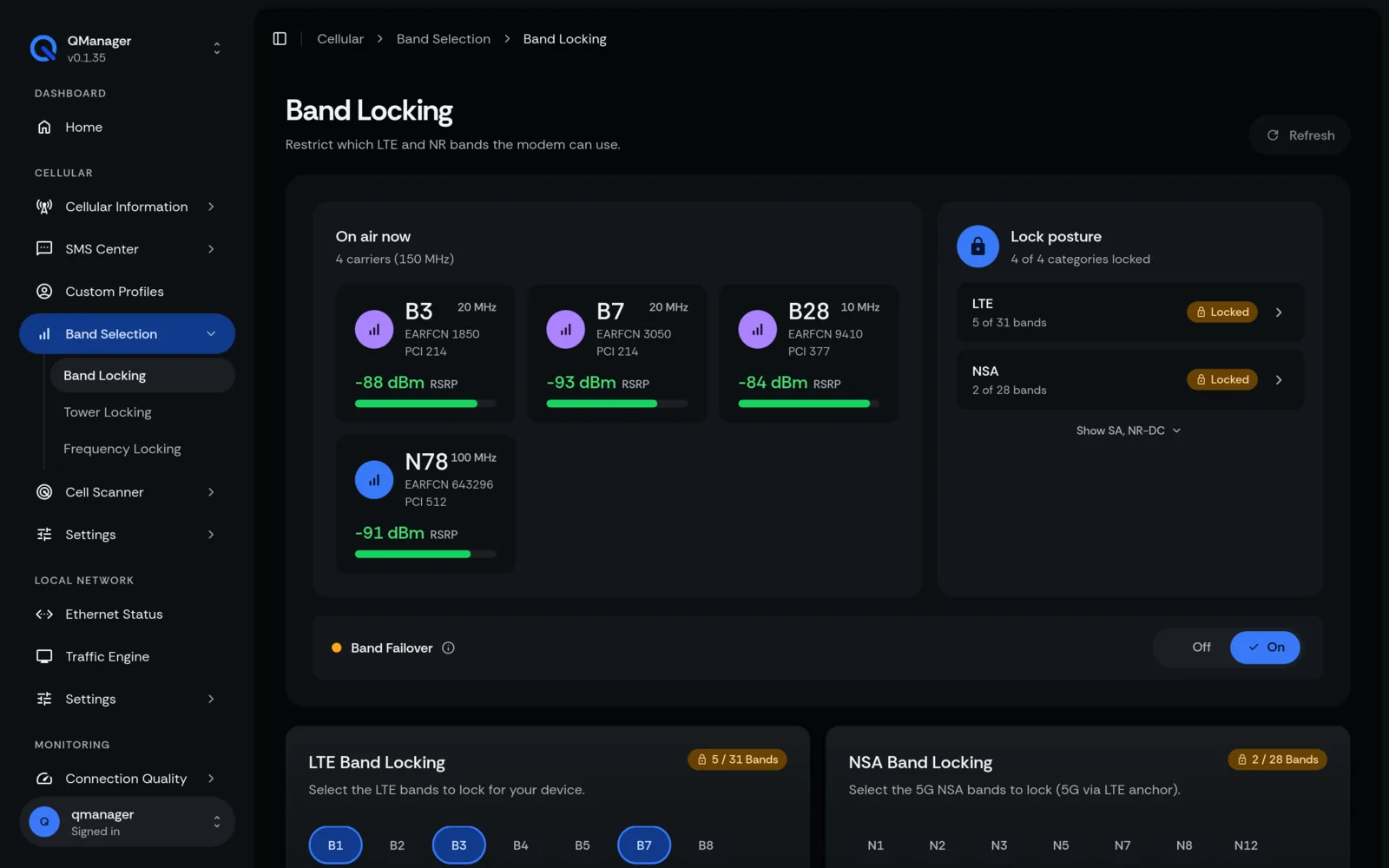
Why Lock Frequency Bands?#
- Avoid Congestion: Lock out overburdened low-band frequencies during peak hours.
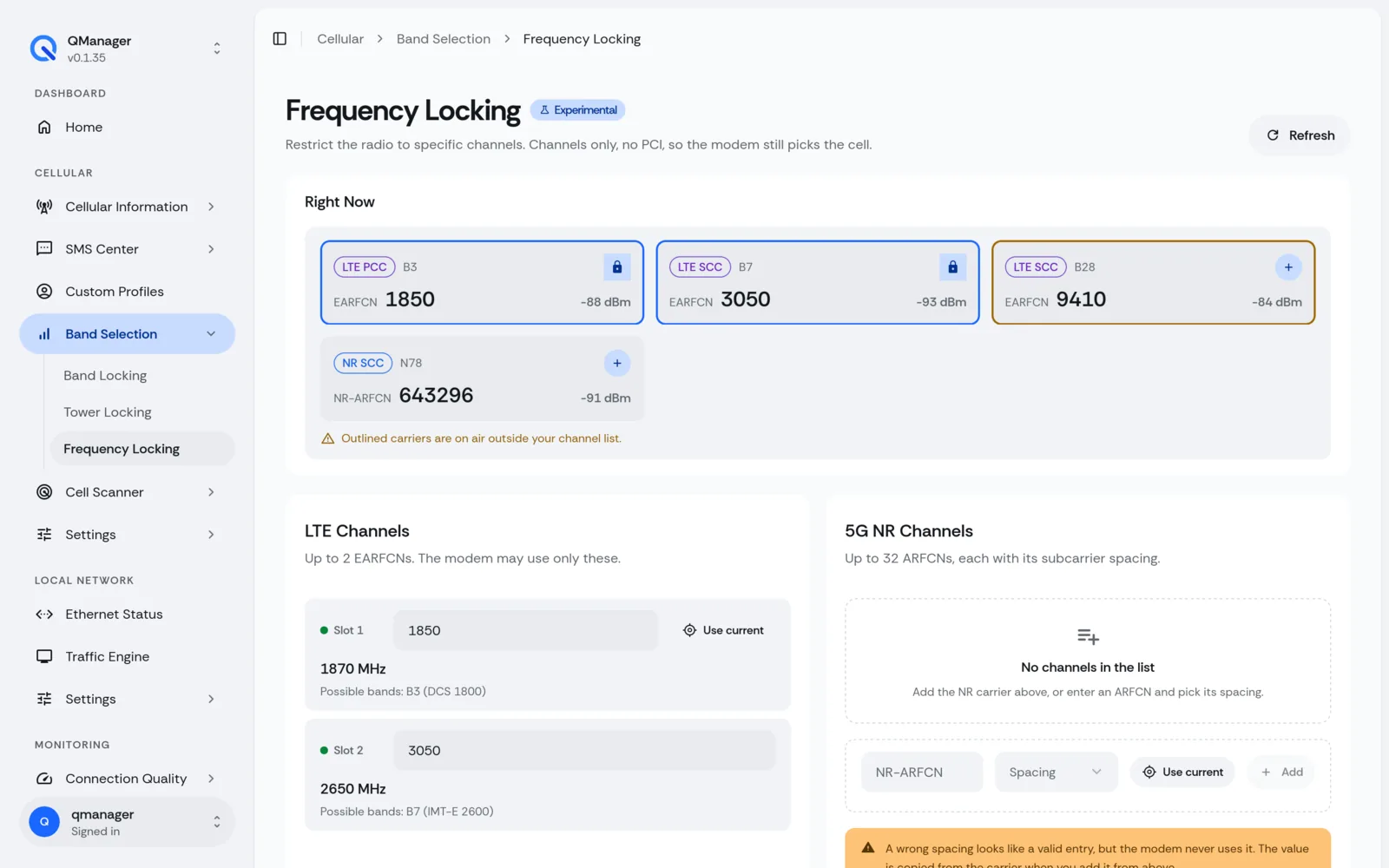
- Force 5G Standalone (SA): Keep your modem locked to Mid-Band NR (n41, n77, n78) for ultra-low latency and gigabit throughput.
- Prevent Flapping: Stop the modem from ping-ponging between two towers on different bands.
Supported LTE and 5G NR Bands#
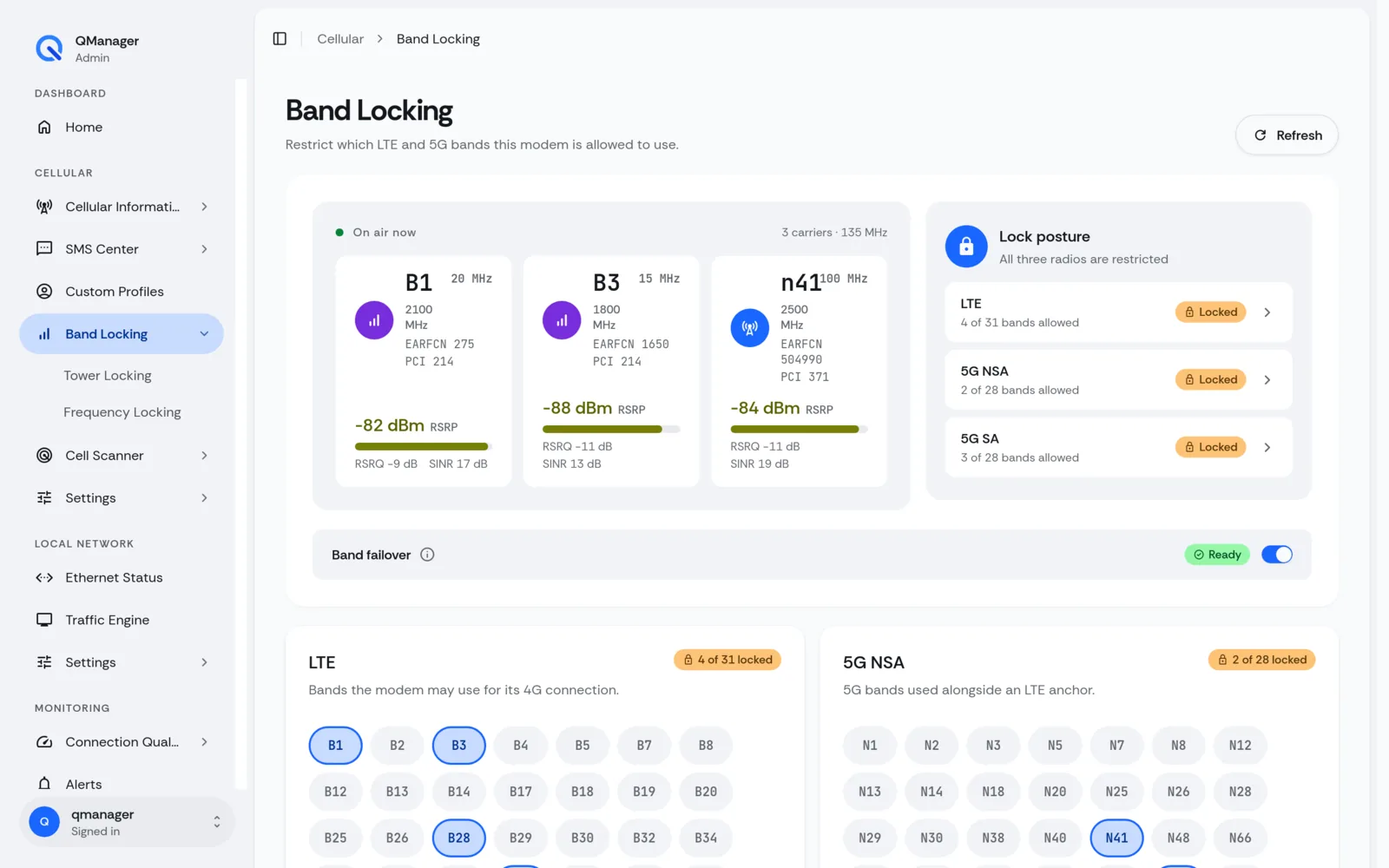
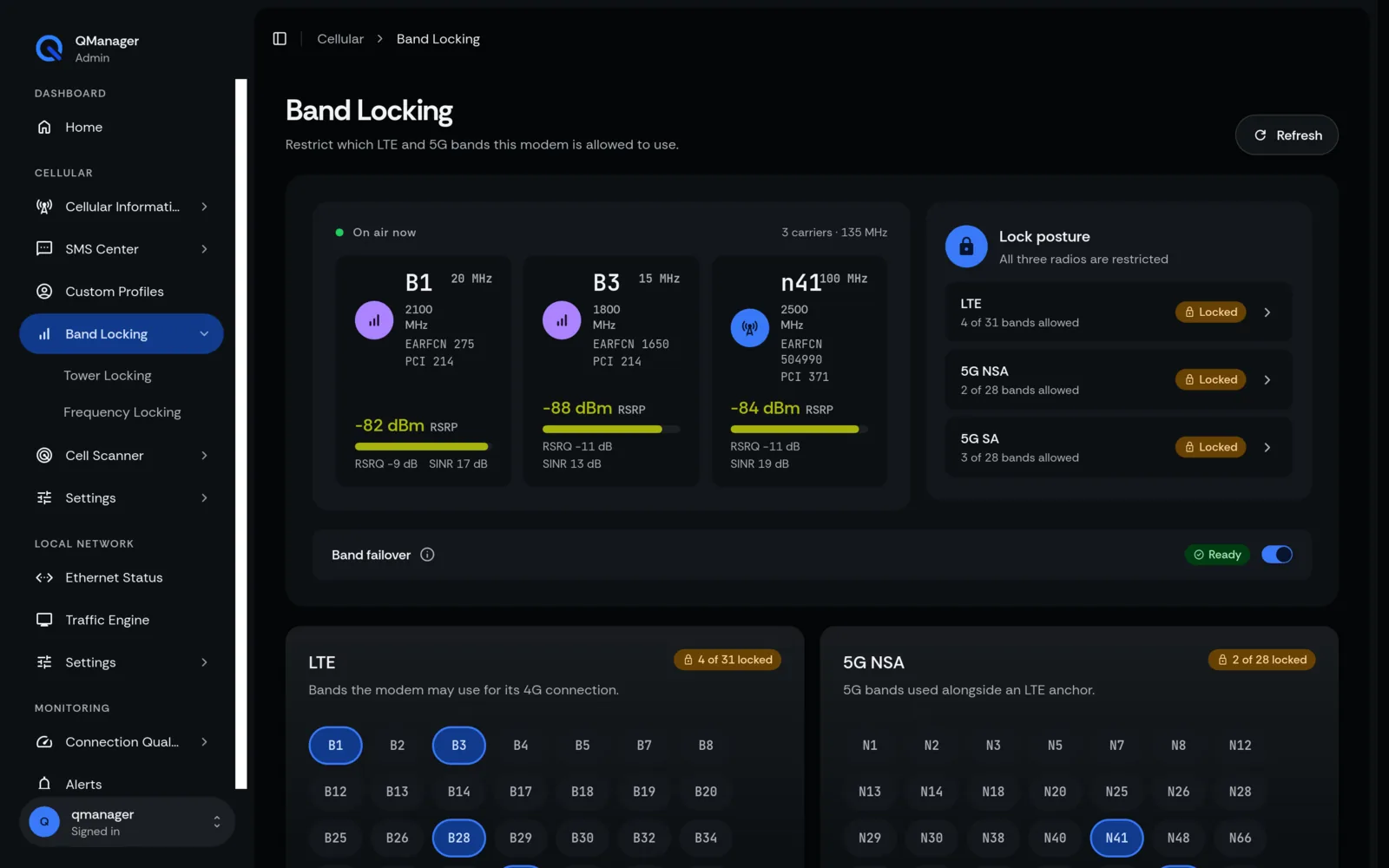
QManager provides one-click checkbox toggles for all worldwide bands:
5G NR Sub-6 Bands#
n1, n2, n3, n5, n7, n8, n12, n14, n20, n25, n28, n38, n40, n41 (T-Mobile Ultra Capacity), n48 (CBRS), n66, n71 (Low-Band NR), n77 (C-Band / DoD), n78 (International 3.5 GHz).
LTE Bands#
B1, B2, B3, B4, B5, B7, B8, B12, B13 (Verizon Primary), B14 (FirstNet), B17, B20, B25, B26, B28, B32, B38, B40, B41, B42, B43, B48 (CBRS), B66, B71.
Under the Hood: Quectel AT Band Masks#
When you check bands and click Apply, QManager calculates the 64-bit hexadecimal bitmasks and transmits them to the modem baseband via:
AT+QNWPREFCFG="gw_band",<hex_mask>
AT+QNWPREFCFG="lte_band",<hex_mask>
AT+QNWPREFCFG="nsa_nr5g_band",<hex_mask>
AT+QNWPREFCFG="nr5g_band",<hex_mask>
Automatic Band Failover Safeguard#
To prevent getting stranded, QManager includes Band Safety Fallback:
- When you apply a new band lock, a 60-second recovery timer starts.
- QManager waits for baseband registration (
+CEREG: 1or+C5GREG: 1). - If no cellular registration is achieved within 60 seconds, QManager automatically reverts your previous band mask!
Screens in QManager#