Forbidden PLMN (FPLMN) Clearing
Inspect and clear the Forbidden PLMN list on your SIM card to restore connection to roaming carriers.
3 min read · Updated
Forbidden PLMN (FPLMN) Clearing
When a cellular modem attempts to register on a tower that temporarily rejects it, the SIM card writes that carrier's Public Land Mobile Network (PLMN) ID into its internal Forbidden PLMN (FPLMN) file.
What is an FPLMN?#
Once written to the SIM's FPLMN list, the modem will never attempt to connect to that network again, even if the network issue is resolved and the tower is broadcasting at full signal!
Clearing the FPLMN List#
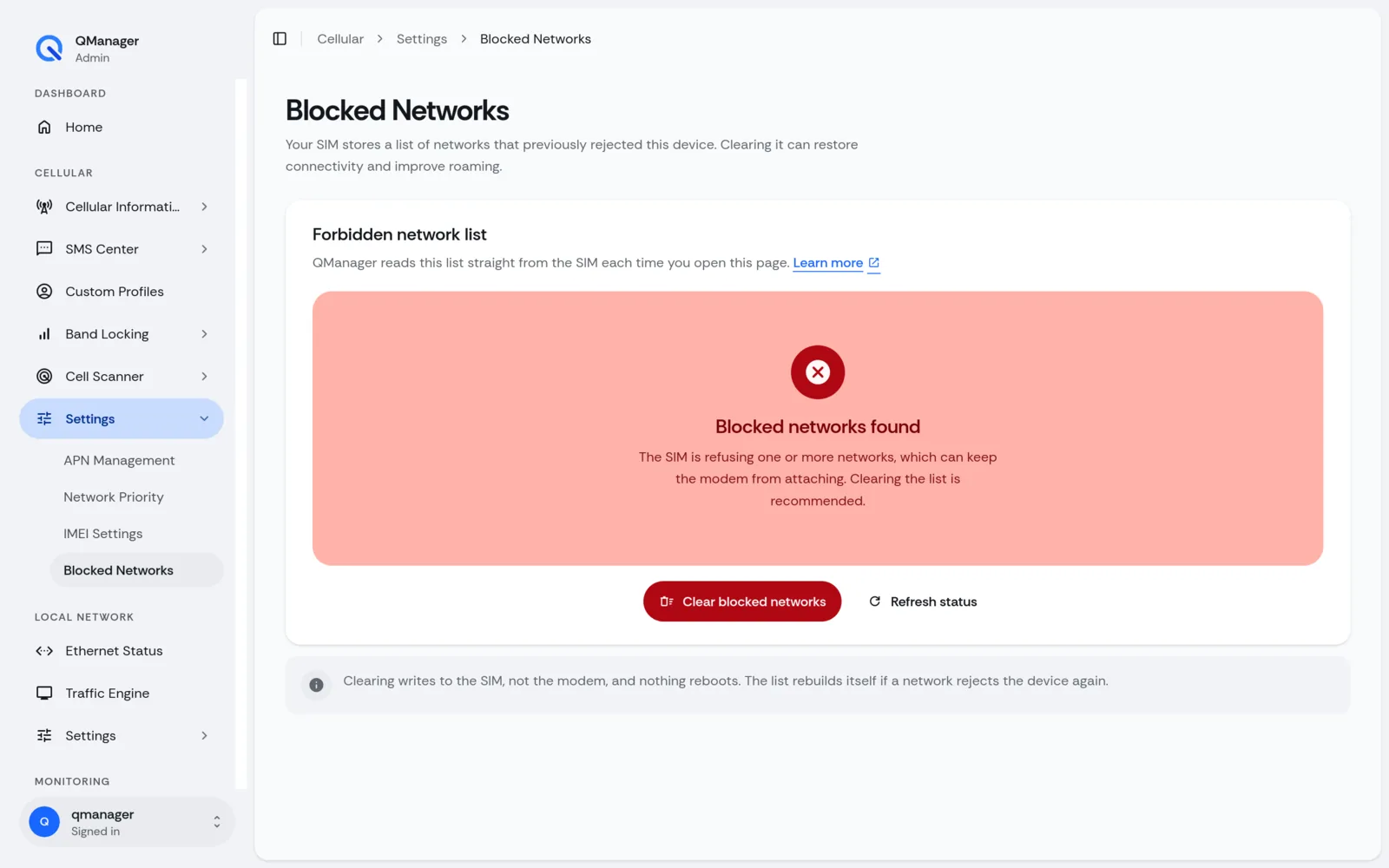
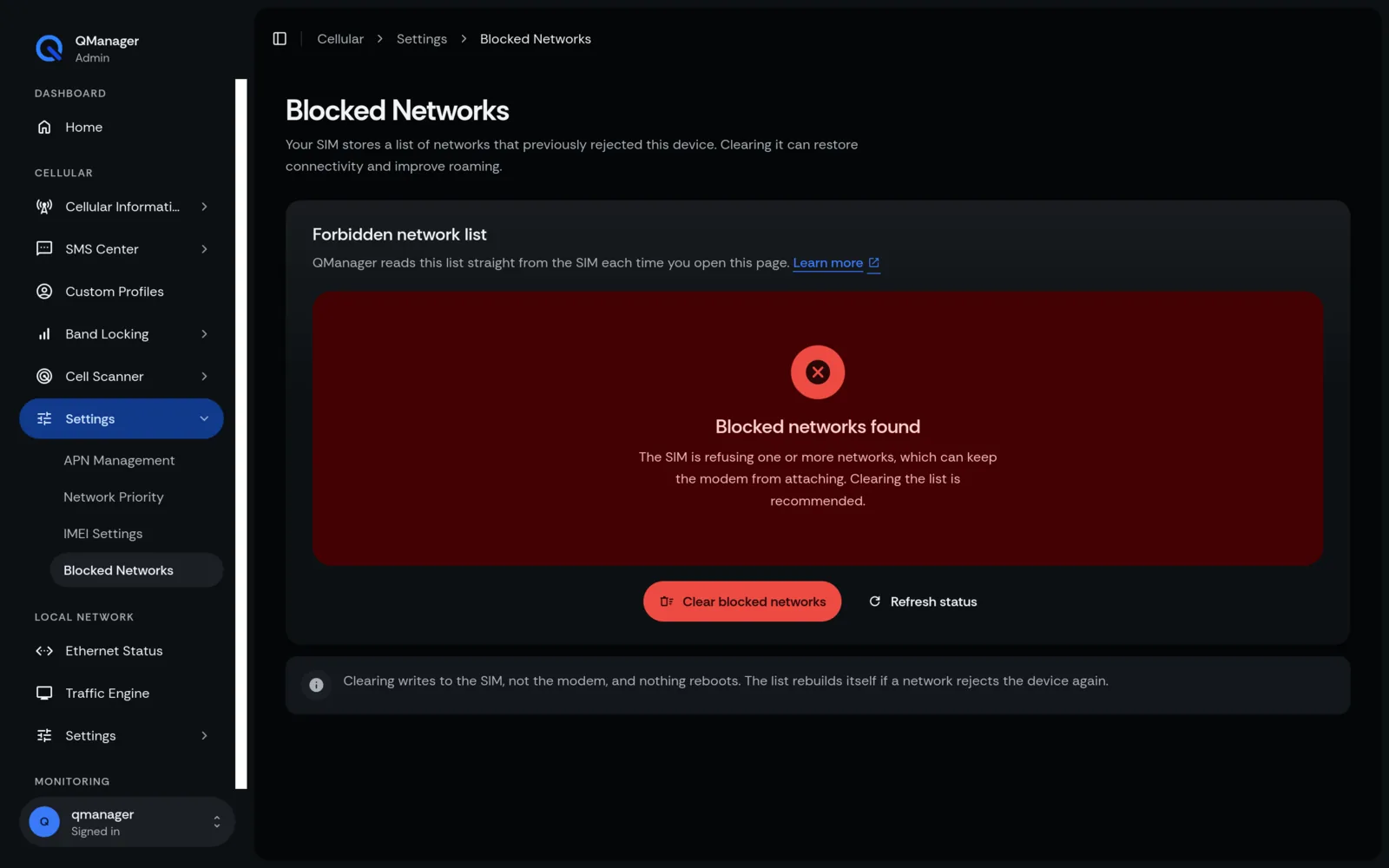
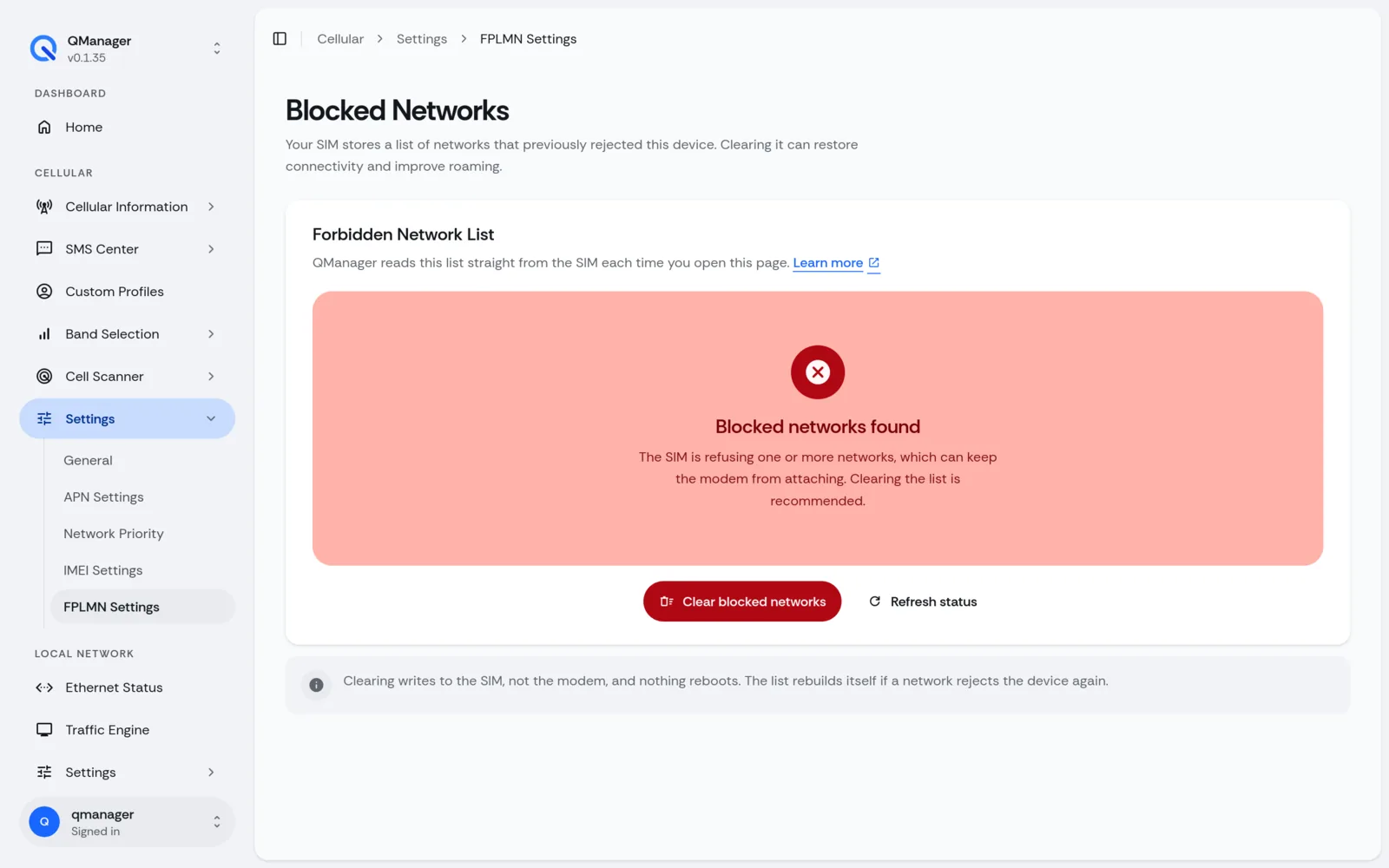
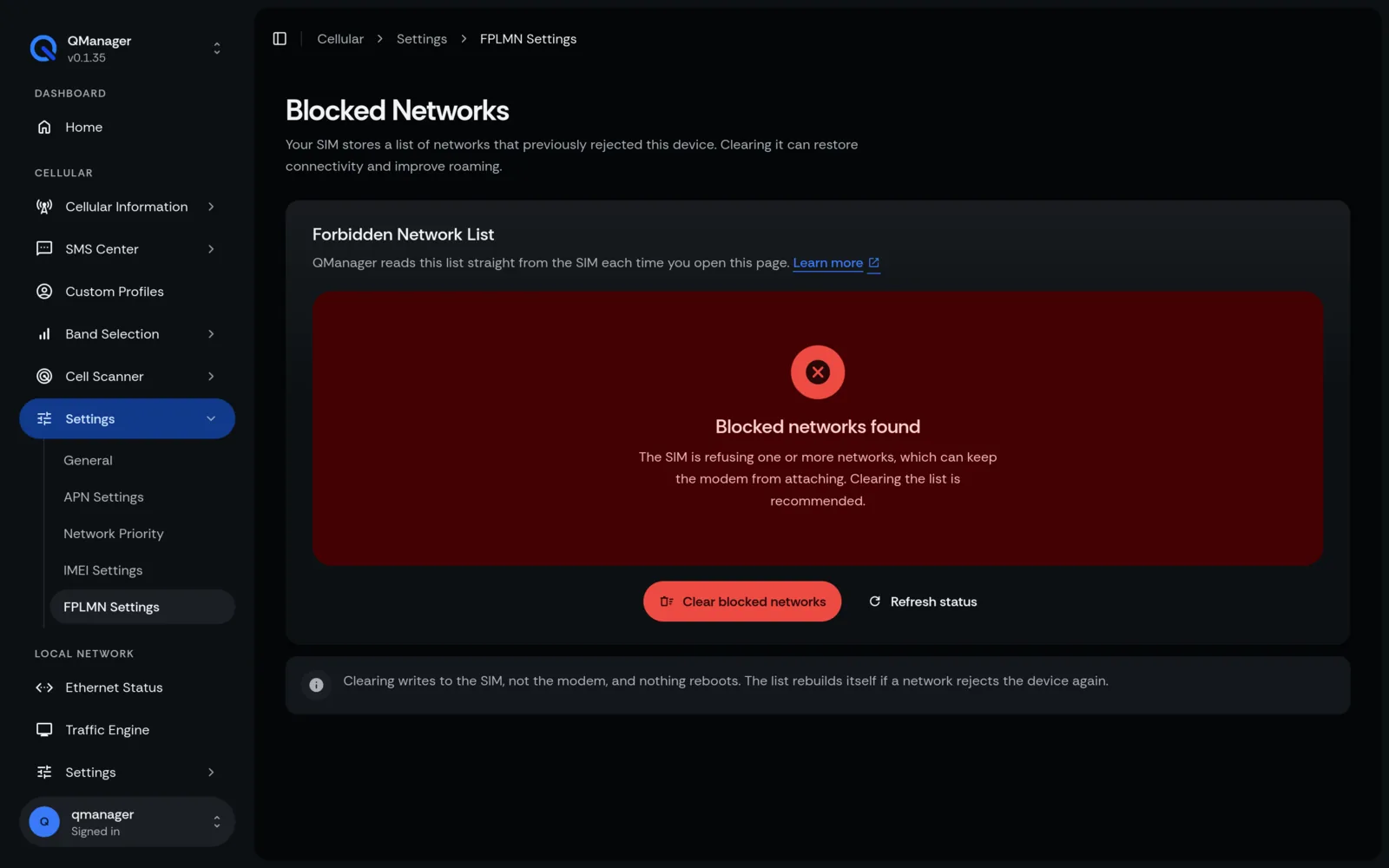
QManager allows you to inspect and clear the SIM card's forbidden list with one click:
- Go to SIM & Profiles > FPLMN Management.
- View current forbidden carrier entries (e.g.
310410,311480). - Click Clear All FPLMN Entries.
Under the hood, QManager writes blank entries directly to the SIM elementary file:
AT
AT+CRSM=214,28539,0,0,12,"FFFFFFFFFFFFFFFFFFFFFFFF"Screens in QManager#