Custom SIM Profiles & Switching
Save complete snapshots (APN + TTL + custom bands) tied to physical SIM cards for instant auto-provisioning.
4 min read · Updated
Custom SIM Profiles & Switching
If you swap SIM cards between multiple providers (e.g. switching between a primary unlimited plan and a backup rural carrier), configuring APN, TTL, and band locks manually each time is tedious and error-prone.
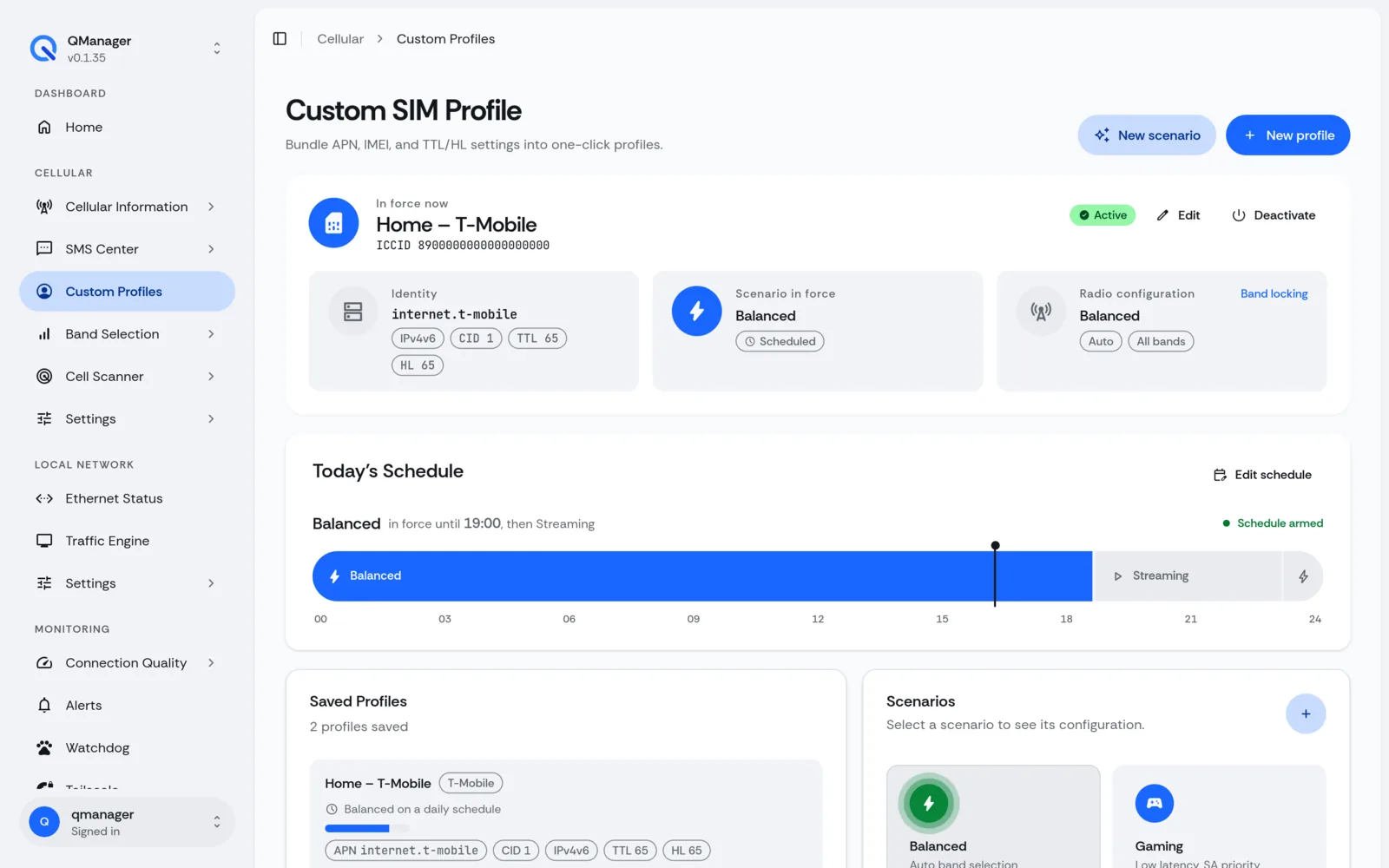
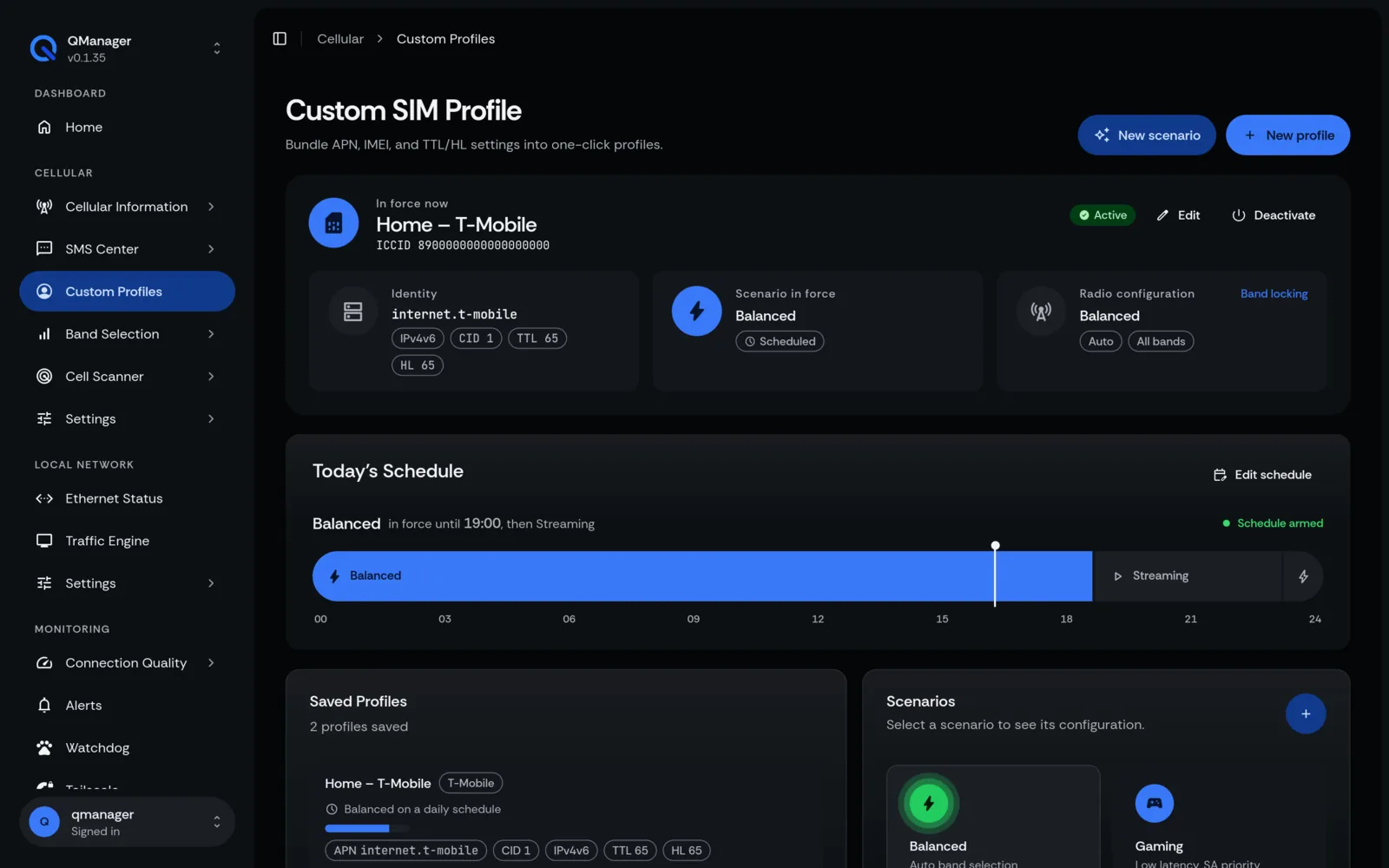
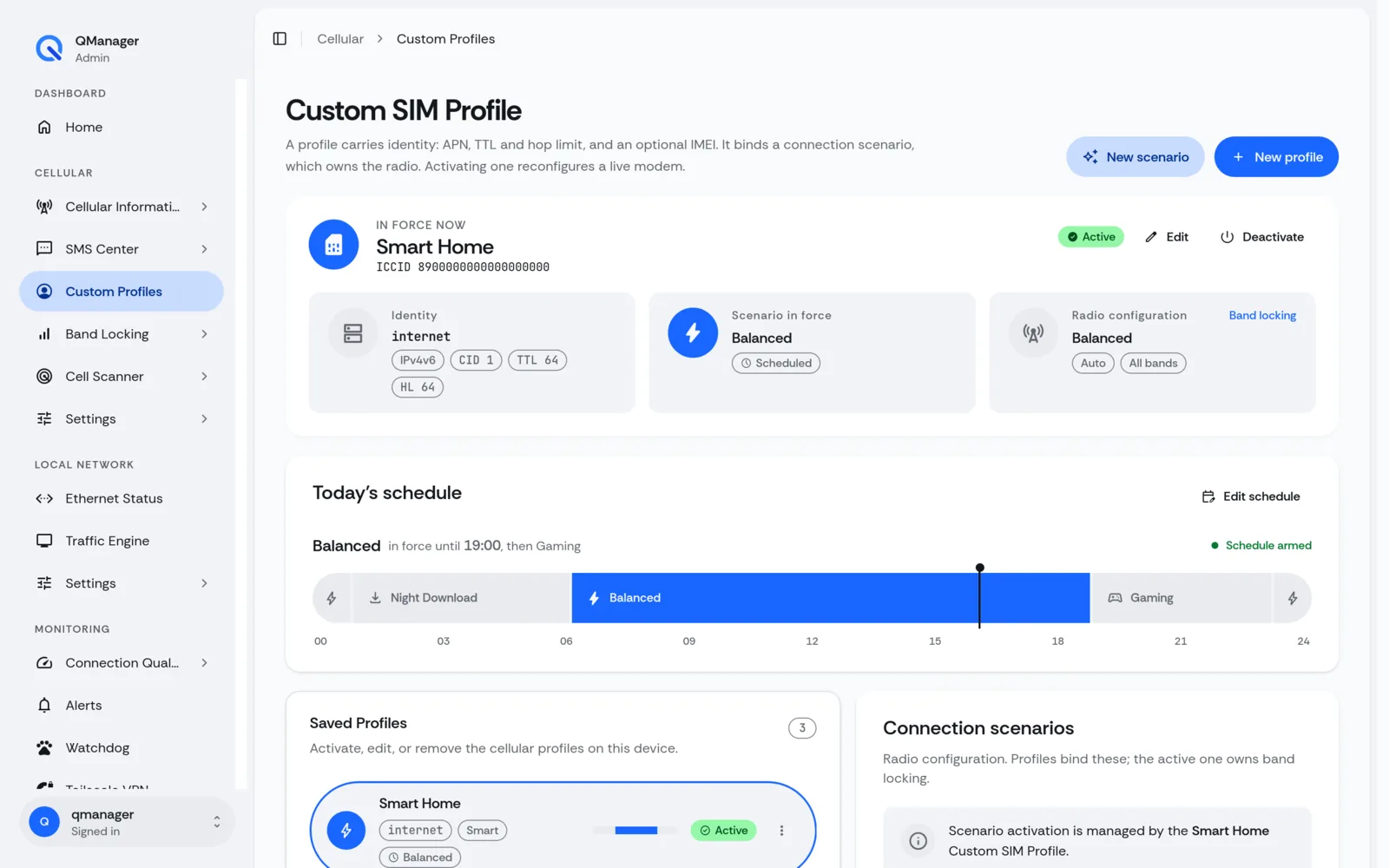
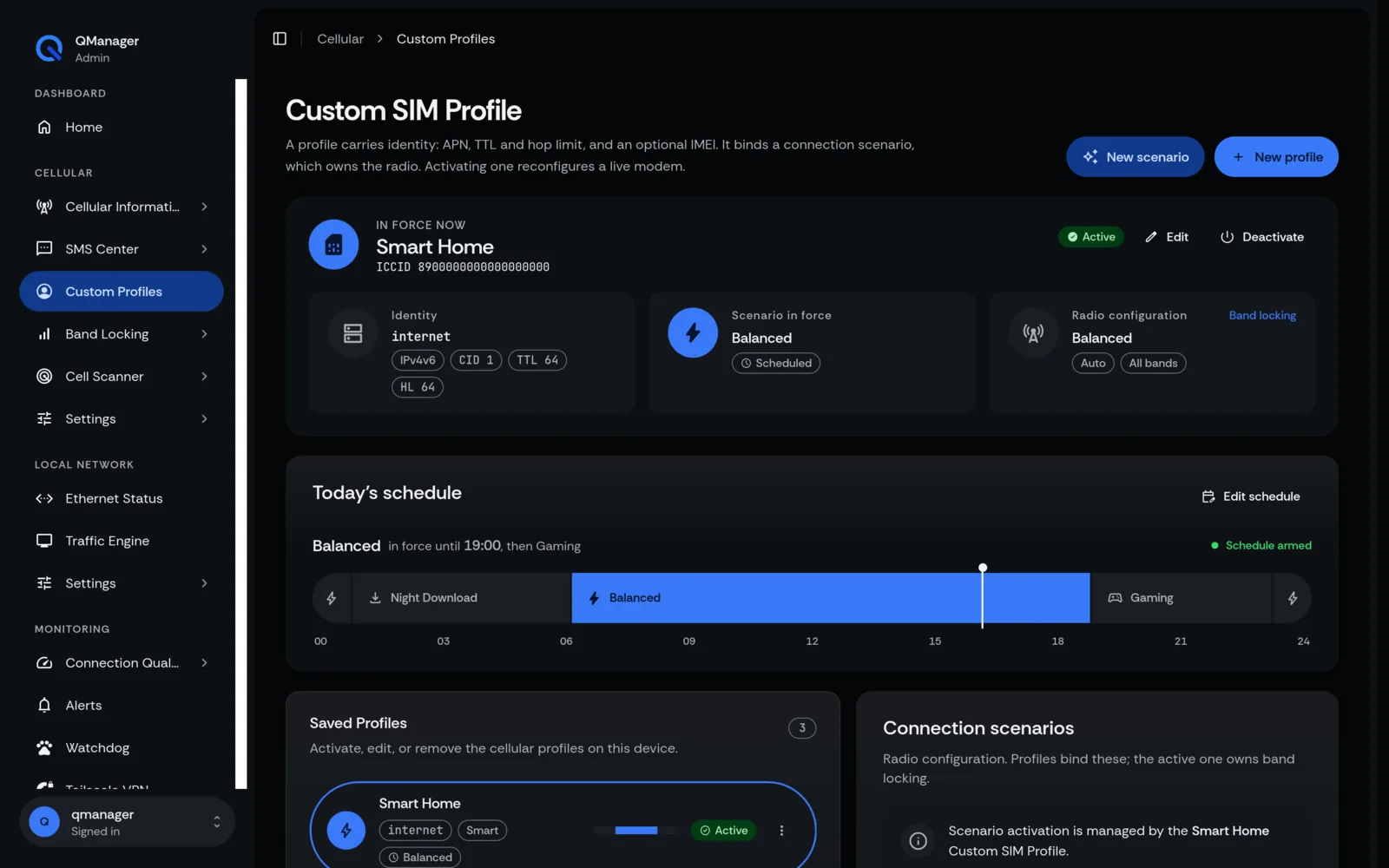
What is a Custom SIM Profile?#
A Custom SIM Profile is a complete, self-contained configuration snapshot saved in QManager's persistent registry.
Attributes Saved in Each Profile#
Each profile stores:
- APN Credentials: APN name, CID, authentication protocol.
- Network Mangling: IPv4 TTL, IPv6 Hop Limit, MTU.
- Radio Policies: Locked LTE/5G bands, network priority mode (NSA vs SA).
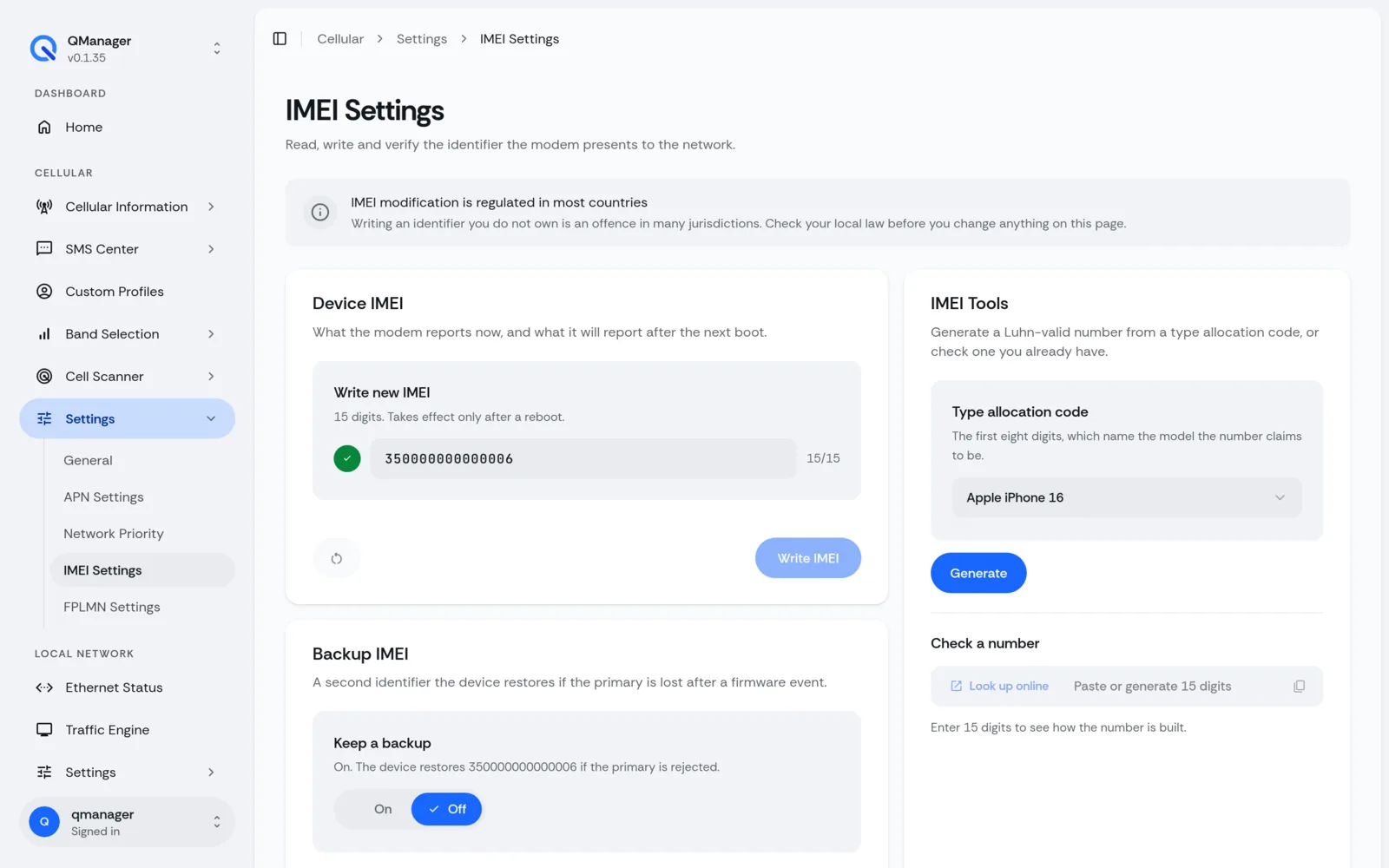
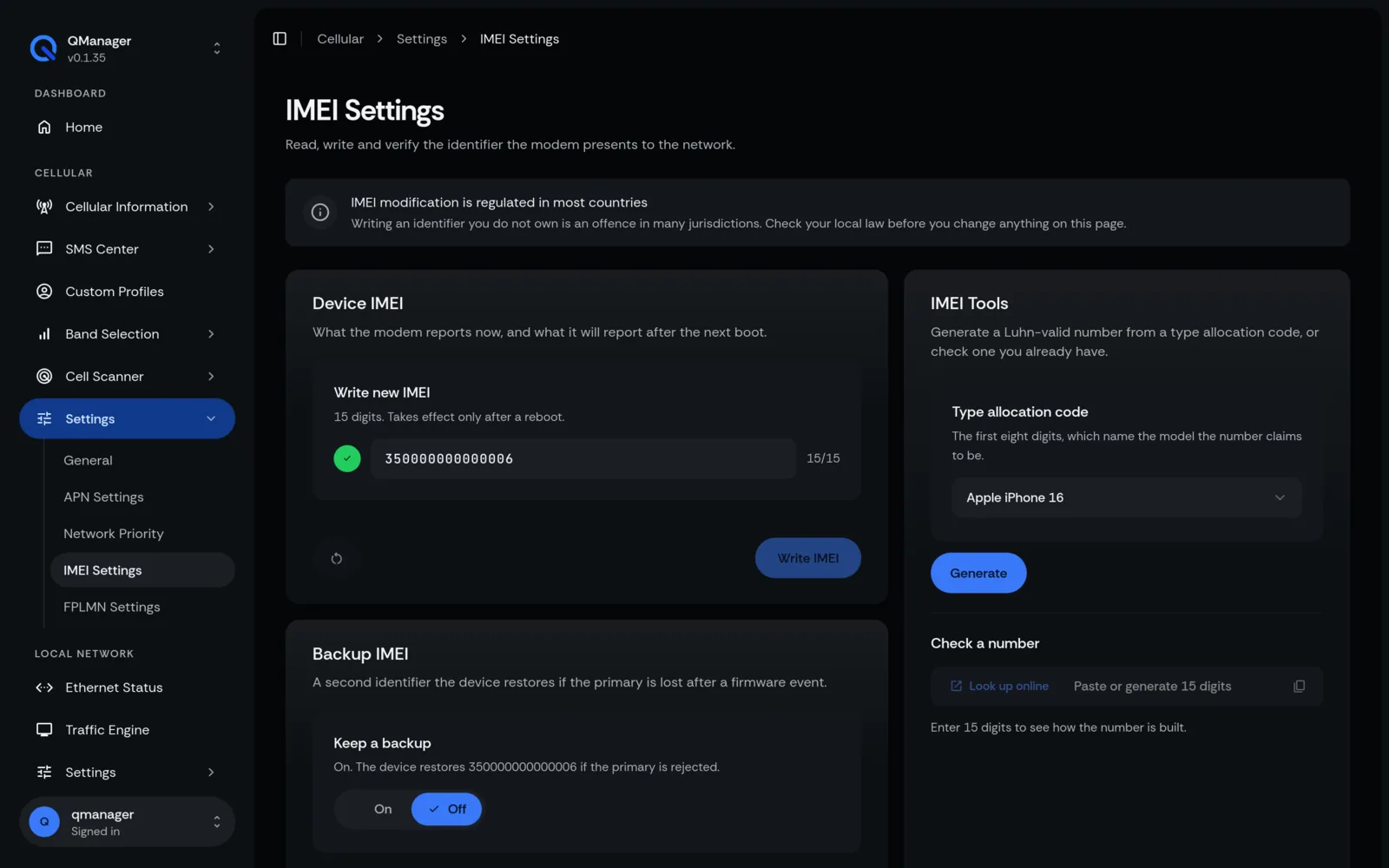
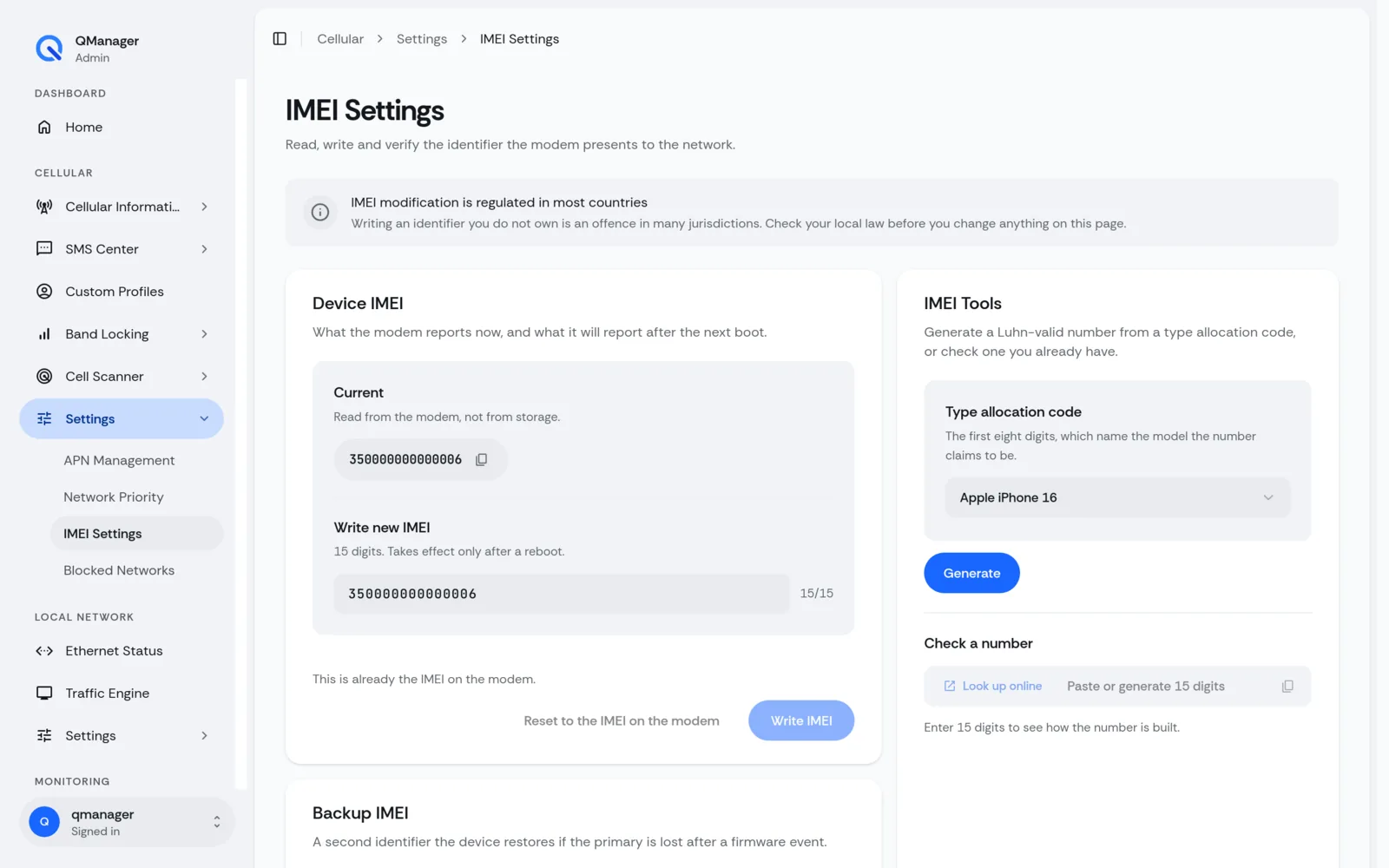
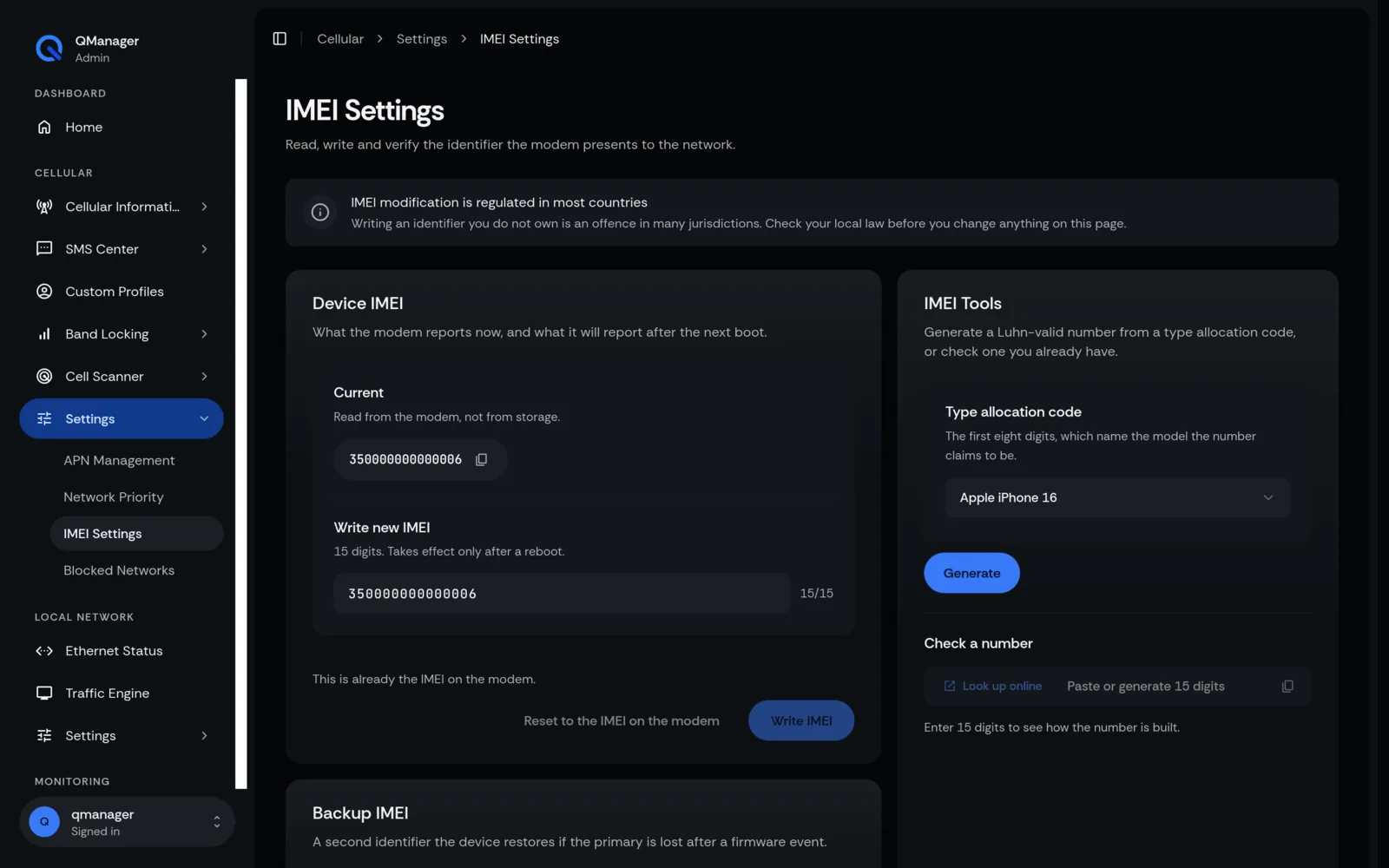
- Optional IMEI: Hardware identity tied to that specific carrier plan.
Automatic Switching on Physical SIM Swap#
When you swap SIM cards, QManager reads the new card's ICCID (Integrated Circuit Card ID) via AT+QCCID:
- Checks the Known SIMs database.
- Identifies the matching profile.
- Automatically applies the appropriate APN, TTL, and band rules in under 5 seconds!
Screens in QManager#