SMS Inbox, Outbox & PDU Dispatch
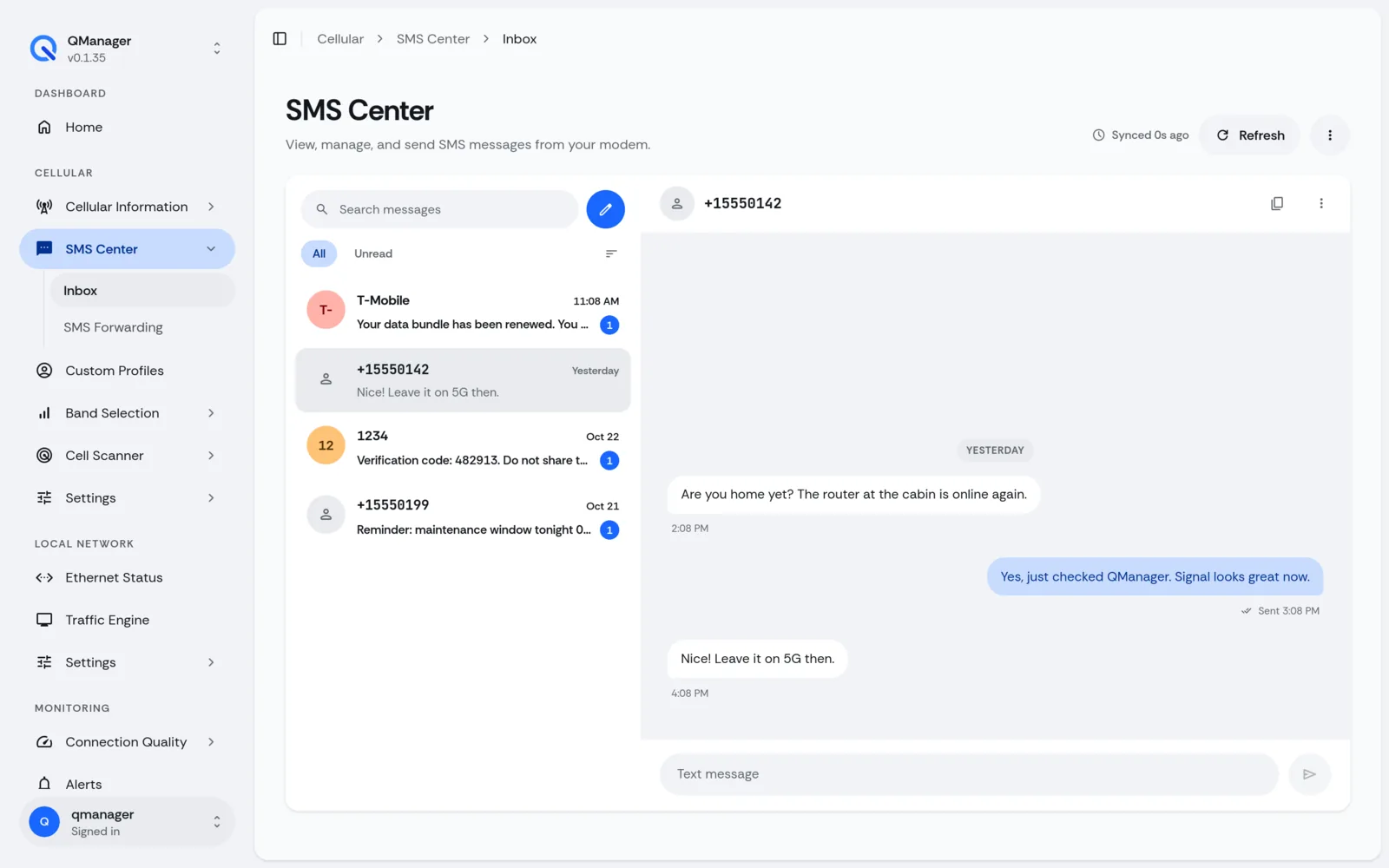
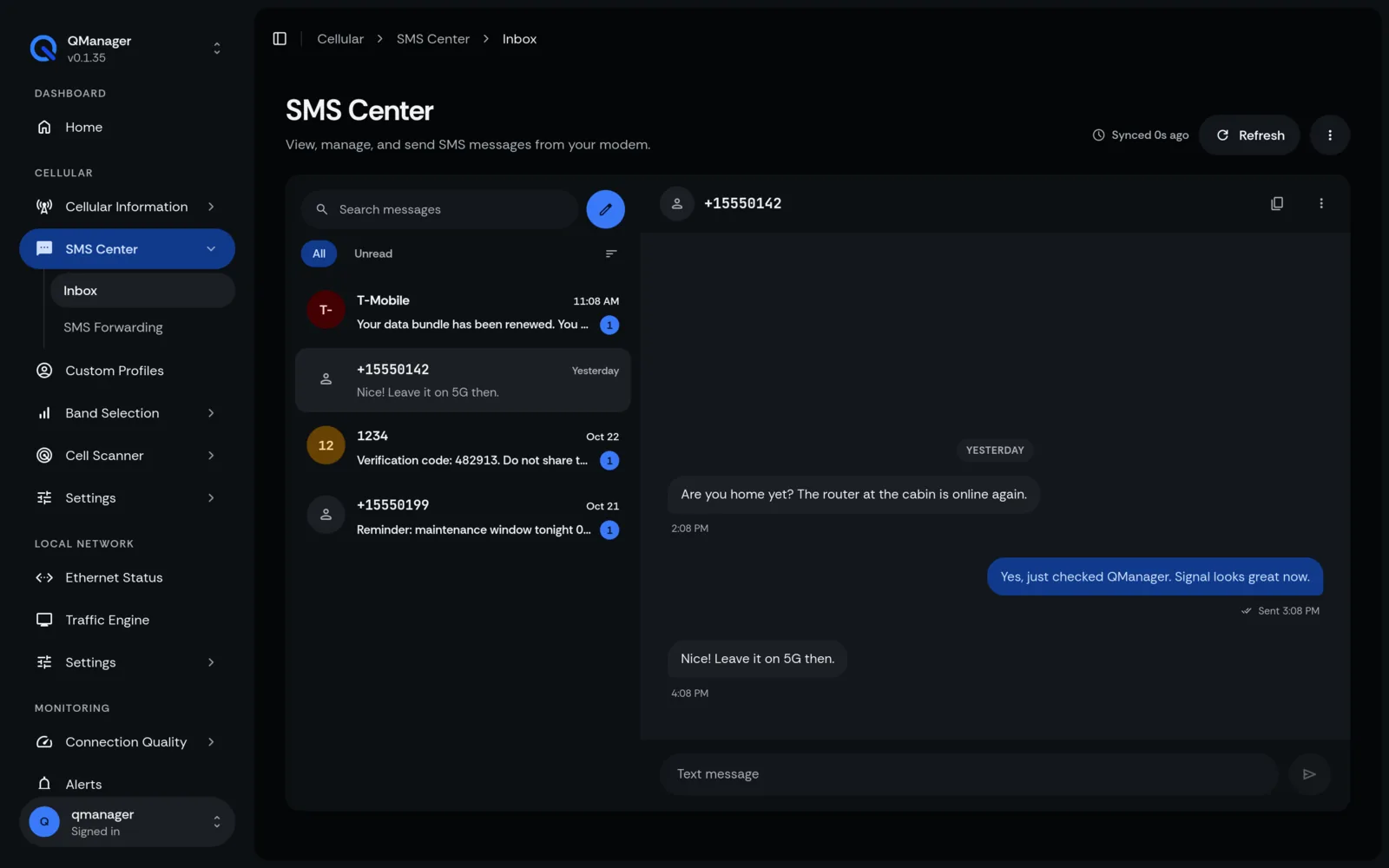
Send and receive SMS messages directly in the web browser with full Unicode and multi-part support.
4 min read · Updated
SMS Inbox, Outbox & PDU Dispatch
Manage cellular text messages without taking your SIM card out of the router.
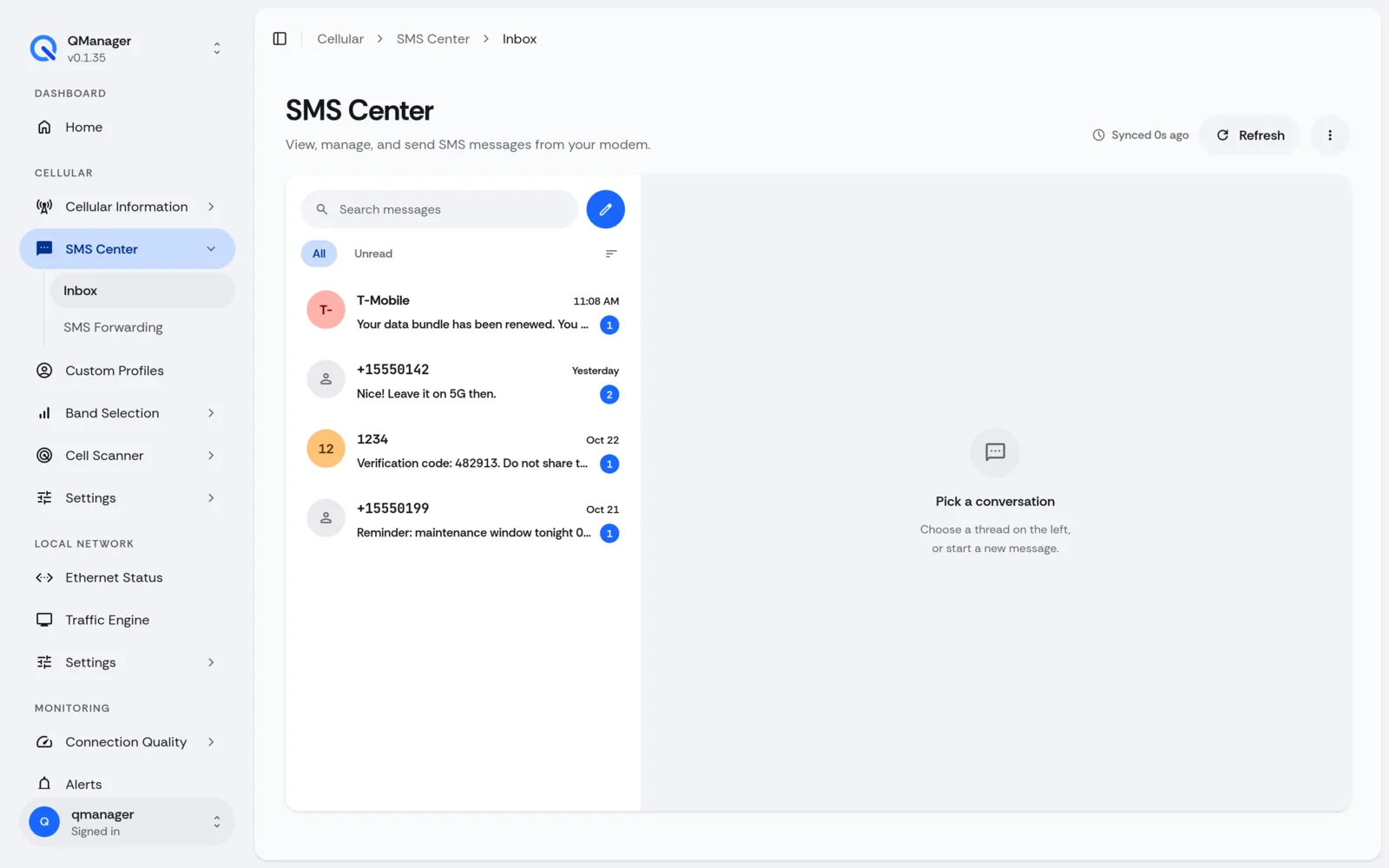
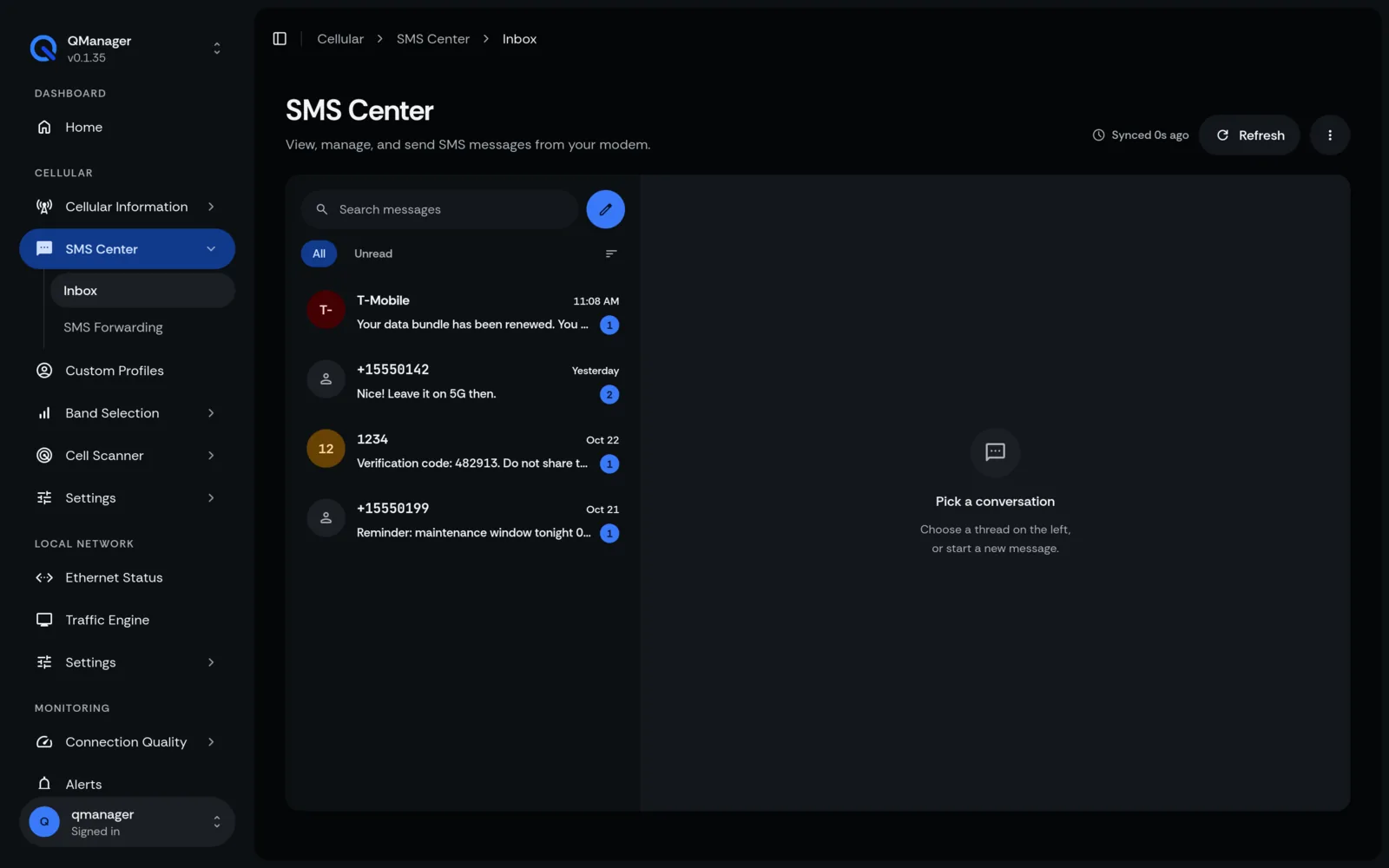
Browser SMS Client Features#
- Full Unicode Support: Supports UTF-8 and GSM 7-bit characters, emojis, and non-Latin alphabets (Arabic, Cyrillic, Chinese).
- Multi-part Concatenation: Automatically joins multi-part SMS messages into single readable conversations.
- Real-Time Badge Counters: Unread SMS counter appears directly in QManager's top navigation bar.
Sending SMS Messages#
- Go to Messages > SMS.
- Click Compose Message.
- Enter recipient phone number with international country code (e.g.
+12025550199). - Type message and click Send.
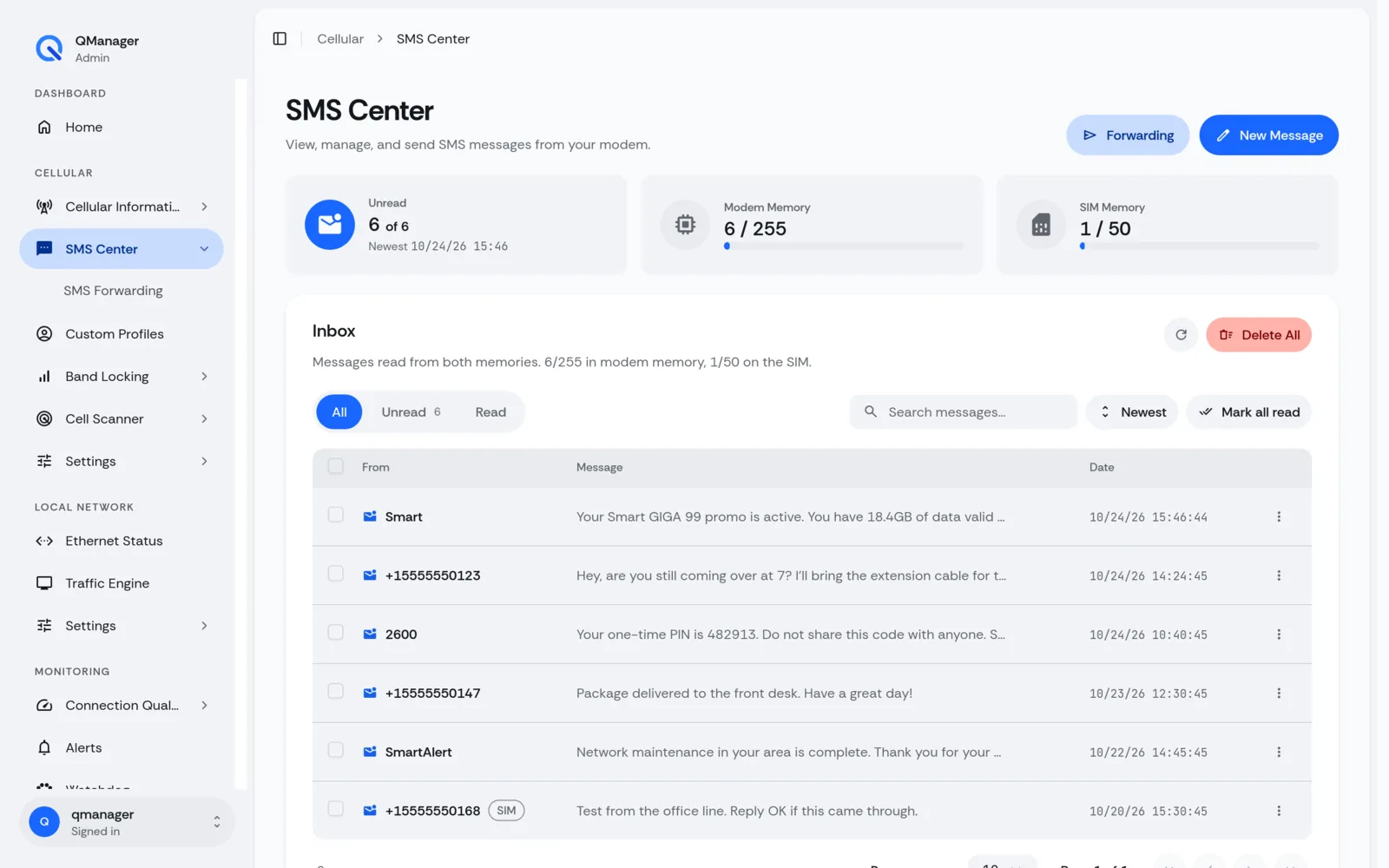
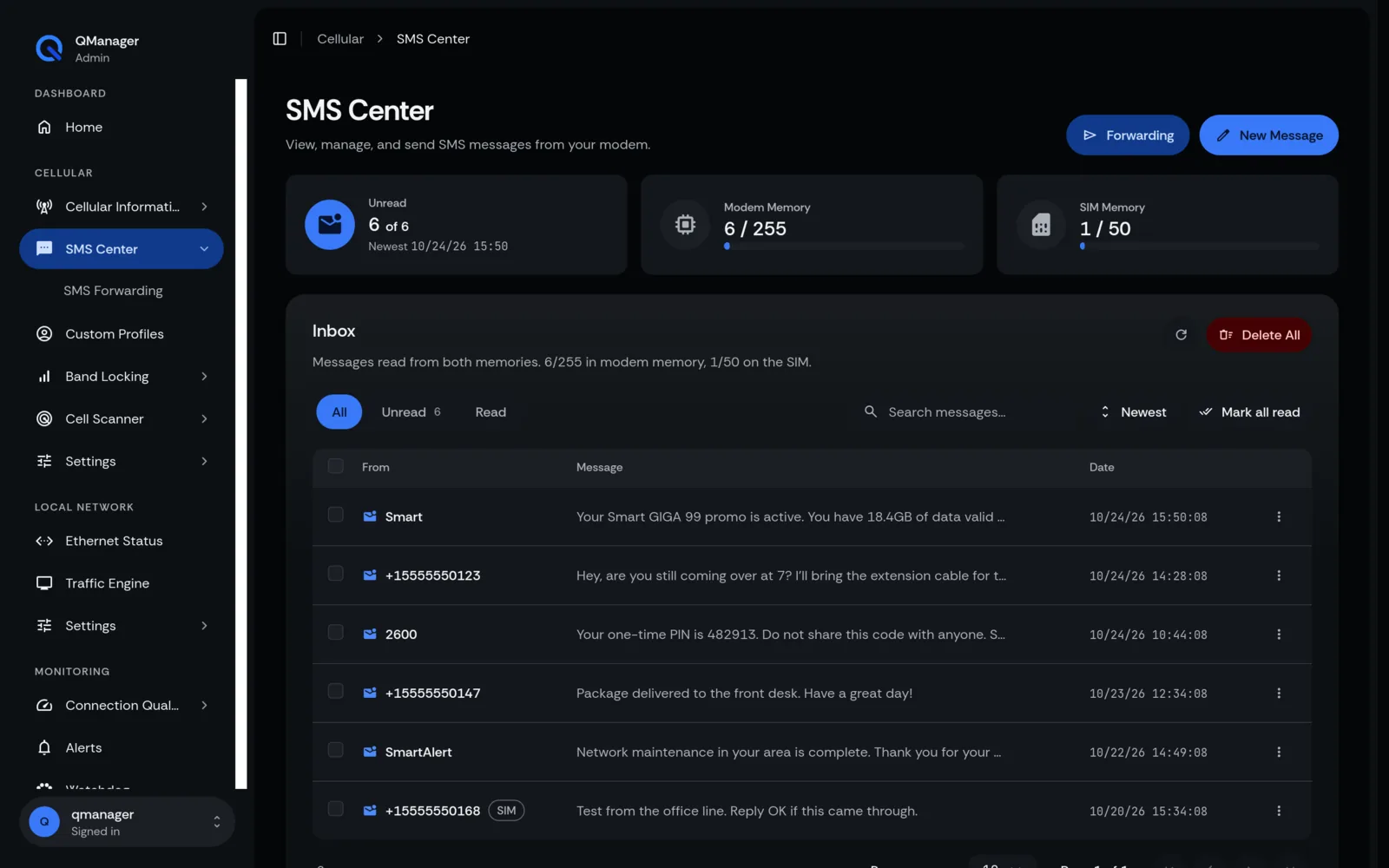
SIM vs ME Storage Management#
Quectel modems can store SMS messages in the SIM card memory (SM) or the modem's onboard flash (ME). QManager allows you to select storage locations and provides a one-click Clear Read Messages button to prevent SIM storage overflow.
Screens in QManager#