
Introduction & Architecture Overview
What is QManager? A modern, custom web GUI and control suite for Quectel cellular modems.
4 min read · Updated
Introduction & Architecture Overview
QManager is an instrument-grade, custom web GUI and management suite built specifically for Qualcomm Snapdragon-based Quectel cellular modems (such as the RM551E-GL, RM520N-GL, RM521F, RG501, RM502, and RM500Q-GL). Rebuilt from the ground up as the modern successor to SimpleAdmin, it provides deep cellular diagnostic capabilities, automated watchdog recovery, carrier configuration, and high-frequency live telemetry directly on the device.
What is QManager?#
Unlike traditional generic router interfaces that treat cellular modems as black-box USB modems, QManager communicates directly with Quectel's cellular baseband firmware via high-speed serialized AT command channels, QMI multiplexing, and direct kernel sysfs hooks.
It gives network engineers, home lab enthusiasts, and field technicians the exact same level of insight and control normally reserved for proprietary diagnostic software like Qualcomm QXDM or Quectel QNavigator—accessible from any browser without installing desktop software.
The Two Hardware Architectures: RM551E vs RM520N & X5*/X6*#
QManager is engineered across two primary hardware architectures to match the modem generation:
- RM551E Series (Snapdragon X75): The Quectel RM551E runs a dedicated on-board custom OpenWRT baseband environment. It executes shell CGI scripts and serves its web GUI via
uhttpddirectly inside the modem. - RM520N & Qualcomm X5*/X6* Lineup (Snapdragon X62/X65 & X55): The
QManager-RM520Nbuild runs native on-modem Qualcomm Linux (Kernel 5.4 Poky/LE) usinglighttpdandsystemd. While named after the RM520N-GL reference platform, it is architecturally compatible with modern Qualcomm Snapdragon X5* or X6* modems running on-modem Linux. It has been battle-tested on the RM520N-GL reference platform and hardware-probed on the RG501Q-EU; feedback and testing from users on other models (such as RM521F, RM502, and RM500Q) are welcomed! - Qualcomm Snapdragon Ecosystem Rule: Engineered for modern Qualcomm Snapdragon 5G modems (X75, X62/X65, X55). Older Qualcomm Snapdragon X20/X24 modems (such as EM120K and EM160R) are unvalidated and untested by the developer. Non-Qualcomm chipsets (ASR, Unisoc, MediaTek like RG500U, EC200, EG25) lack Qualcomm diagnostic hooks and are not supported.
| Feature / Aspect | RM551E Series (Custom OpenWRT) | RM520N Series (Native Linux) |
|---|---|---|
| Baseband Processor | Qualcomm Snapdragon X75 | Qualcomm Snapdragon X62 / X65 (SDXLEMUR) |
| Execution Environment | Custom On-Modem OpenWRT | On-Modem Poky Linux (ARMv7l SDXLEMUR, Kernel 5.4) |
| Physical Setup | Standalone modem in an M.2-to-Ethernet board, plugged into any router's WAN port | Standalone modem in an RGMII/Ethernet breakout board, plugged into any router's WAN port |
| HTTP Web Server | Embedded uhttpd | Entware lighttpd running on modem |
| Process Supervision | procd services | systemd unit files |
| Network Control | OpenWRT uci and netifd | Direct sysfs, iproute2, and iptables mangling |
| Primary Repository | dr-dolomite/QManager | dr-dolomite/QManager-RM520N |
The Same App on Both Modems#
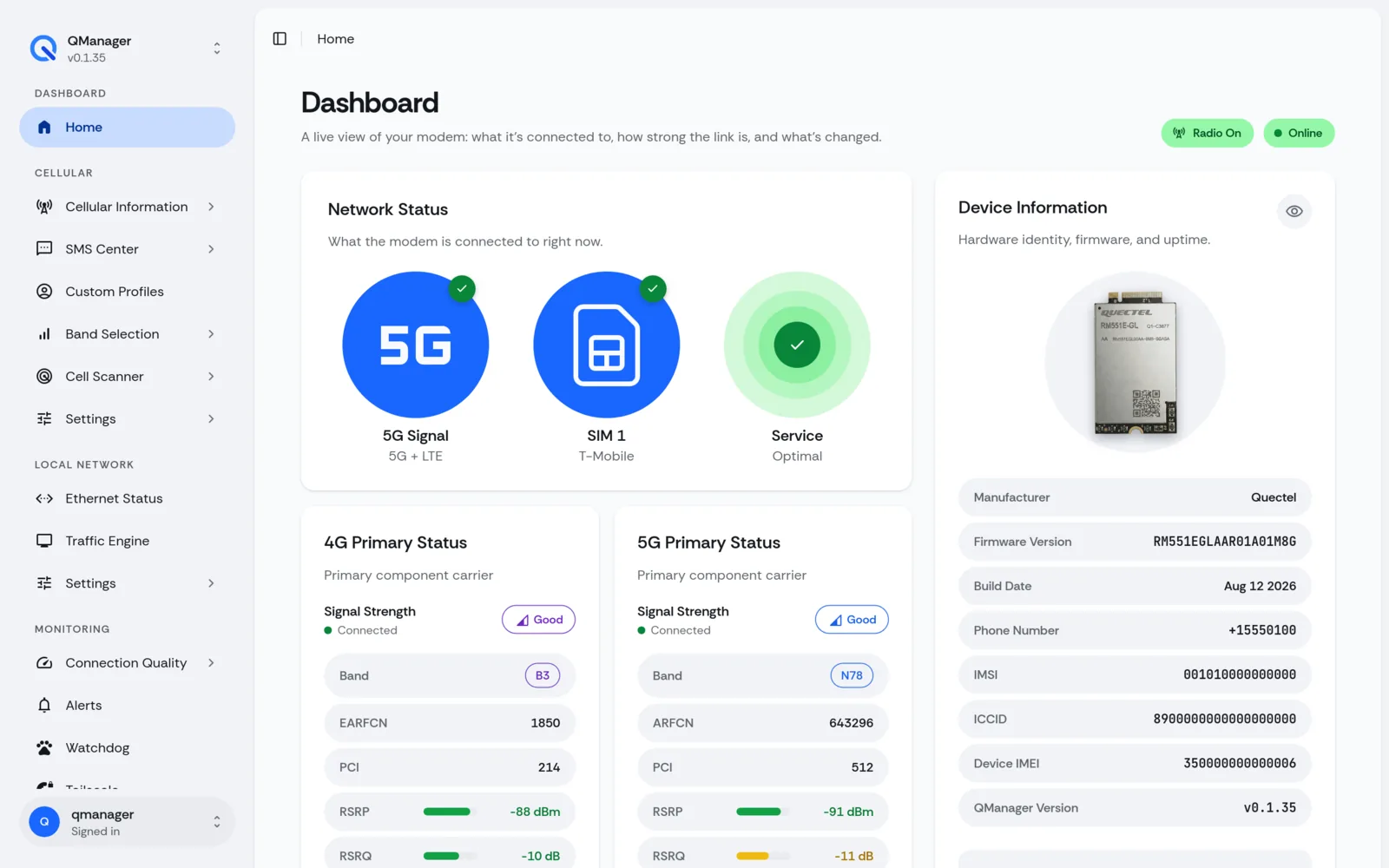
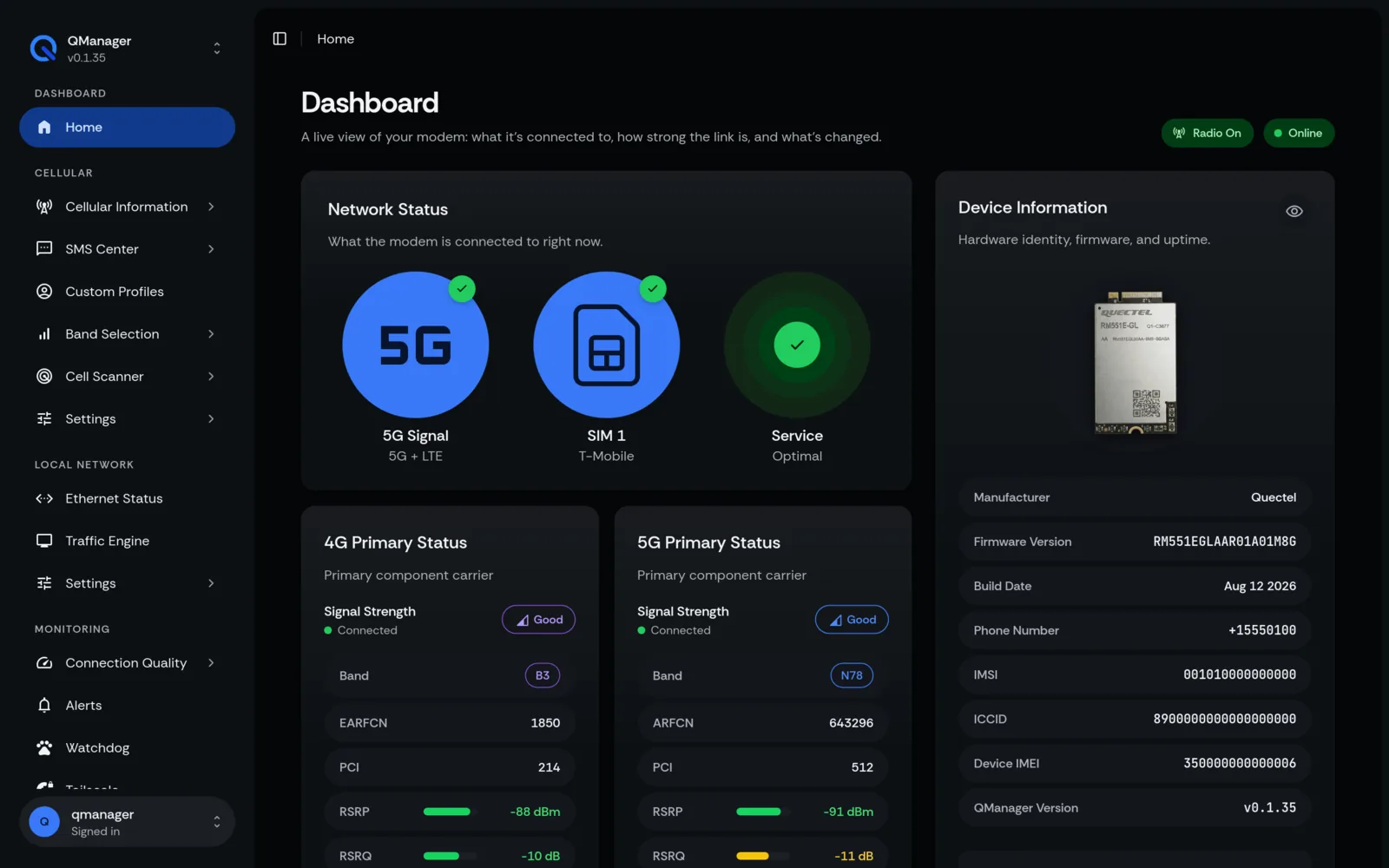
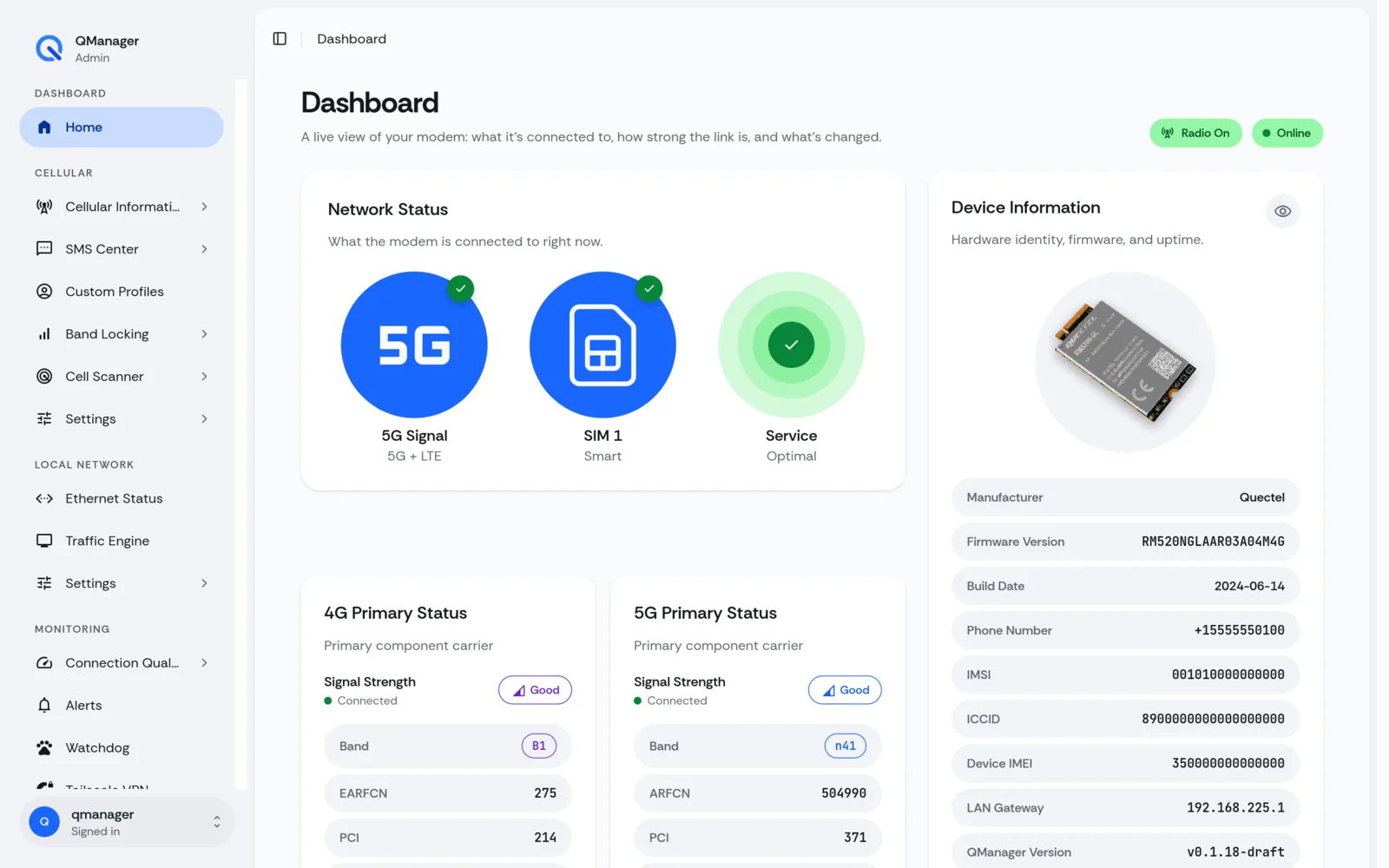
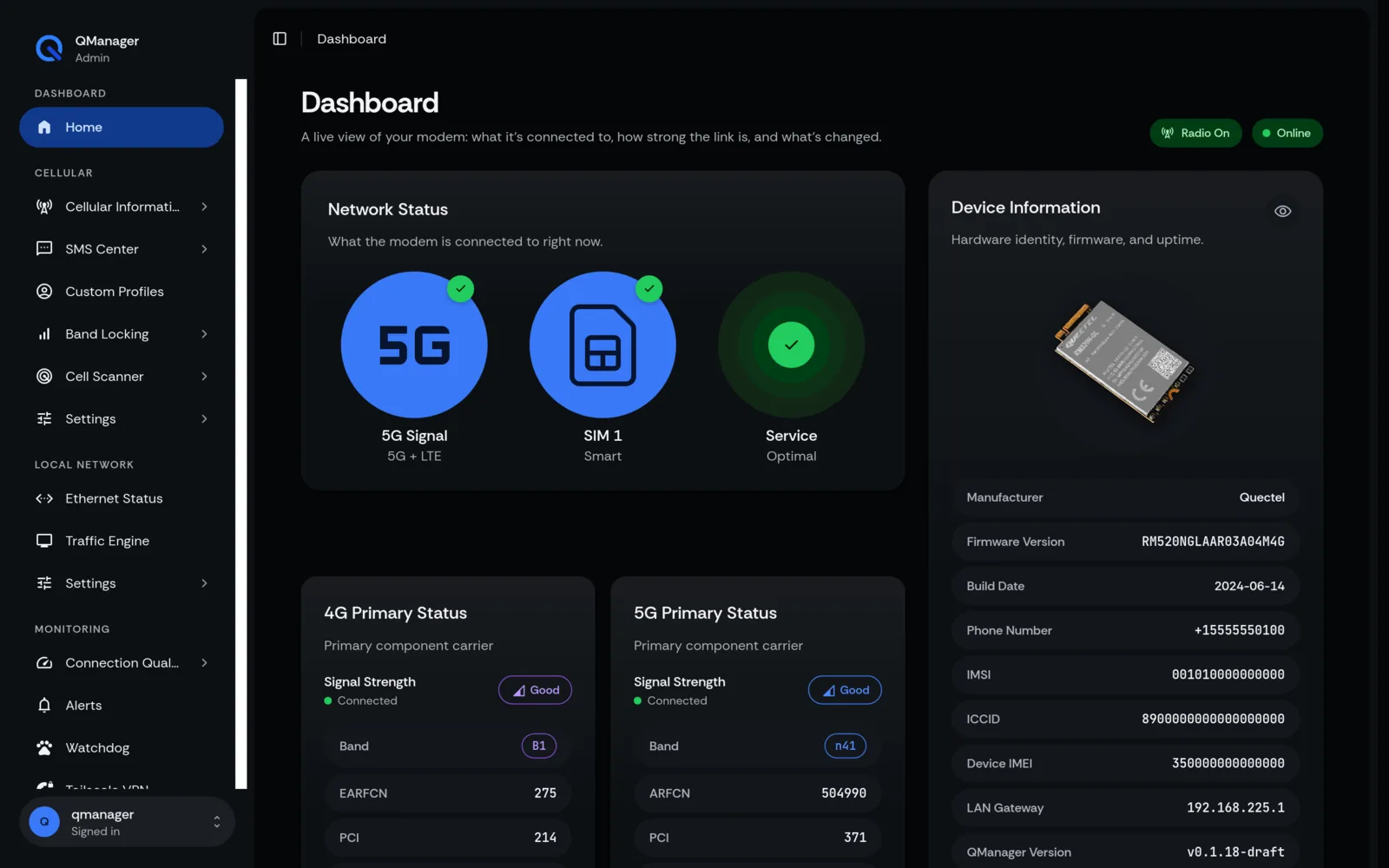
Core Capabilities#
- Real-Time 4x4 MIMO Signal Diagnostics: View live RSRP, RSRQ, SINR, and RSSI per antenna port with 30-minute historical telemetry graphs.
- Precision Band & Tower Locking: Lock your connection to specific LTE or 5G NR frequency bands, or lock directly to a physical cell tower (PCI / EARFCN / ARFCN) with automated safety unlocking.
- 4-Tier Watchdog Resilience: Multi-stage auto-recovery pipeline: network interface reset (
ifup) → radio toggle (CFUN=0/1) → dual SIM failover → full system reboot with token-bucket rate limiting. - Network Mangling & Bypassing: Built-in IPv4 TTL and IPv6 Hop Limit mangling (
iptables/nftables) to bypass carrier mobile hotspot throttling. - Carrier Aggregation (CA) Breakdown: Real-time display of Primary Carrier (PCC) and Secondary Component Carriers (SCC1–SCC3) with aggregated downlink/uplink channel bandwidth.
- Embedded AT Terminal: Safe, serialized interactive AT command console with history and auto-complete.
- Integrated VPN & Remote Access: One-click setup for Tailscale and Netbird mesh VPNs to monitor your modem remotely behind CGNAT without public IPs.
Design Philosophy: Colour on the Data#
QManager follows a strict instrument console aesthetic:
- Colour belongs to data, not furniture: The interface utilizes an ultra-deep navy ground (
oklch(0.120 0.008 258)), dark slate cards (oklch(0.170 0.009 258)), and sharp blue accents (oklch(0.605 0.200 262)). - Hue carries semantic meaning: Blue signifies NR/5G and user action; Violet represents 4G LTE; Rose denotes downlink; Cyan denotes uplink; and explicit Green/Yellow/Red scales represent signal quality.
- Zero bloat: No heavy client frameworks or large external dependencies on the modem.
Community Heritage & Acknowledgments#
QManager stands on the shoulders of dedicated researchers and engineers in the open-source cellular modem community. We gratefully acknowledge their foundational tooling, reverse engineering, and documentation:
- Cameron Thompson (
iamromulan): Creator of the Cellular Modem Wiki, Quectel RGMII Toolkit, and QuecDeploy. Cameron's reverse engineering of Quectel RGMII setups, Multi-PDP context routing (AT+QMAP="mpdn_rule"), Qflash/EDL test-point unbricking procedures, Realtek RTL8125 PCIe stability patches, and T-Mobile CA EFS combos established the modern open-source standard for standalone Quectel deployments. - Nate Carlson: Author of early RGMII documentation, carrier board pinout mapping, and foundational AT terminal bridging techniques over virtual PTYs (
socat-at-bridge). - aesthernr & rbflurry: Authors and maintainers of SimpleAdmin, the pioneering OpenWRT cellular dashboard whose early architecture inspired QManager's clean-slate redesign.
- carp4: Reverse engineer responsible for solving the mathematical challenge/response algorithm behind Quectel's
AT+QADBKEY?challenge, creating the open-sourceqadbkey-unlockutility.
Screens in QManager#
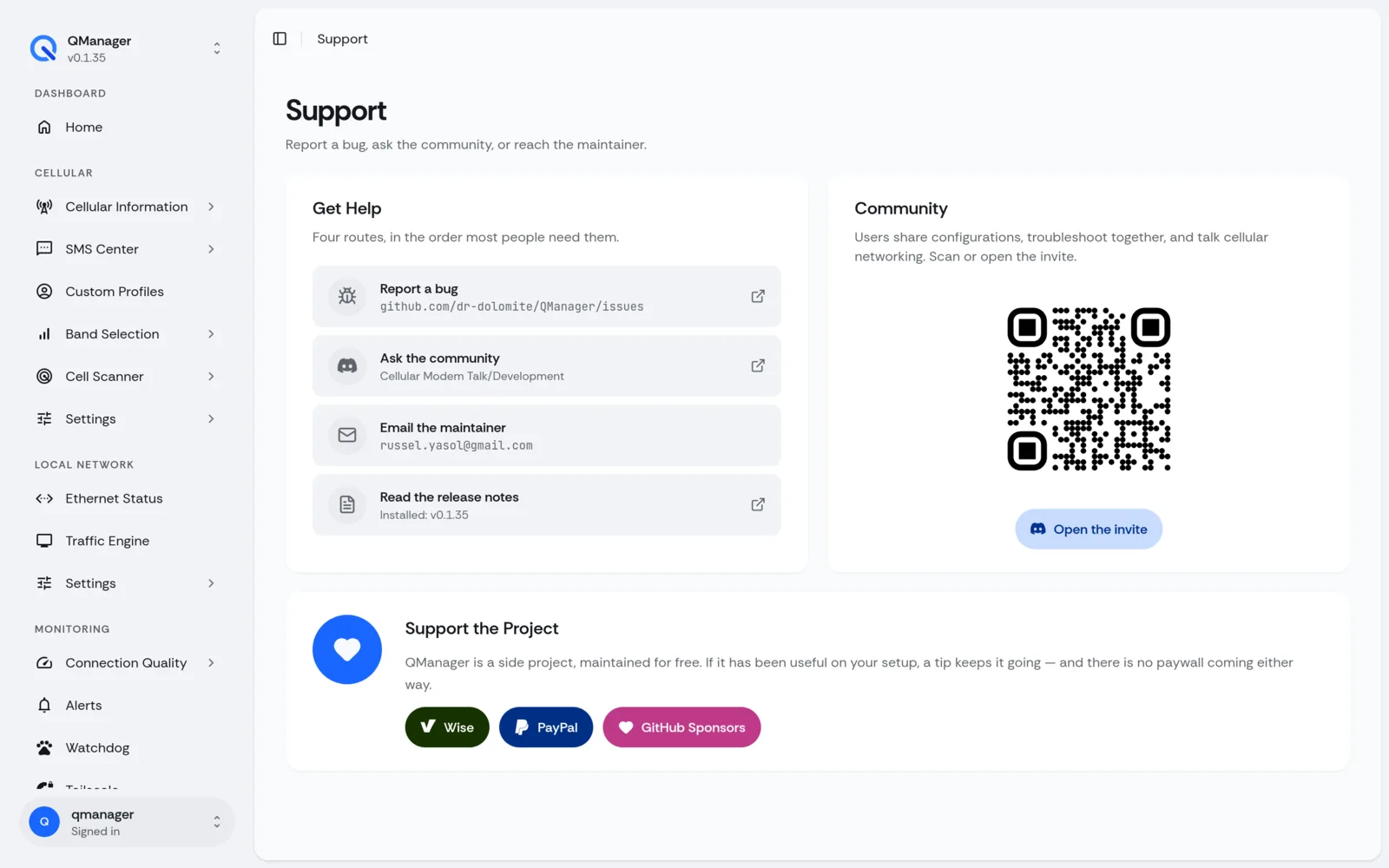
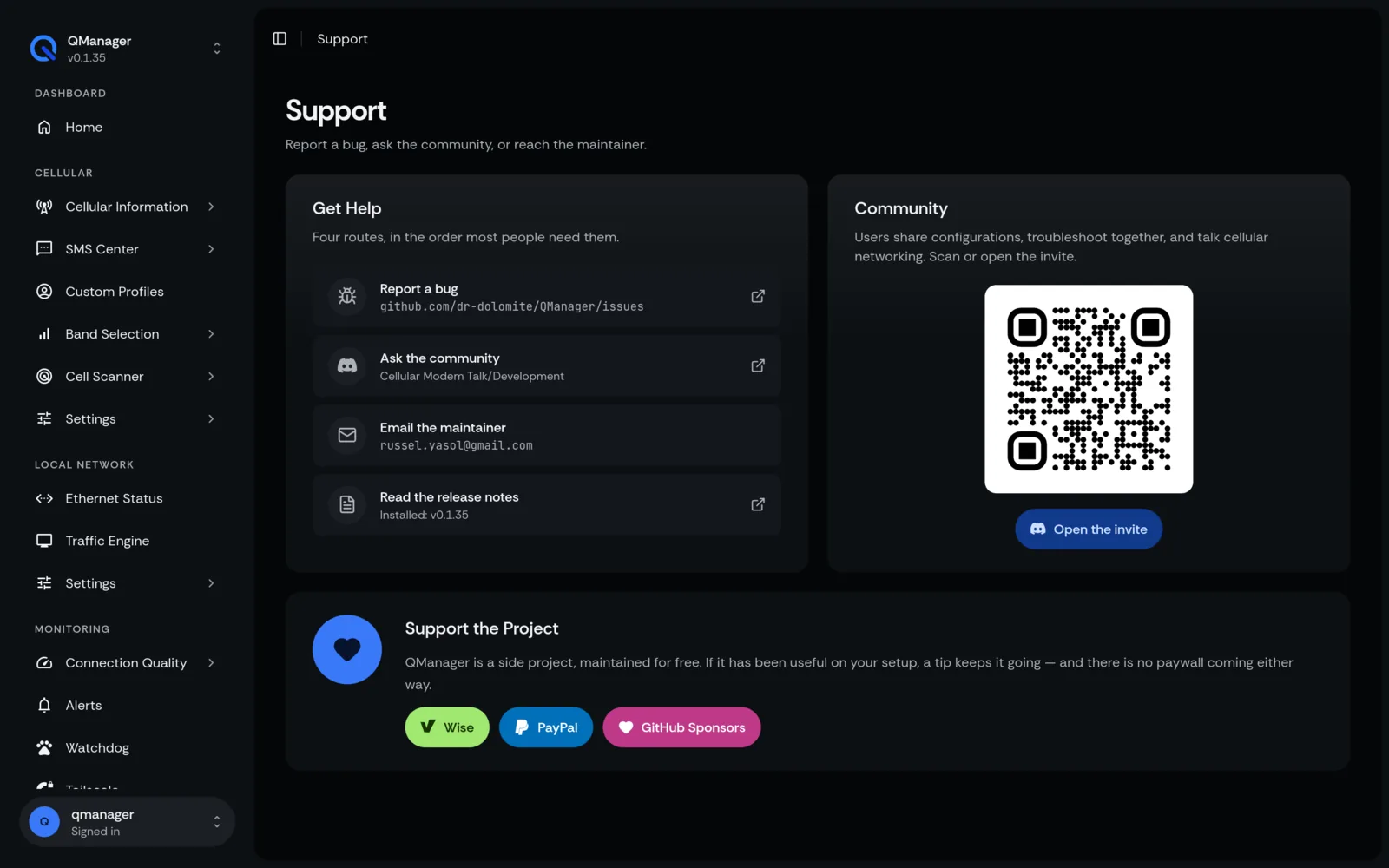
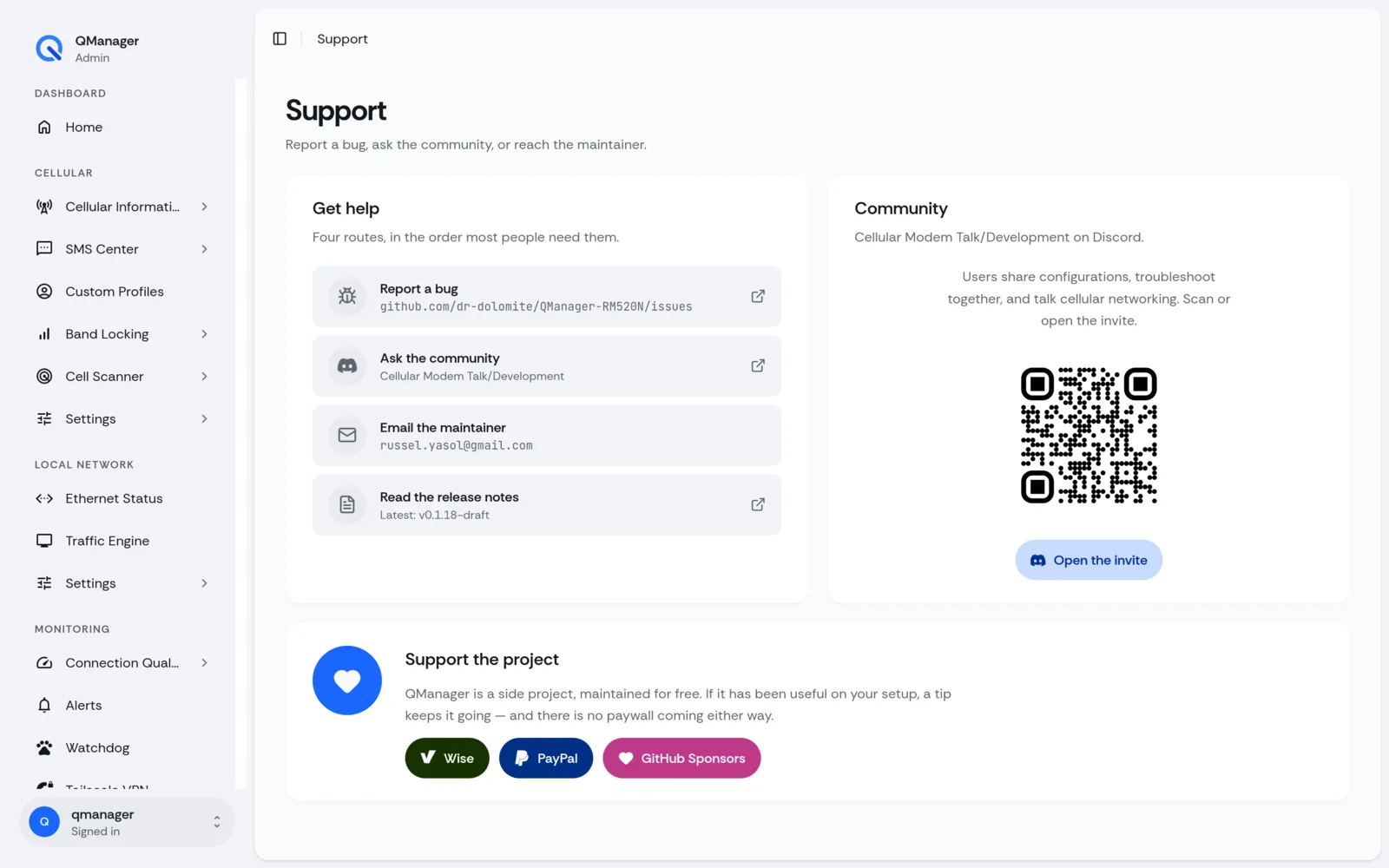
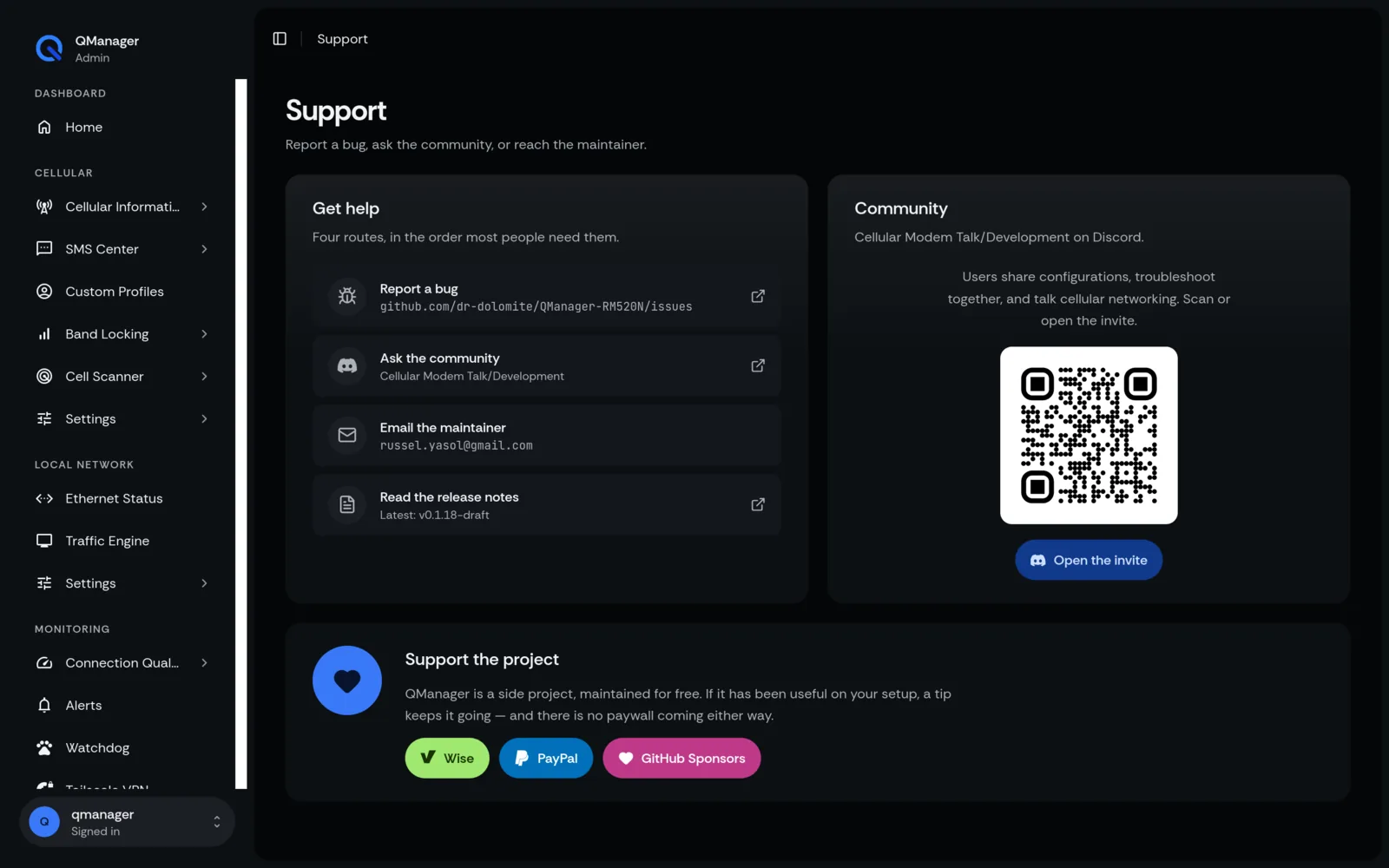
Next Steps#
- Check Hardware Compatibility to verify your modem chipset and standalone Ethernet board, then plug it into any router's WAN port.
- Follow the RM551E Series Installation or RM520N & Qualcomm X5*/X6* Installation guide to deploy QManager in under 2 minutes.
- Learn how to configure your APN and optimize signal reception in Signal & Cellular Operations.