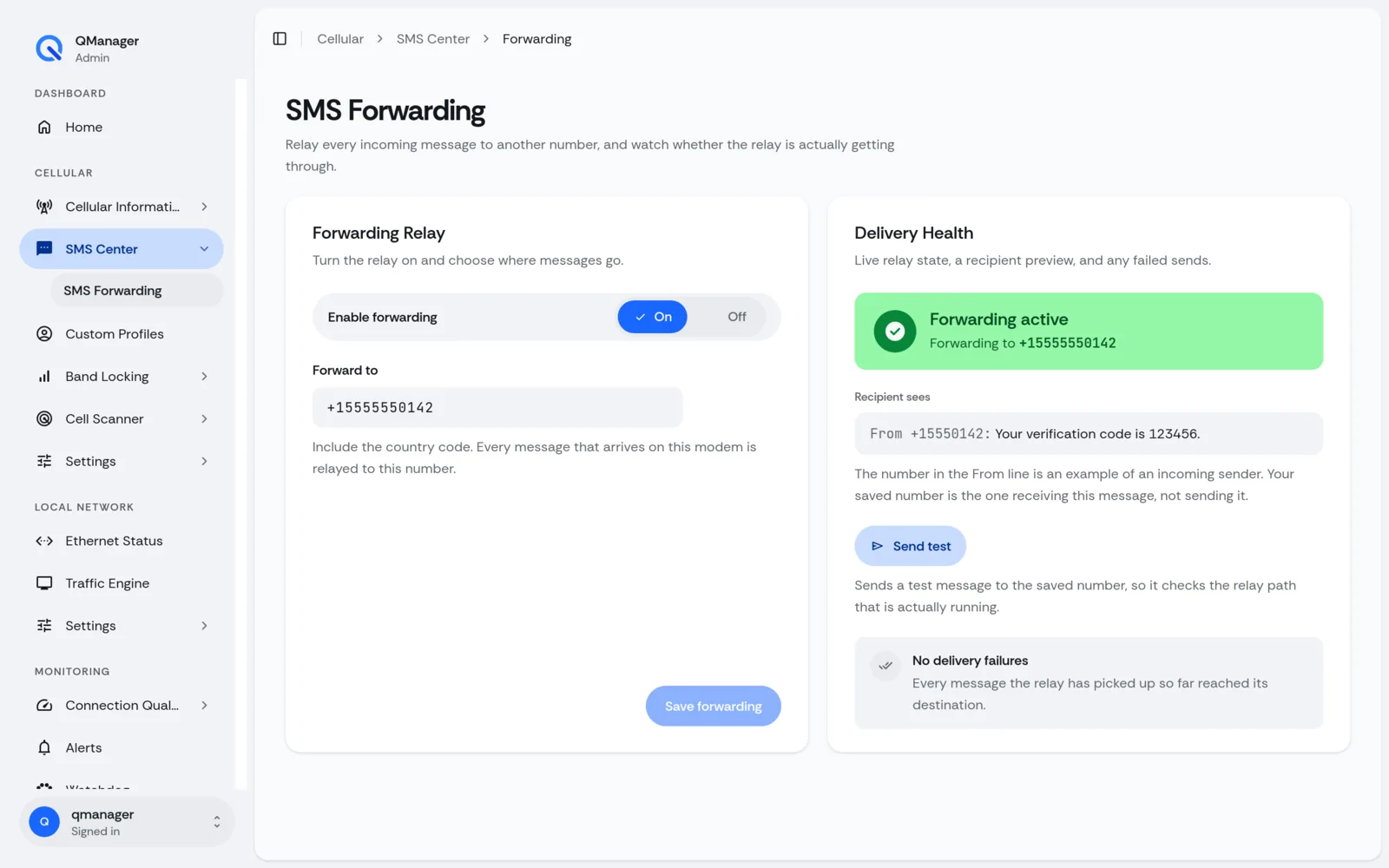
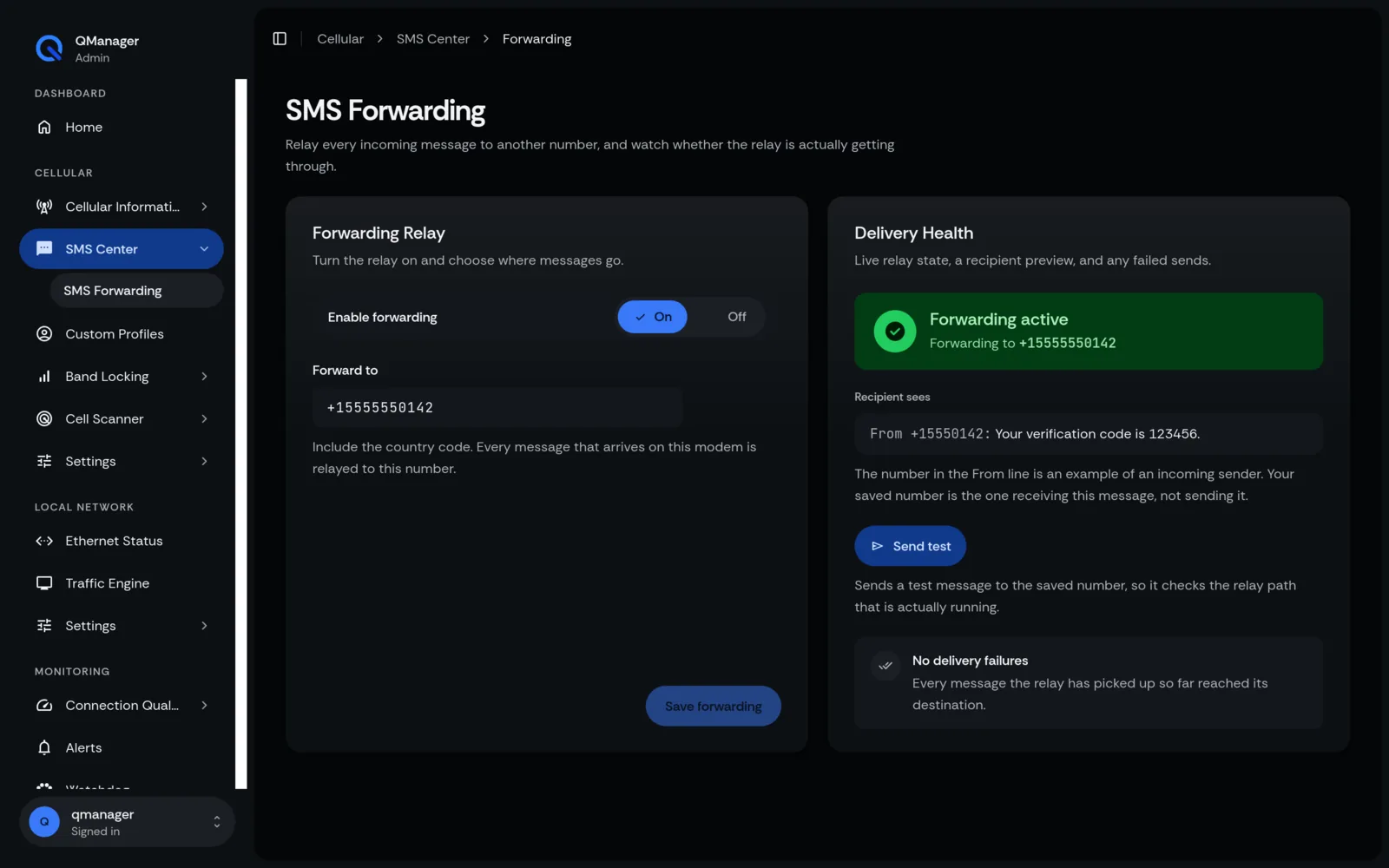
SMS Auto-Forwarding
Automatically forward incoming carrier text messages, bank OTPs, and verification codes to email or Telegram.
4 min read · Updated
SMS Auto-Forwarding
Never miss a two-factor authentication code (2FA) or carrier account balance alert sent to your modem's phone number.
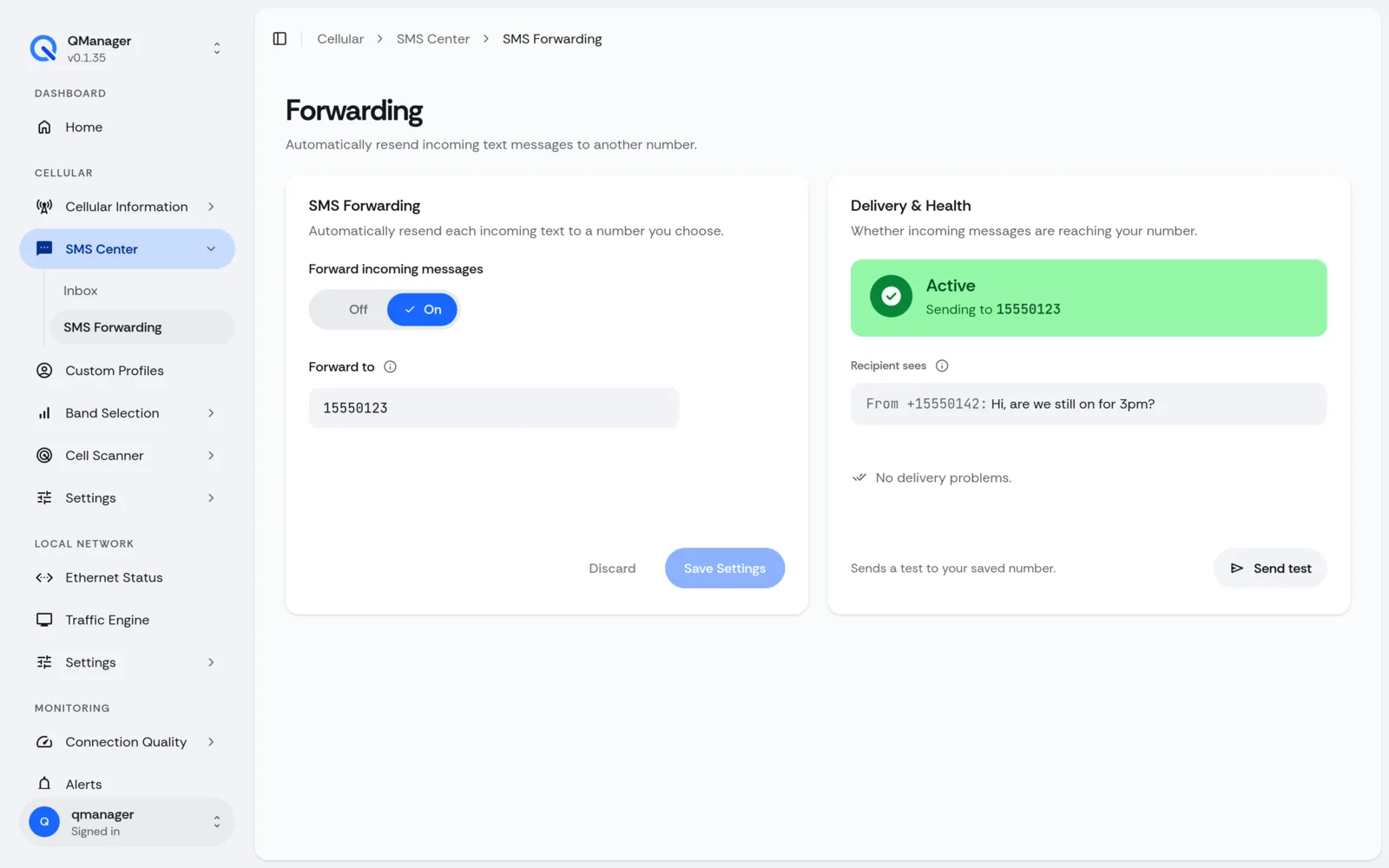
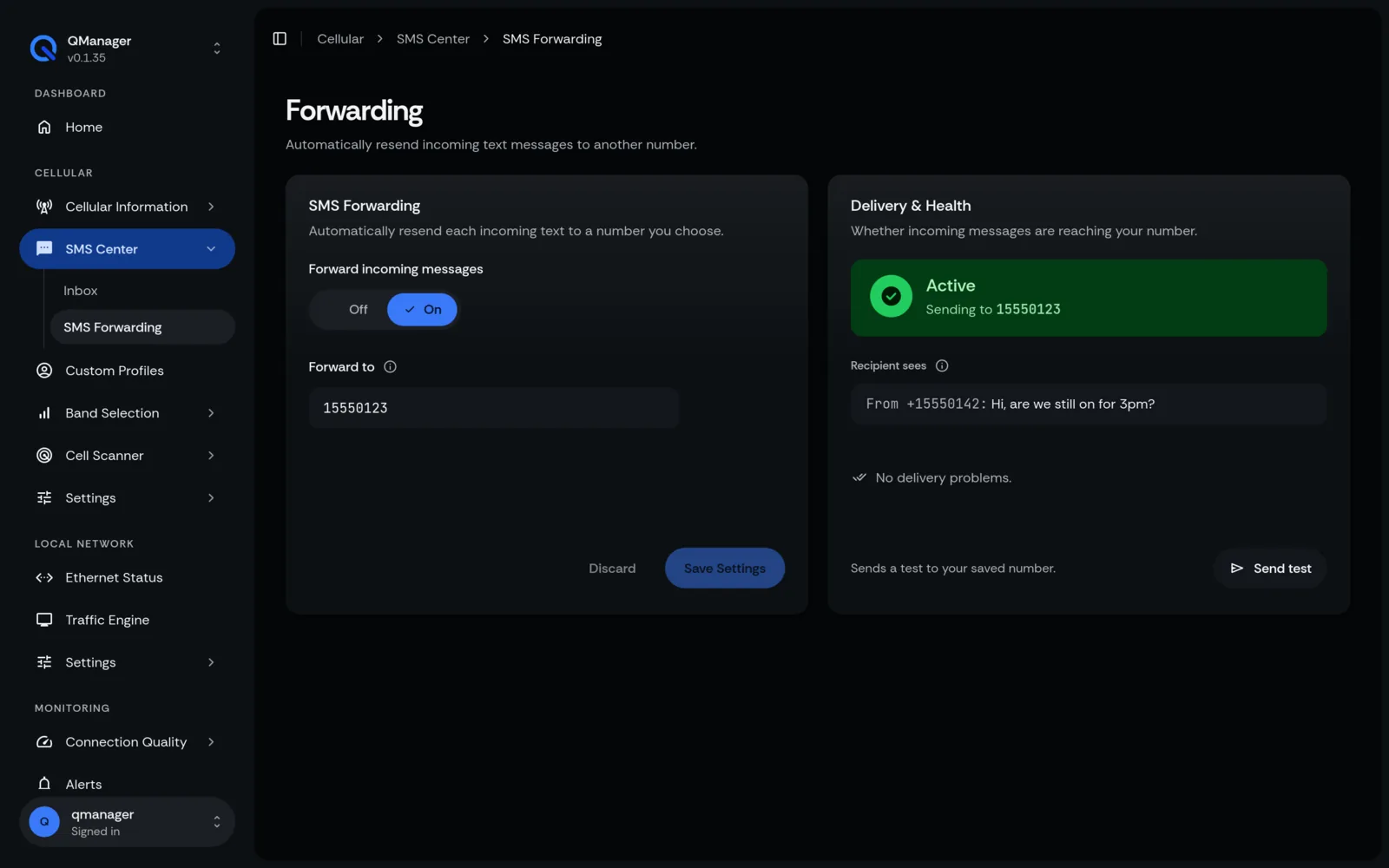
Why Enable SMS Forwarding?#
When using dedicated cellular data plans, carriers frequently send verification codes, usage cap warnings, and billing notifications via SMS. Logging into your router just to check a text message is inconvenient.
Supported Forwarding Destinations#
- Forward to Email: Delivers messages via SMTP (
msmtp) directly to your personal email inbox. - Forward to Telegram Bot: Instant push notification to your phone or private Telegram channel.
- Forward to Secondary Phone Number: Re-sends the SMS over the cellular network to your personal smartphone.
Configuring Forwarding Rules#
- In Messages > SMS Forwarding, click Enable Auto-Forwarding.
- Select destination (e.g. Telegram Bot).
- Enter your Telegram Bot Token and Chat ID.
- Click Send Test Message to verify delivery.
Screens in QManager#