Upgrades & OTA Self-Updates
Seamless over-the-air updates, channel switching, and rollback safeguards.
3 min read · Updated
Upgrades & OTA Self-Updates
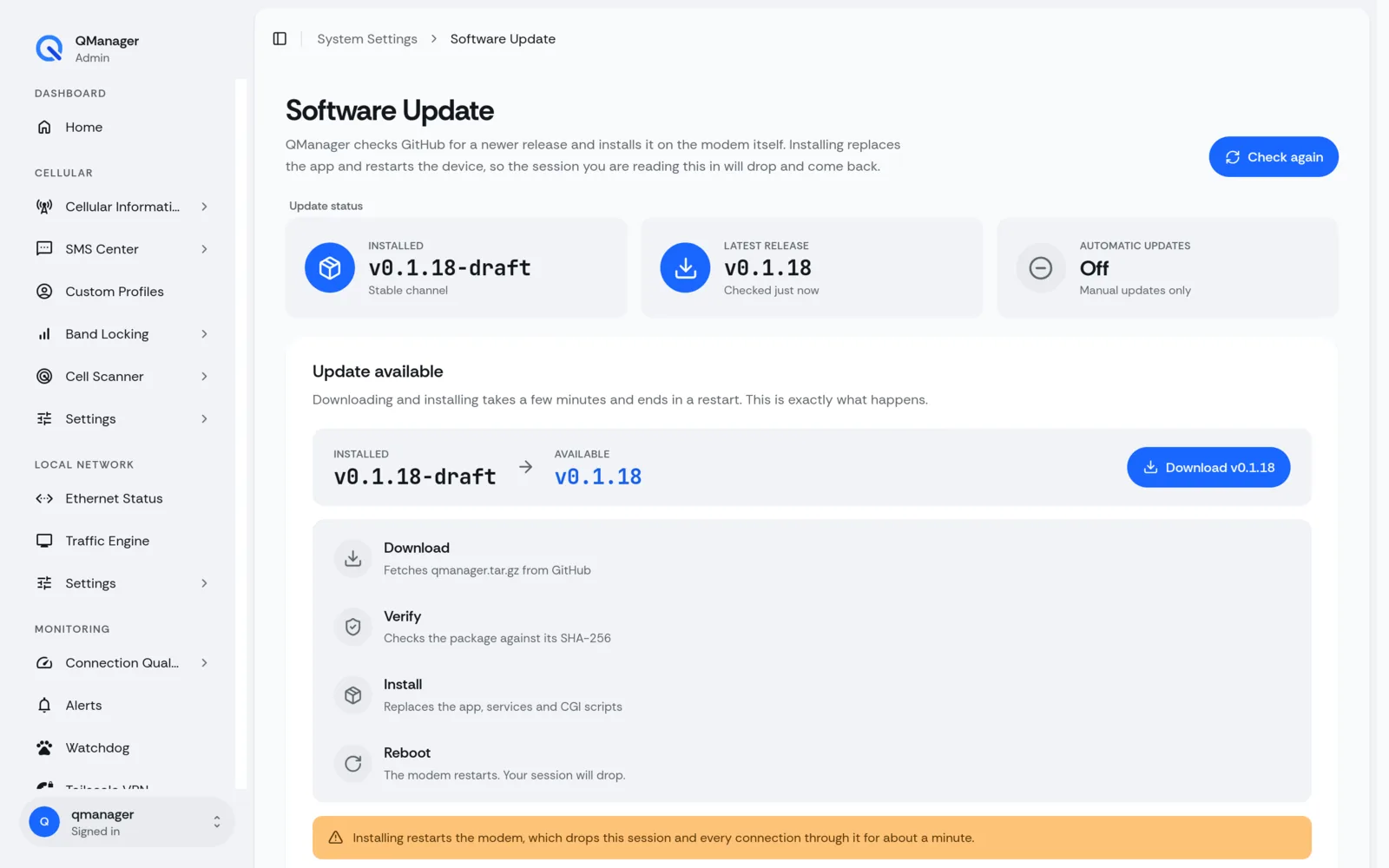
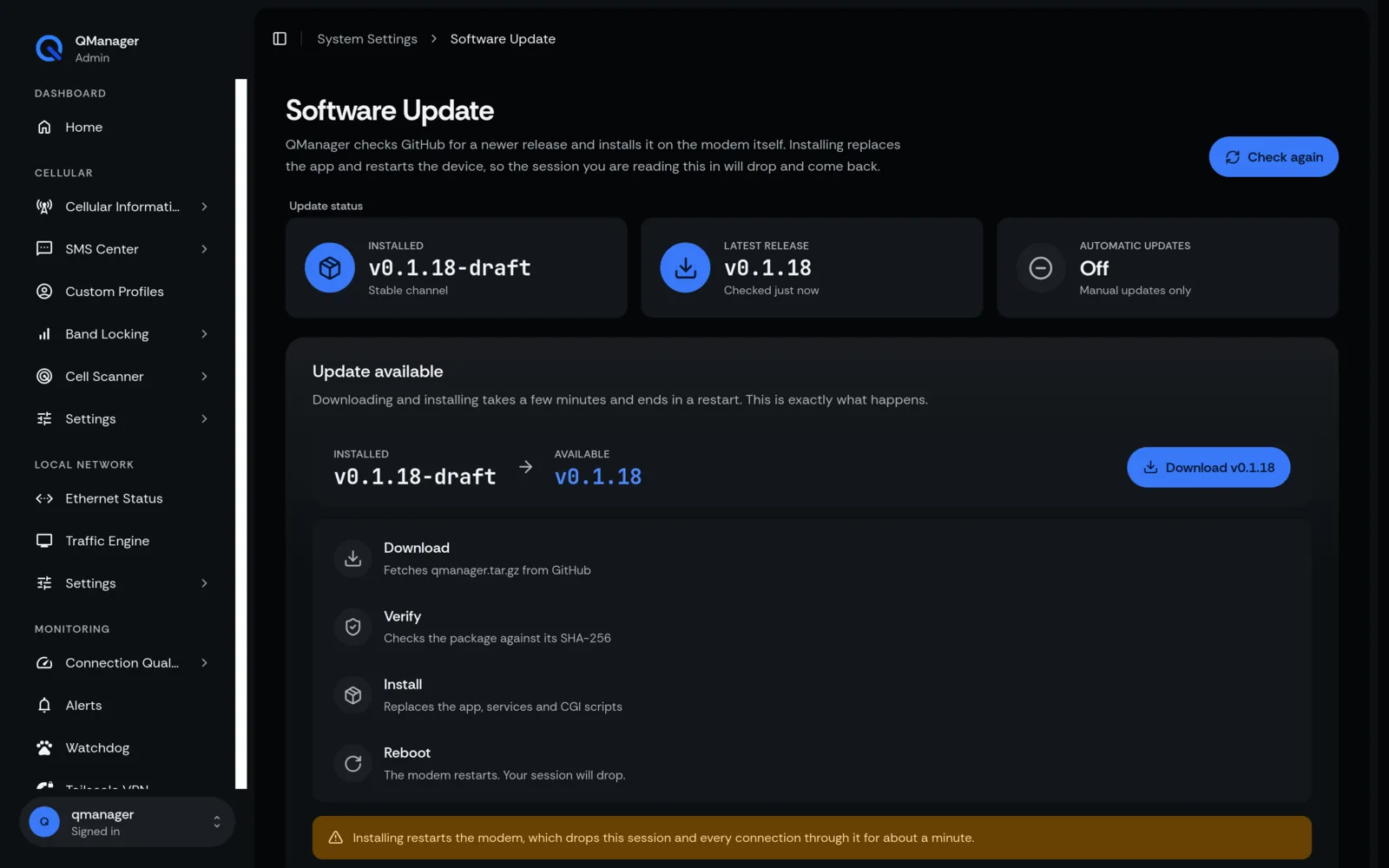
QManager features built-in Over-The-Air (OTA) update checking and one-click upgrades.
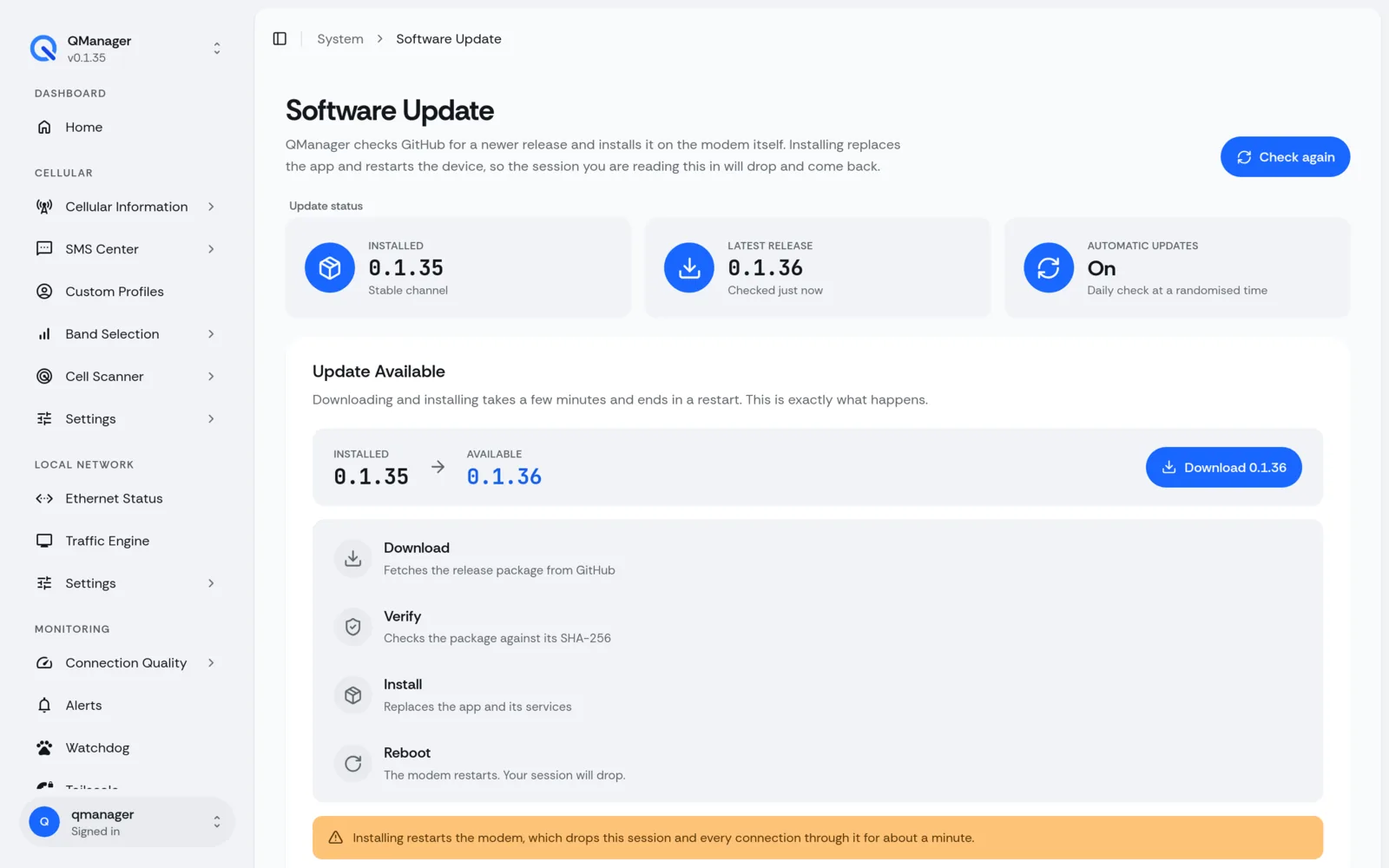
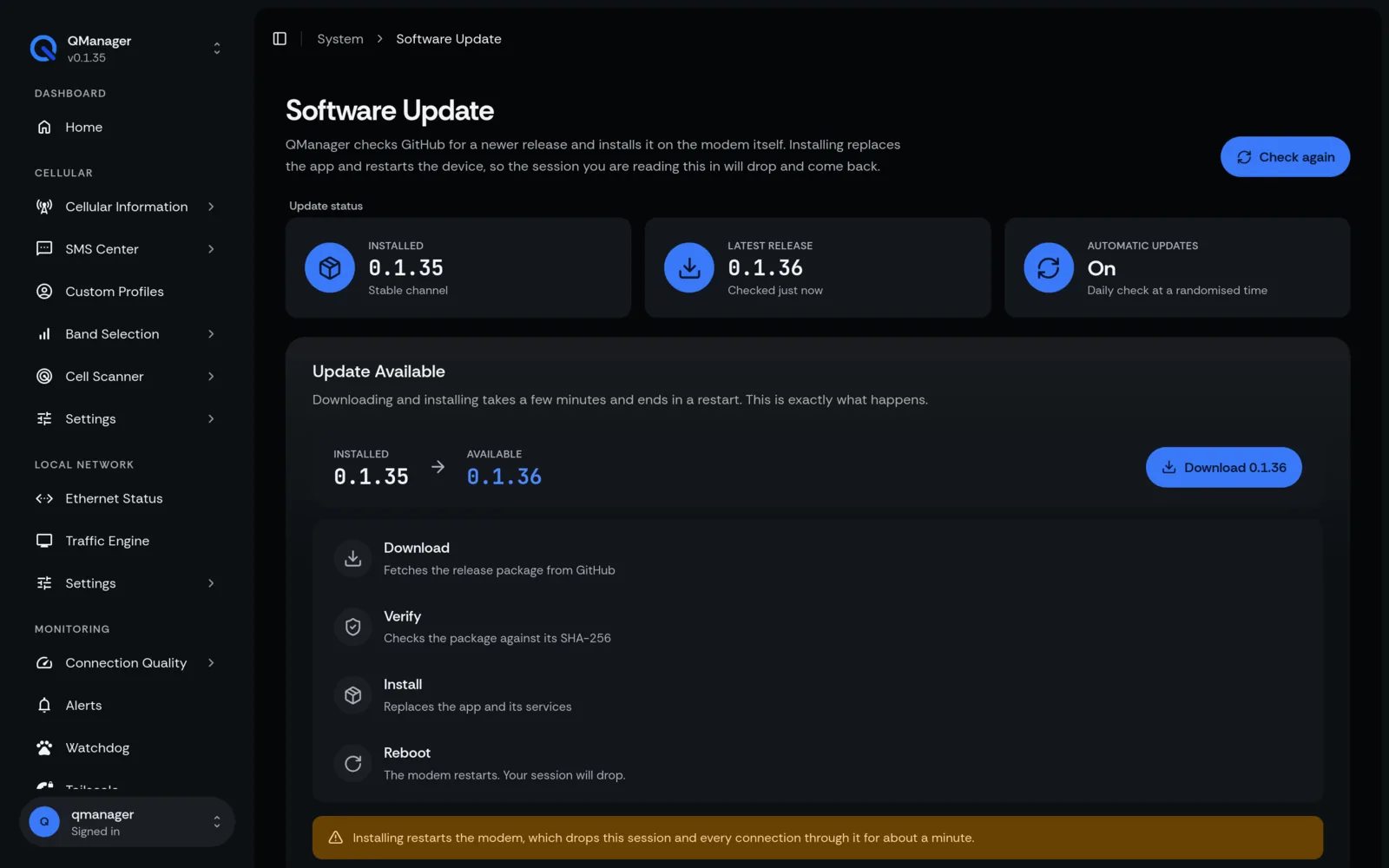
In-App OTA Updates#
- In the QManager web interface, navigate to Settings > System / About.
- Click Check for Updates.
- If a newer release is published on GitHub, the release notes and version diff will appear.
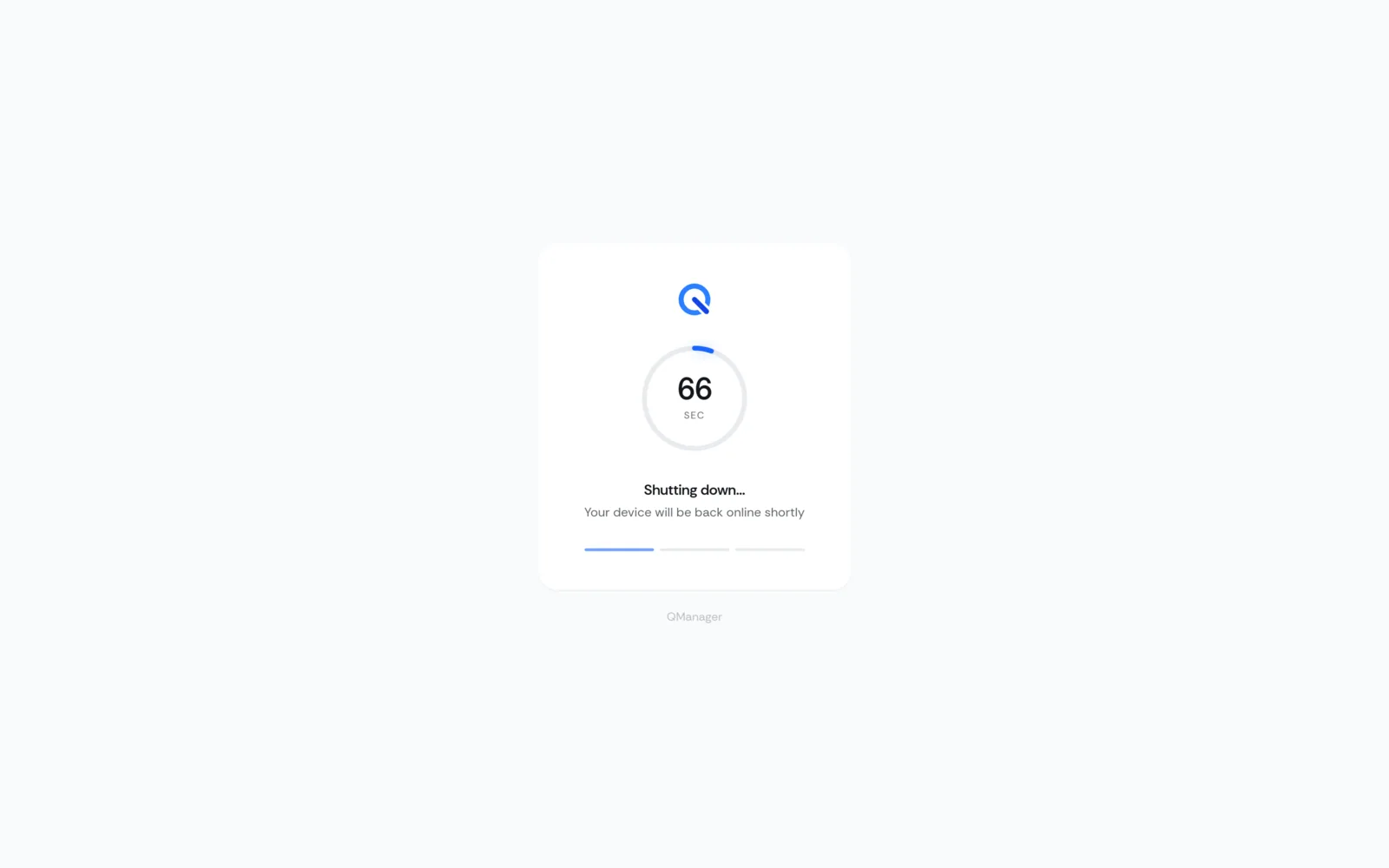
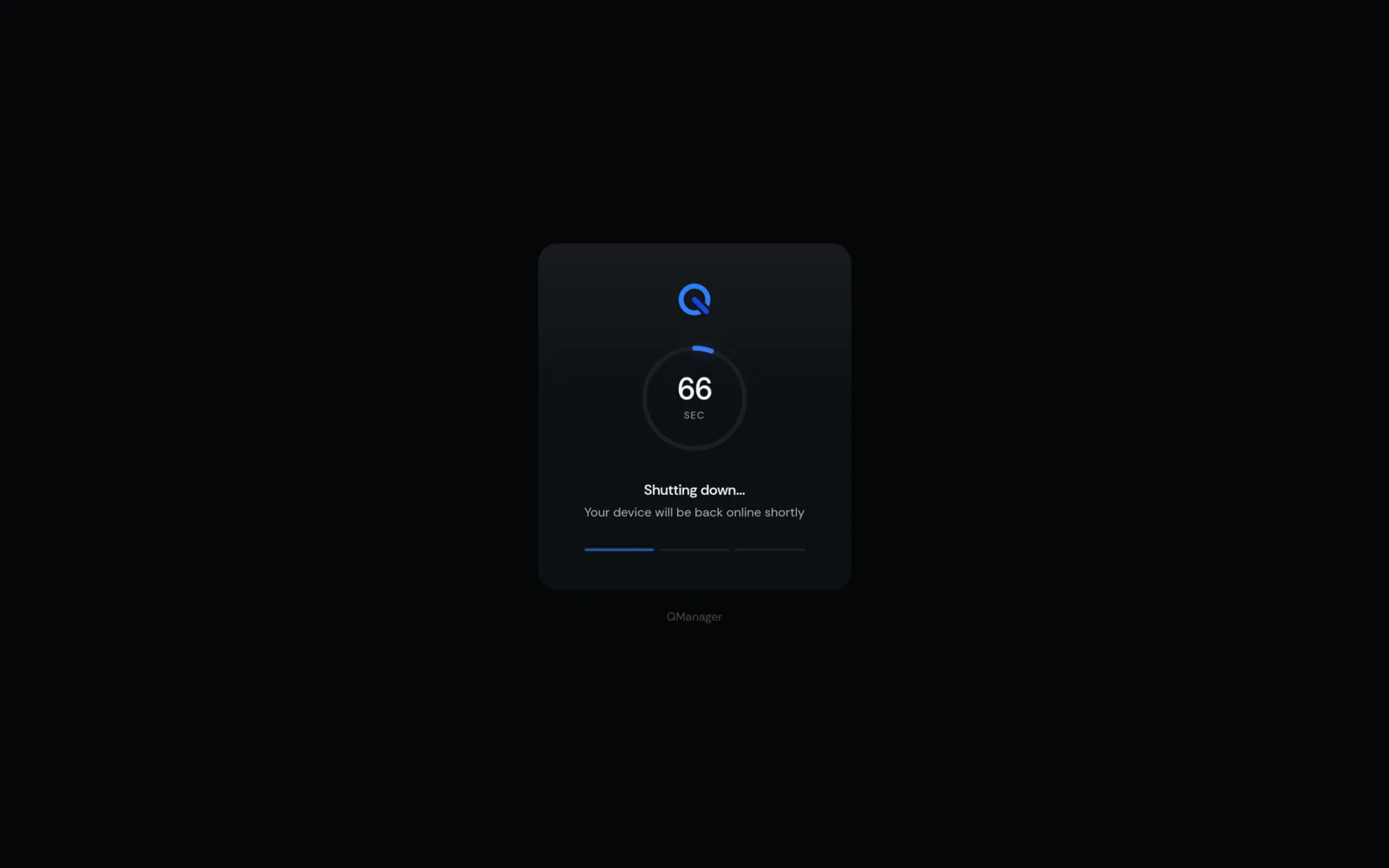
- Click Install Update. The system will download the archive, verify its signature, unpack new assets, and refresh the browser interface without dropping your cellular connection.
Command Line Upgrades#
To upgrade via terminal at any time, simply re-run the bootstrap installer. It will automatically detect your existing installation and upgrade in-place:
On OpenWRT:#
Shell
curl -sL https://raw.githubusercontent.com/dr-dolomite/QManager/main/qmanager-installer.sh | shOn RM520N-GL:#
Bash
curl -fsSL -o /tmp/qmanager-installer.sh https://github.com/dr-dolomite/QManager-RM520N/raw/refs/heads/main/qmanager-installer.sh && bash /tmp/qmanager-installer.shRollback Safeguards#
Before replacing any system binaries or scripts, the installer automatically creates a backup of the previous version at:
/usrdata/qmanager/backup_prev/(on RM520N)/www/qmanager.bak/(on OpenWRT)
If an update fails verification or encounters an extraction error, the script immediately rolls back the previous build so your modem never enters a broken state.
Screens in QManager#