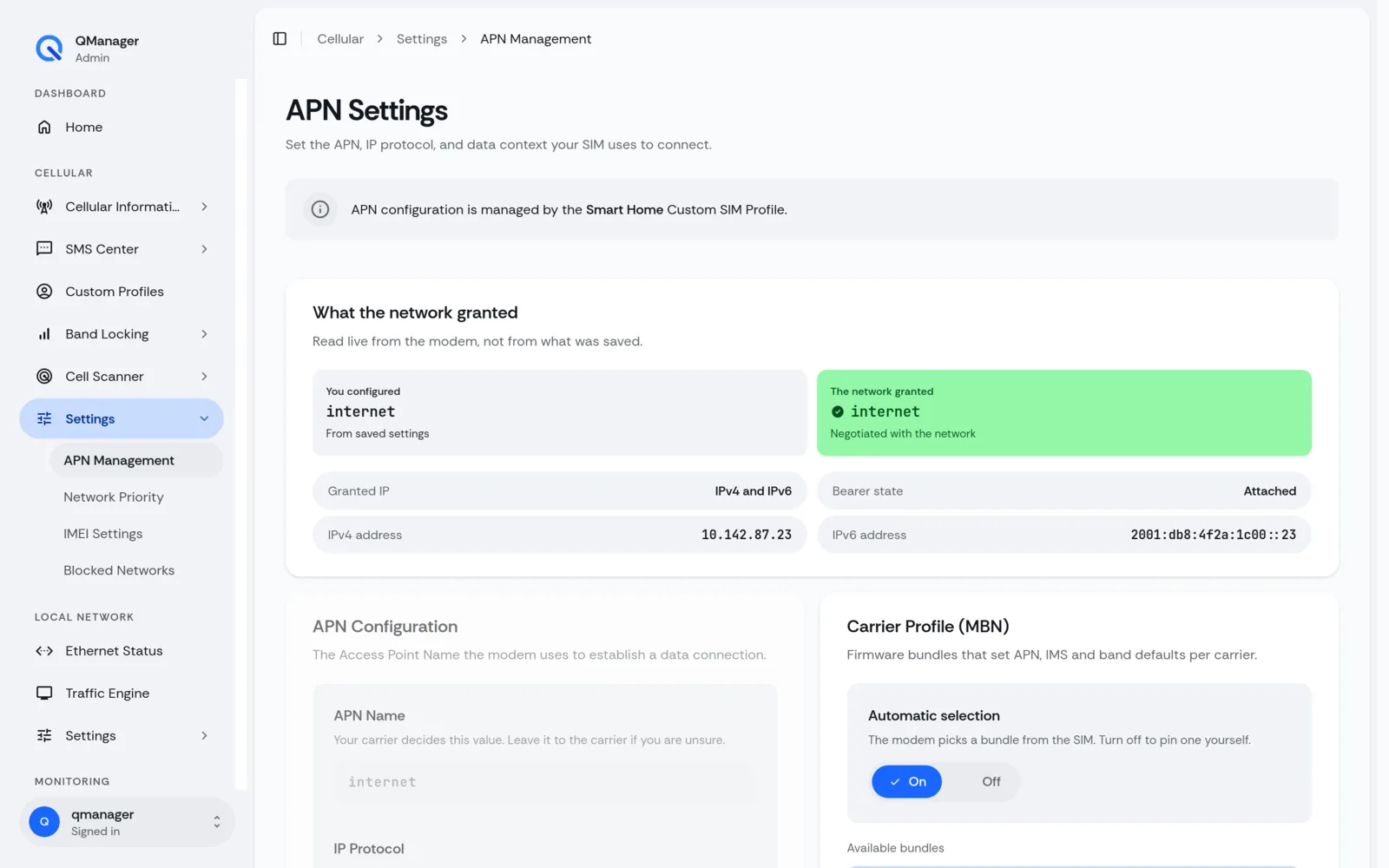
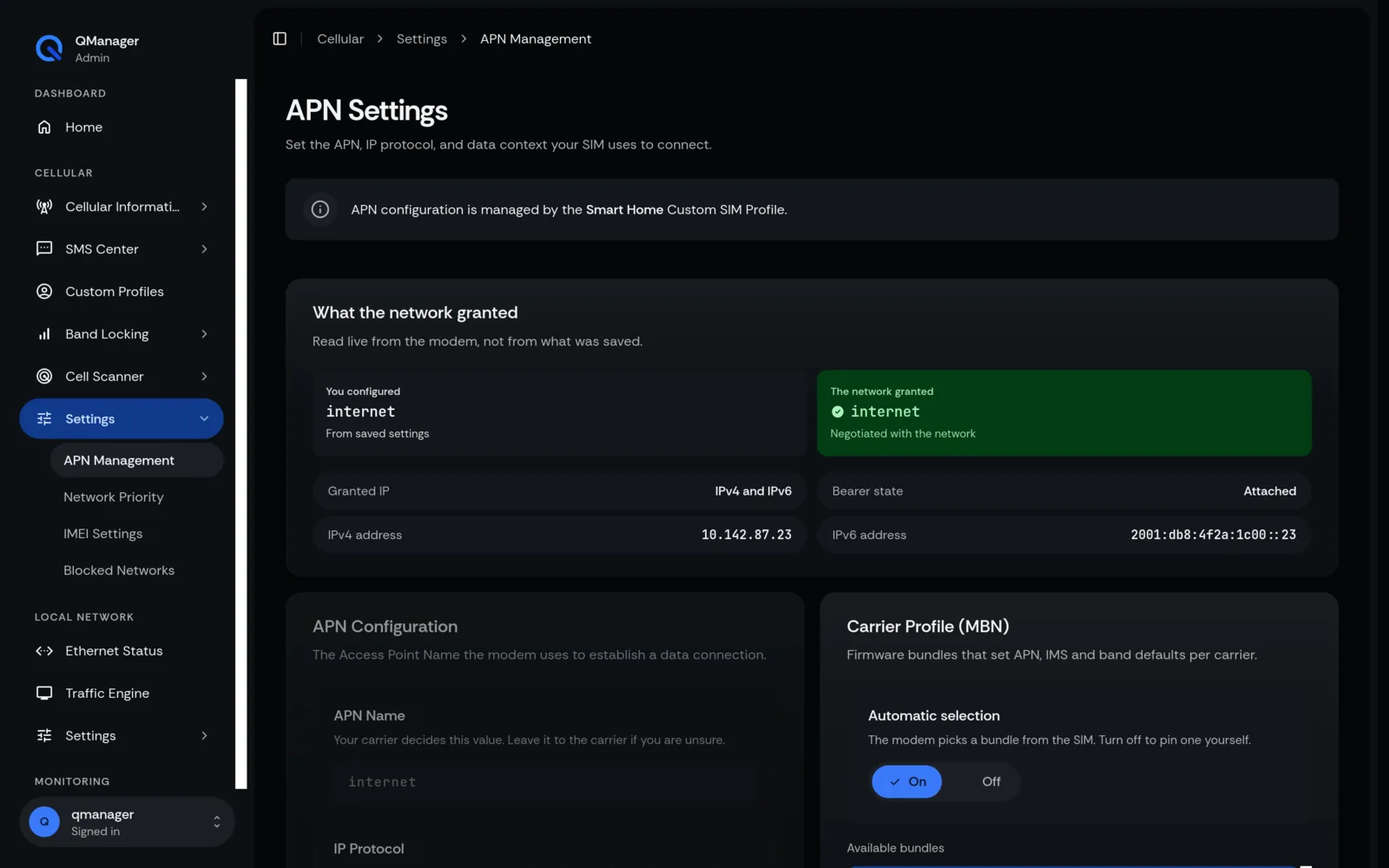
APN Management & PDP Contexts
Create, edit, and bind APN profiles across multiple PDP contexts (CID 1 to 4) with carrier presets.
4 min read · Updated
APN Management & PDP Contexts
An Access Point Name (APN) is the gateway between the cellular carrier's radio network and the public internet.
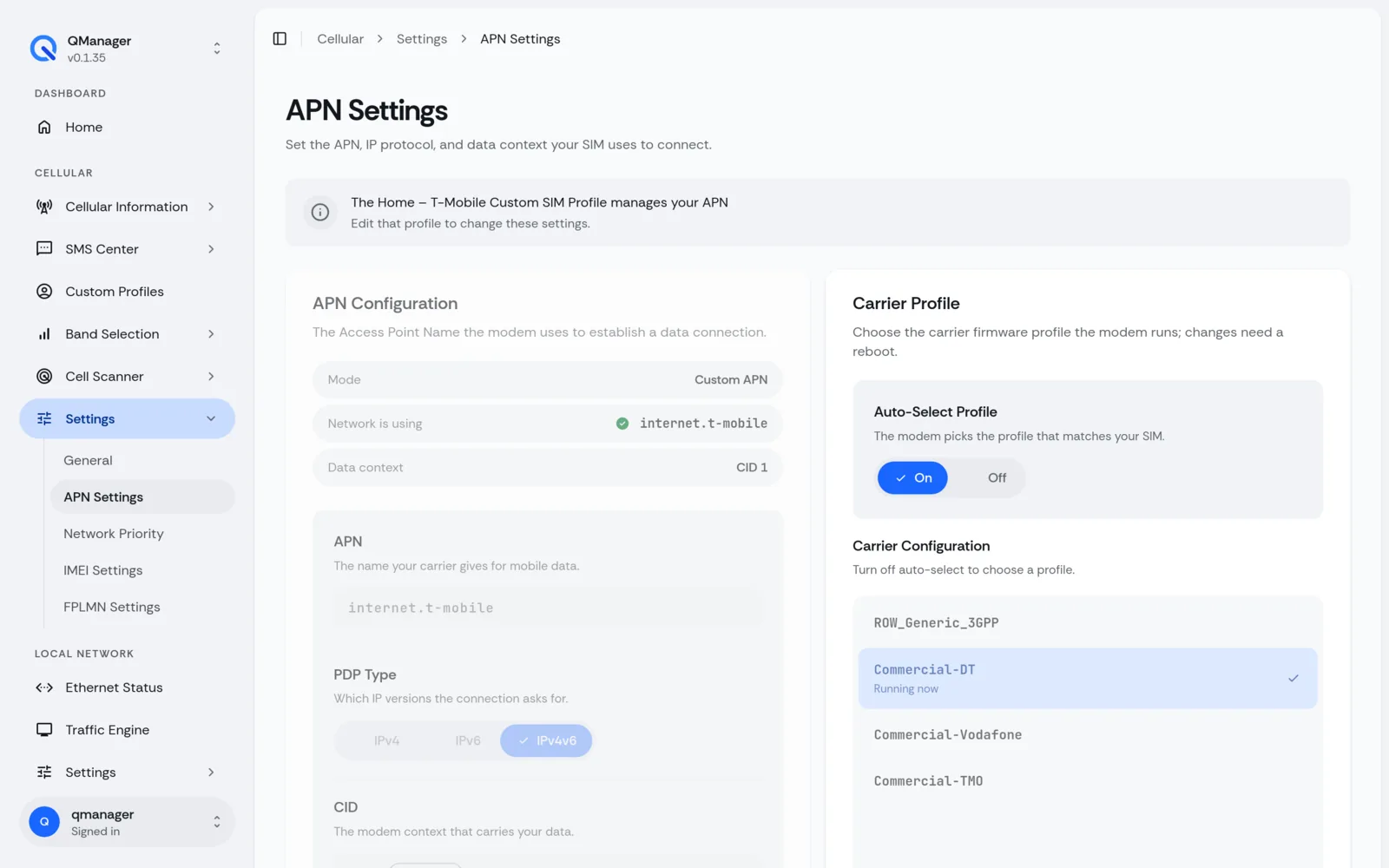
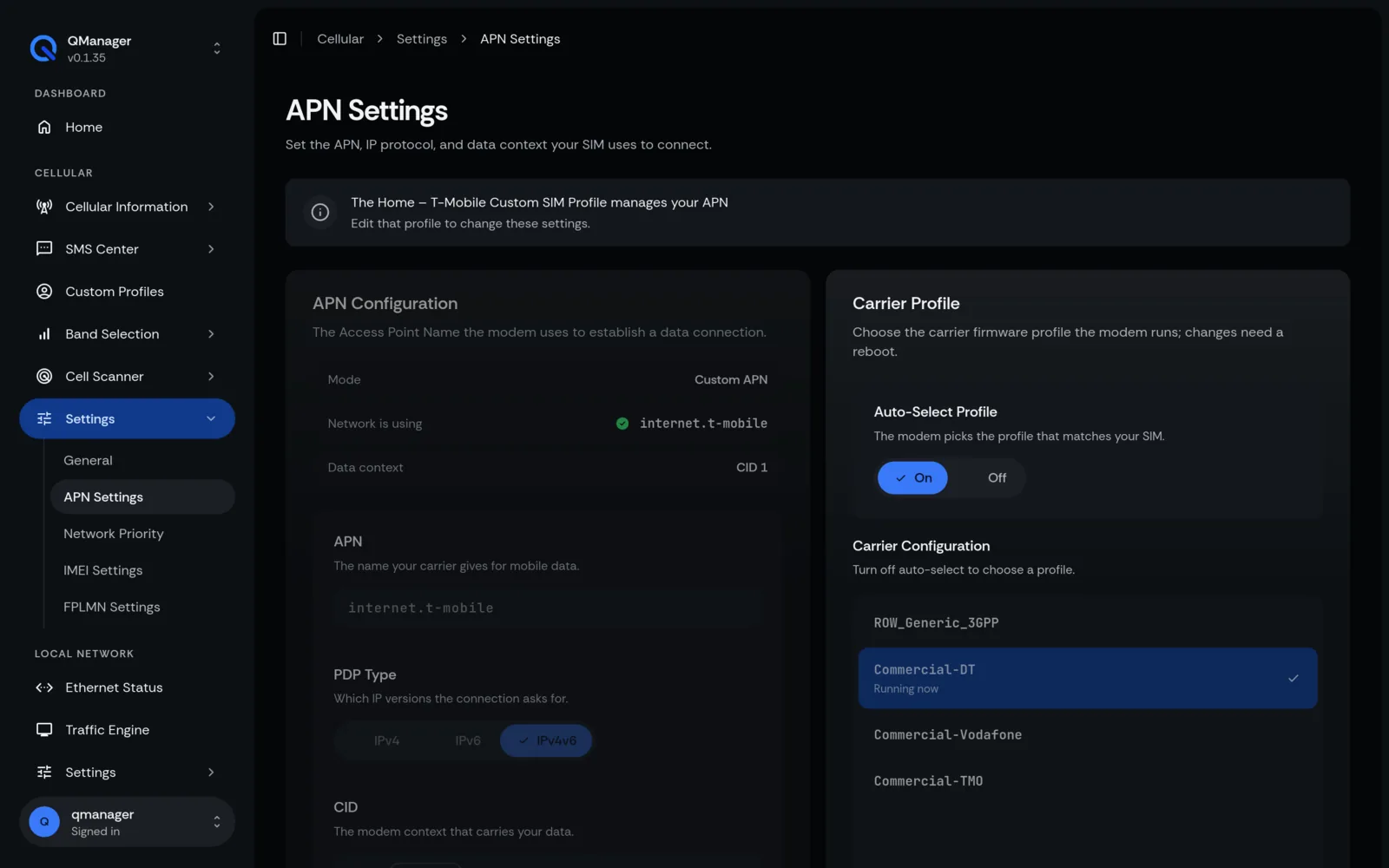
APN & PDP Contexts Explained#
Quectel modems support multiple Packet Data Protocol (PDP) contexts:
- CID 1 (Primary): The primary internet APN.
- CID 2 / 3: Supplemental data context or IMS/VoLTE provisioning.
- Protocol:
IPV4V6(recommended dual-stack),IP(IPv4 only), orIPV6.
Built-in Carrier APN Presets#
QManager includes a database of tested APN presets that automatically populate APN, authentication type (PAP/CHAP), and PDP protocol:
- T-Mobile (USA):
fast.t-mobile.com - Verizon Wireless:
vzwinternet - AT&T Broadband:
broadband - Visible Mobile:
VSBLINTERNET - Google Fi:
h2g2 - Telkomsel / Indosat / XL Axiata (Southeast Asia)
- Vodafone / EE / O2 (Europe)
Manual APN Configuration#
- In SIM & Profiles > APN Settings, select the target Context ID (CID 1).
- Enter the APN string, authentication username/password (if required).
- Click Save & Apply. QManager automatically executes:
AT
AT+CGDCONT=1,"IPV4V6","<apn_name>"
Screens in QManager#