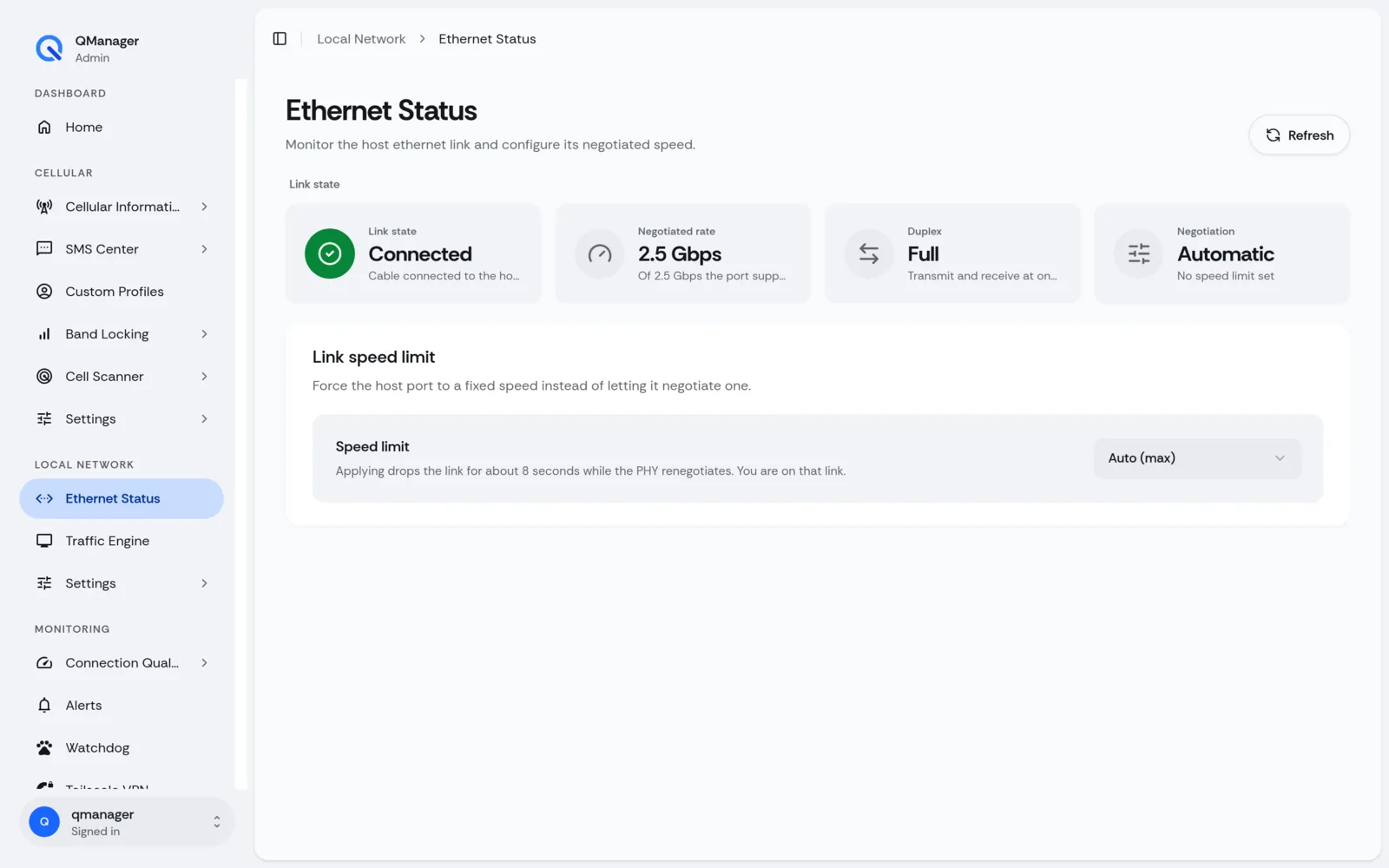
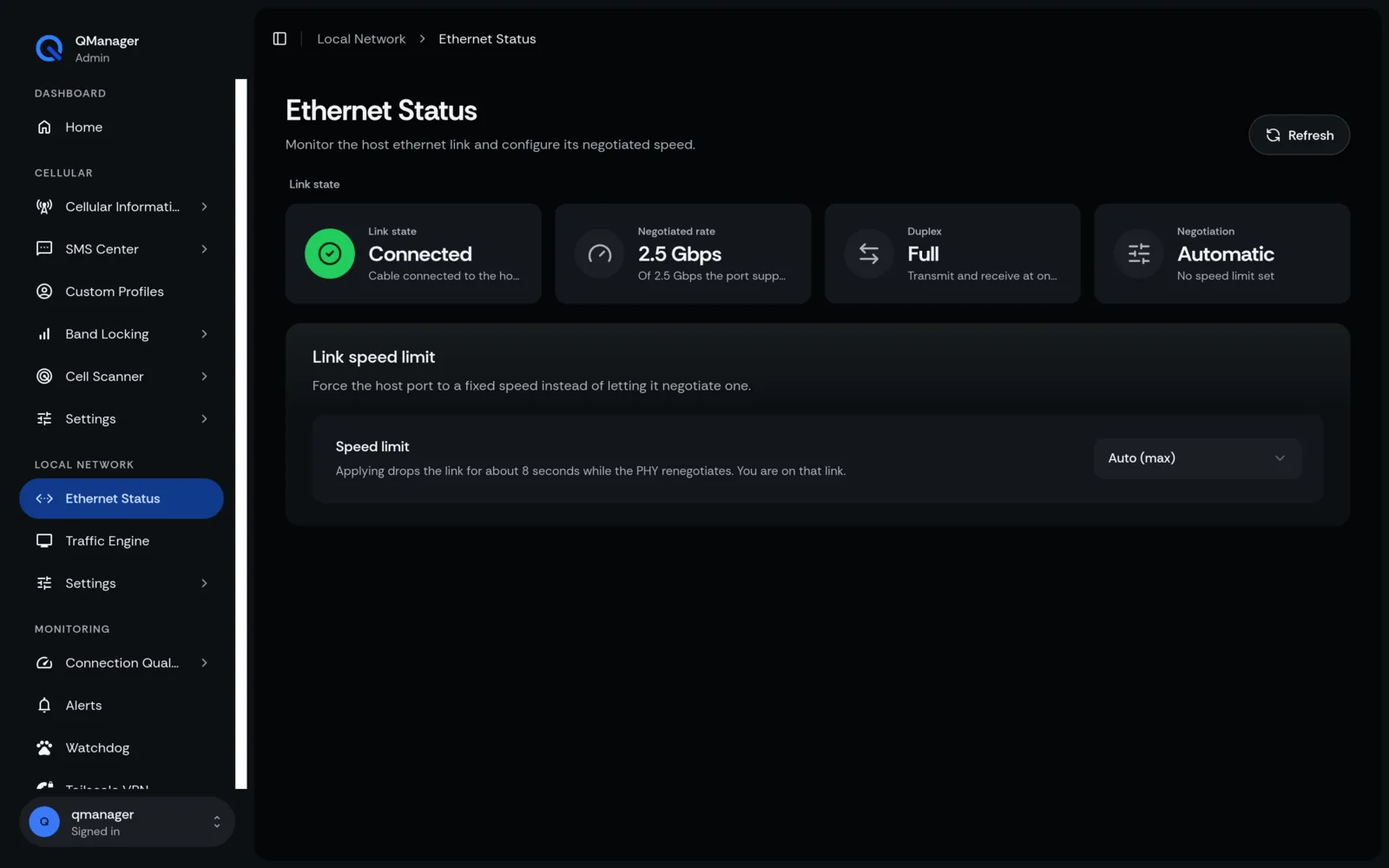
LAN Gateway & Subnet Configuration
Configure local IP addresses, DHCP leases, address pool ranges, and prevent subnet collisions.
4 min read · Updated
LAN Gateway & Subnet Configuration
Configure the internal local network settings for the Ethernet / RGMII port on the modem or router.
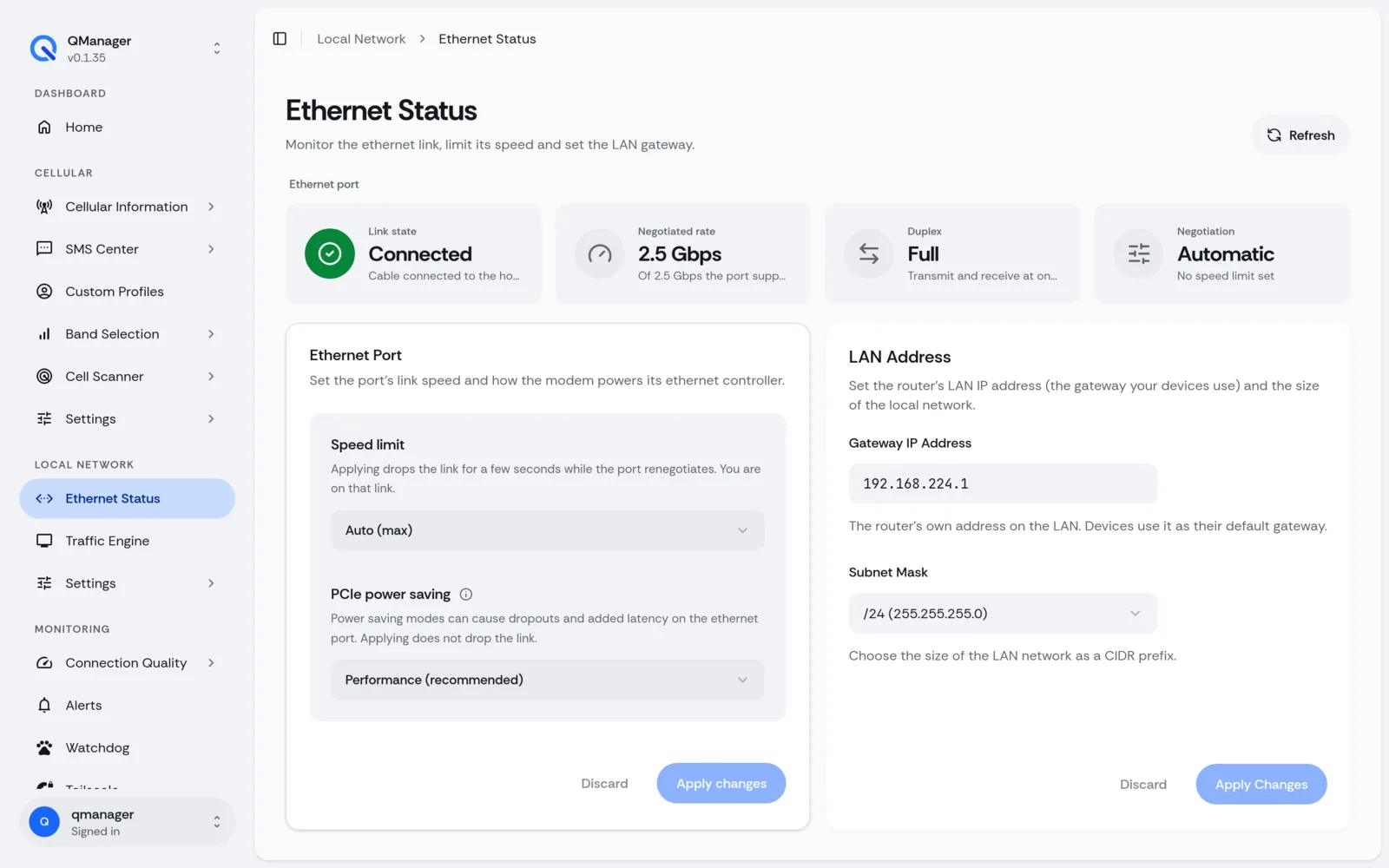
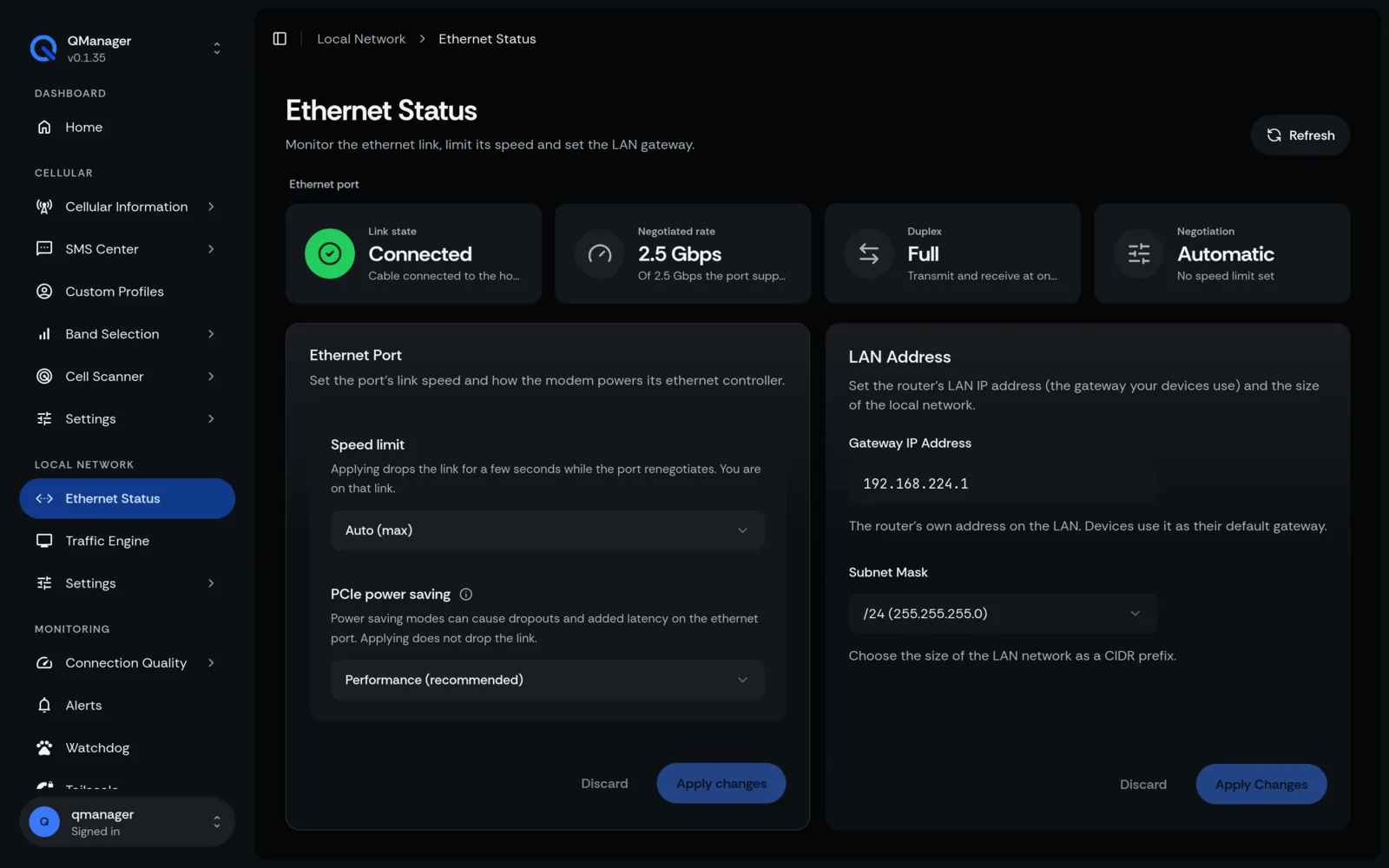
Gateway IP & Subnet Setup#
In Network > LAN Settings:
- IPv4 Address: Default
192.168.224.1for RM551E (on-modem OpenWRT) or192.168.225.1for RM520N & RG501 native Linux modems. If the modem sits behind your router's WAN port, keep its LAN subnet different from the router's own LAN subnet to avoid an IP conflict. - Subnet Mask: Standard
255.255.255.0(/24).
DHCP Server & Leases#
- Start / End IP Range: Assign dynamic pool within your subnet (e.g.,
192.168.224.100–192.168.224.250on RM551E, or192.168.225.100–192.168.225.250on RM520N). - Lease Time: Default 12 hours (
12h). - Static Leases: Reserve dedicated IPs for internal servers, access points, and NAS devices based on client MAC address.
Avoiding Subnet Collisions#
Screens in QManager#