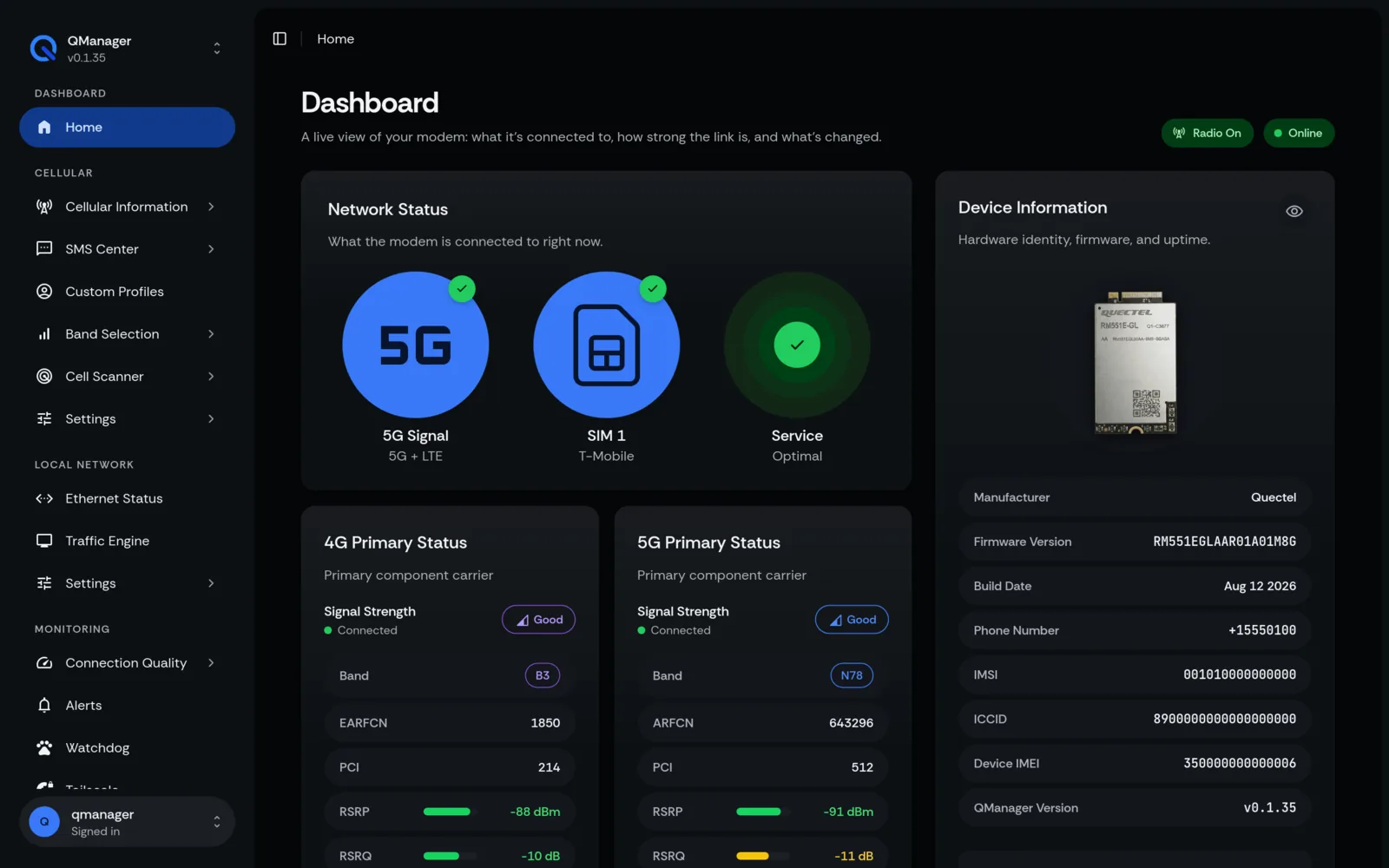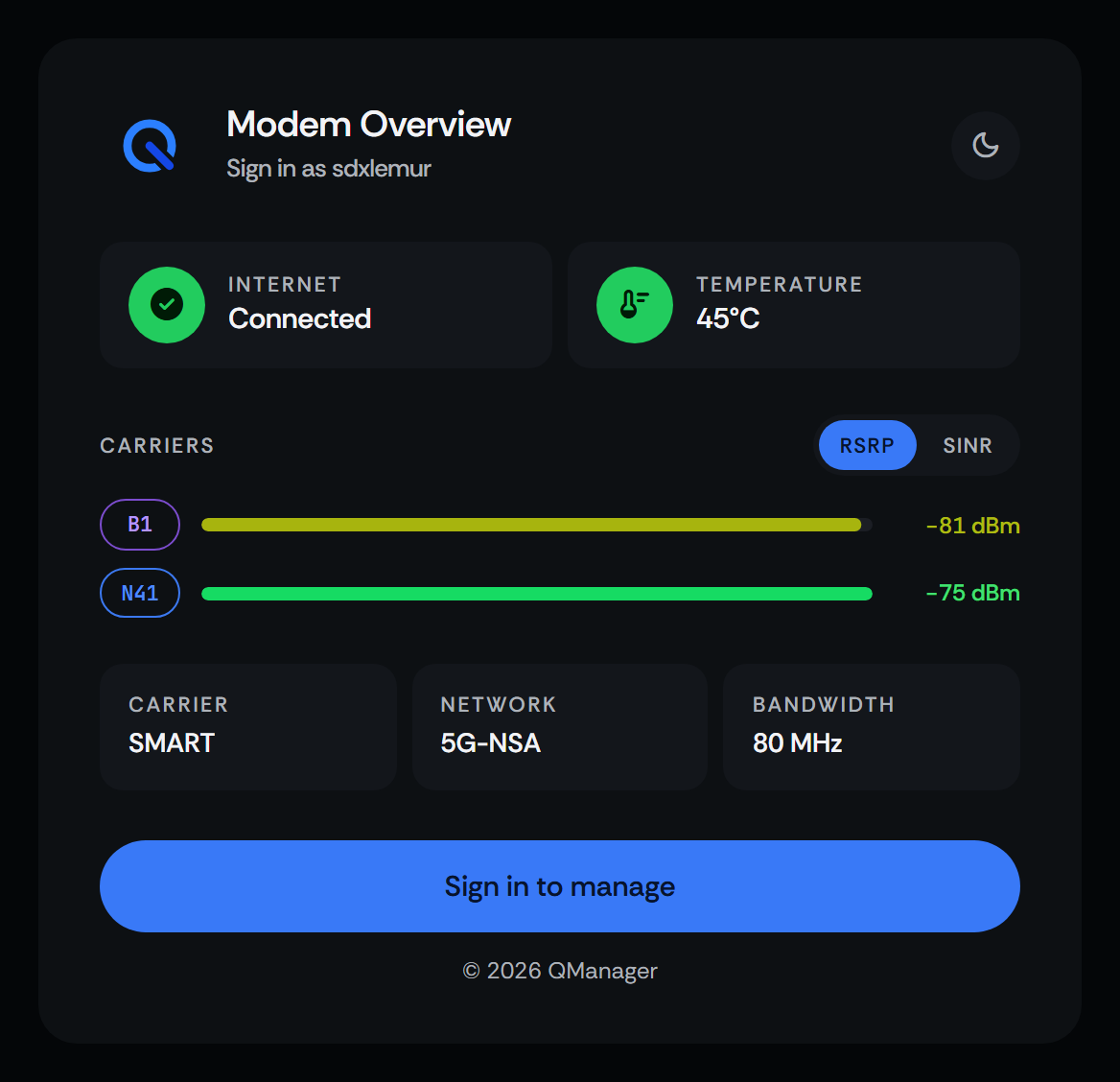
Snapdragon X75
RM551E-GL
Officially supported
The newest Quectel 5G modem. QManager runs on the modem's own OpenWRT.
Install for RM551EManage and optimize your Quectel modem with a clean, friendly dashboard. Easy setup for home routers, powerful tools when you want them.
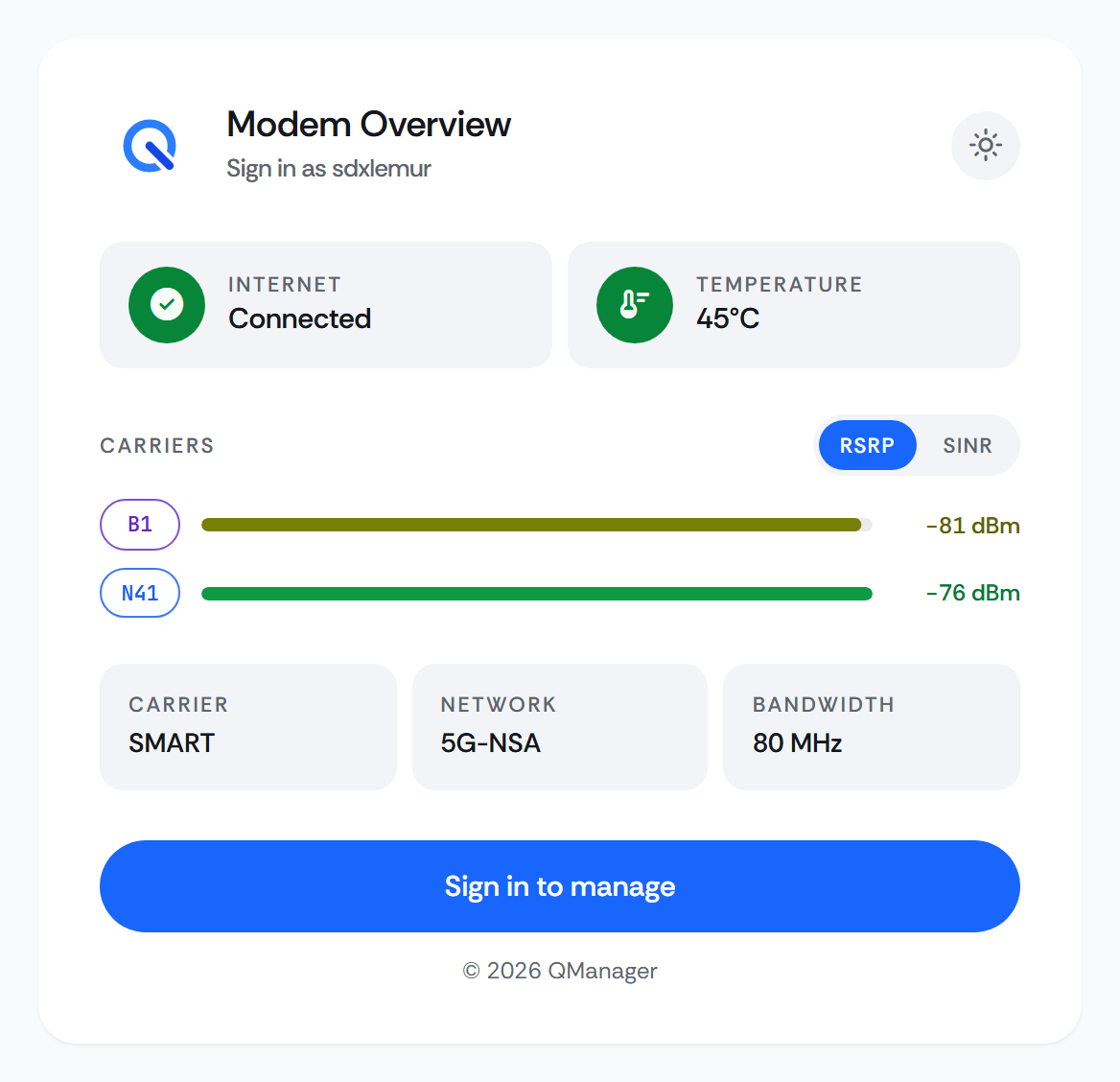
Direct, practical tutorials for the most widely used modem optimization workflows.
Live signal meter to help you point and position directional antennas for peak RSRP and SINR.
Pin your connection to the fastest 5G & LTE frequency bands or lock onto specific cell towers.
Self-healing recovery daemon that monitors latency and automatically restores dropped links.
Securely monitor and configure your modem from anywhere over Tailscale or Netbird VPN.
Built for Quectel 5G modems with Qualcomm Snapdragon chips. Here is what has been tested, and how thoroughly.
The reference hardware QManager is built on.
Checked on real hardware, not a reference platform.
Same Qualcomm platform, not validated by the developer.
Not supported: Quectel modems on ASR, Unisoc or MediaTek chips (such as RG500U, EC200, EG25). Older Qualcomm LTE modems (X20/X24, such as EM120K/EM160R) are untested.
The on-modem build (QManager-RM520N) is developed on the RM520N-GL reference platform and has been tested on an RG501Q-EU. Modems on the same Qualcomm SDX55/SDX6X platform (RM521F, RM502Q, RM500Q) share the same Linux and AT command set, but the developer has not validated them. Older Qualcomm X20/X24 modems are untested.
Running QManager on one of these? Community reports help everyone.
Share hardware feedback(opens in a new tab)Snapdragon X75
Officially supported
The newest Quectel 5G modem. QManager runs on the modem's own OpenWRT.
Install for RM551ESnapdragon X62 / X65
Officially supported
QManager's main development modem. Runs on its built-in Linux.
Snapdragon X55
Tested by the developer
Earlier 5G modems. Uses the RM520N build.
Put the modem in an Ethernet carrier board and plug the board into your router's WAN port. The board shows up as ordinary Ethernet, so no router-side drivers are needed.
GL.iNet routers
Beryl AX, Spitz AX, Flint 2 and the rest of the lineup
OpenWrt routers
Any OpenWrt device with an Ethernet WAN port
Firewalls & gateways
OPNsense, pfSense, MikroTik and similar
Any other router
Consumer, ISP and mesh routers with a WAN port
Pick your modem, copy the command, and paste it into your modem's terminal. The installer handles the rest.
root@OpenWrt:~# curl -sL https://raw.githubusercontent.com/dr-dolomite/QManager/main/qmanager-installer.sh | sh192.168.224.1 in your browser to manage your connection.Installing offline? Manual installation
Something went wrong? Troubleshooting
Highlights from 41 step-by-step guides across 8 categories, covering every part of your Quectel modem.
Real-time 4x4 MIMO per-port telemetry, acoustic antenna alignment, and Carrier Aggregation breakdown.
Bypass carrier hotspot (tethering) limits with TTL adjustment, IP Passthrough bridge mode, and DPI optimization.
Instant ICCID detection, multi-profile APN mapping, dual-SIM binding, and automatic PDP context management.
4-tier auto-recovery pipeline: interface reset → radio power toggle → SIM failover → system reboot.
Built-in Tailscale and Netbird mesh VPNs, interactive AT console, and Prometheus metrics scraping.
Complete JSON REST API endpoint specifications, baseband serial multiplexing, and a lightweight, zero-overhead backend.
Real screenshots captured from running RM520N and RM551E modem dashboards.
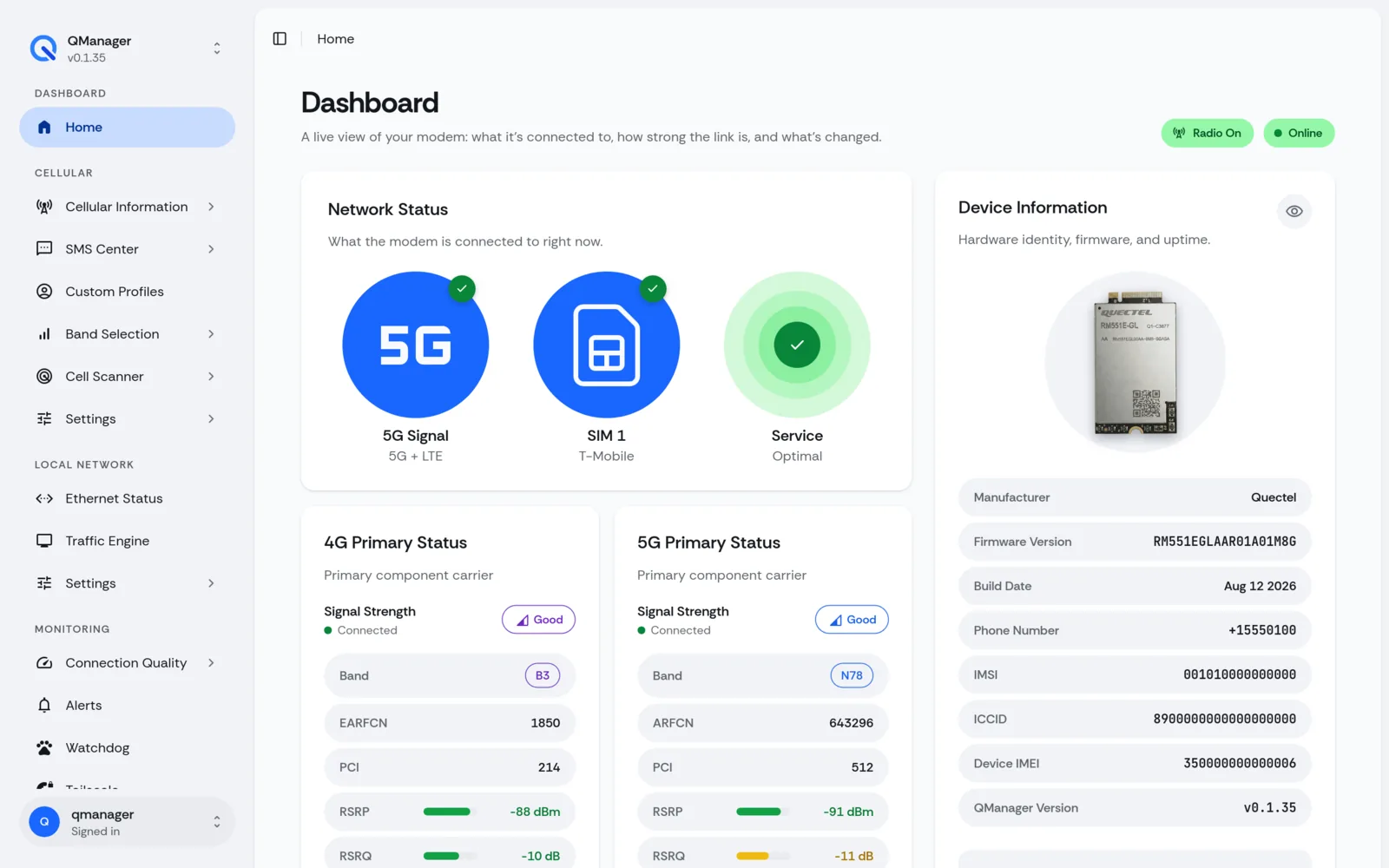
Live 5G/LTE signal strength, serving cell PCI, active band list, and IP allocation.
QManager is 100% free and open source. If it helped you maximize cellular speeds, simplify your setup, or save time, sending a small tip directly supports hardware testing and continuous releases.
Lowest fees for global transfers in USD. Recommended for international supporters.
Send via Wise (opens in a new tab)Fast, secure one-click tip via credit card, debit, or your PayPal balance.
Tip with PayPal (opens in a new tab)Sponsor monthly or send a one-time contribution directly on GitHub.
Sponsor on GitHub (opens in a new tab)Bugs go to GitHub, questions go to the Discord community, and anything private goes straight to the maintainer.
Set up QManager in under 2 minutes, right on your RM551E, RM520N, or a similar Qualcomm modem.
Not sure which one you have? Check the compatibility list