
Configuration Backup & JSON Restore
Export full QManager settings, custom SIM profiles, and band preferences to JSON for easy cloning.
3 min read · Updated
Configuration Backup & JSON Restore
Safeguard your custom configuration or clone settings across multiple router deployments.
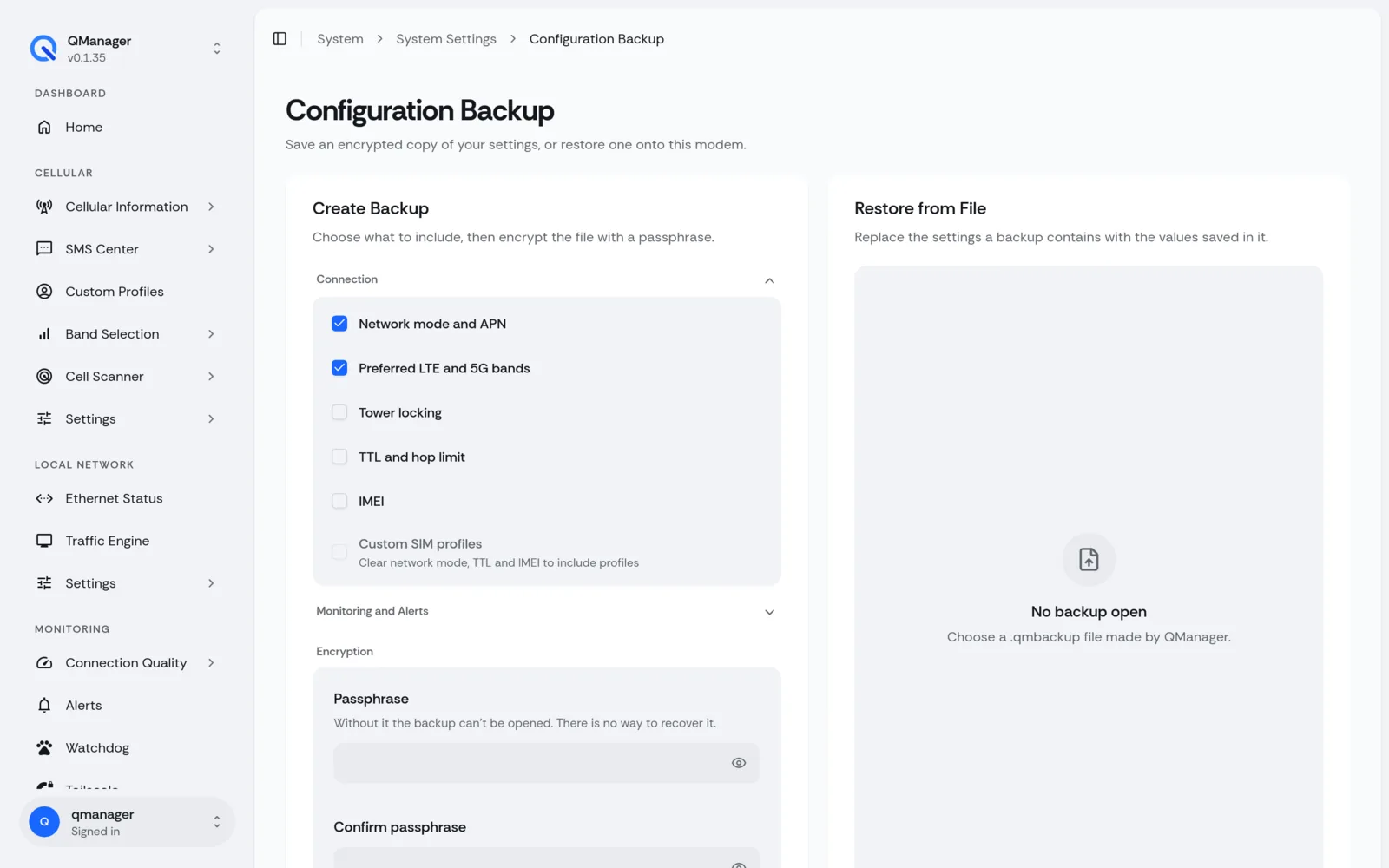
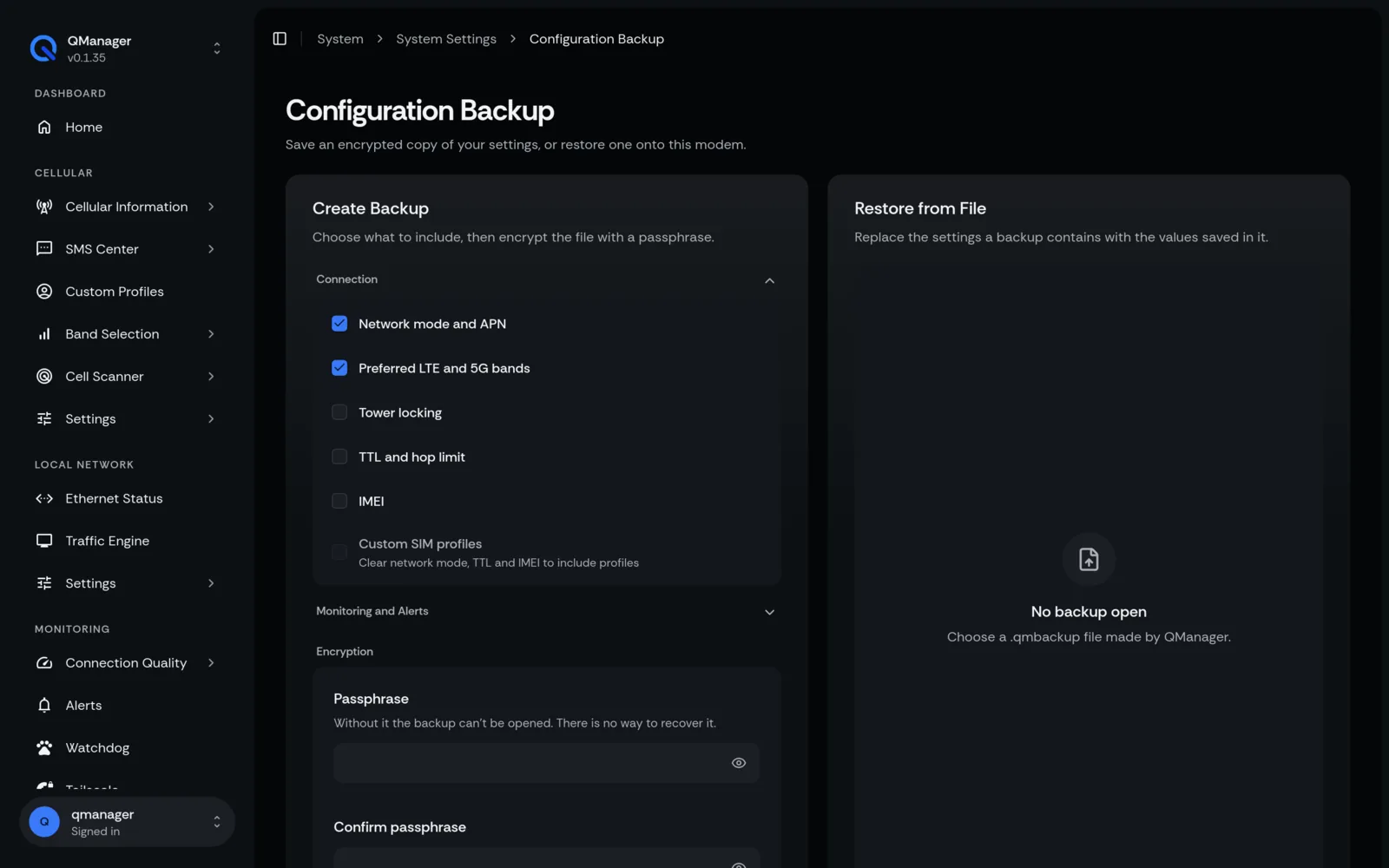
Exporting Settings to JSON#
Navigate to Tools > Backup & Restore:
- Click Export Configuration.
- QManager generates a clean, readable JSON file containing:
- All Custom SIM Profiles & APN credentials.
- Band and Tower locking configurations.
- Watchdog thresholds and alert contact info.
- Network and TTL settings.
Restoring Configurations#
- Click Import Configuration.
- Select your backup JSON file.
- QManager validates schema integrity and applies settings without requiring a device reboot.
Factory Reset Safeguards#
If you need to return to default settings, the Factory Reset tool clears user data while keeping QManager binaries intact.